
Filmmaking Storyboards
Visualize your film
StudioBinder’s filmmaking storyboard tools help directors and content creators plan every shot with precision.

Explore Visualize
Explore all the features in the Visualize solution


Build a Storyboard
Structure your scenes visually
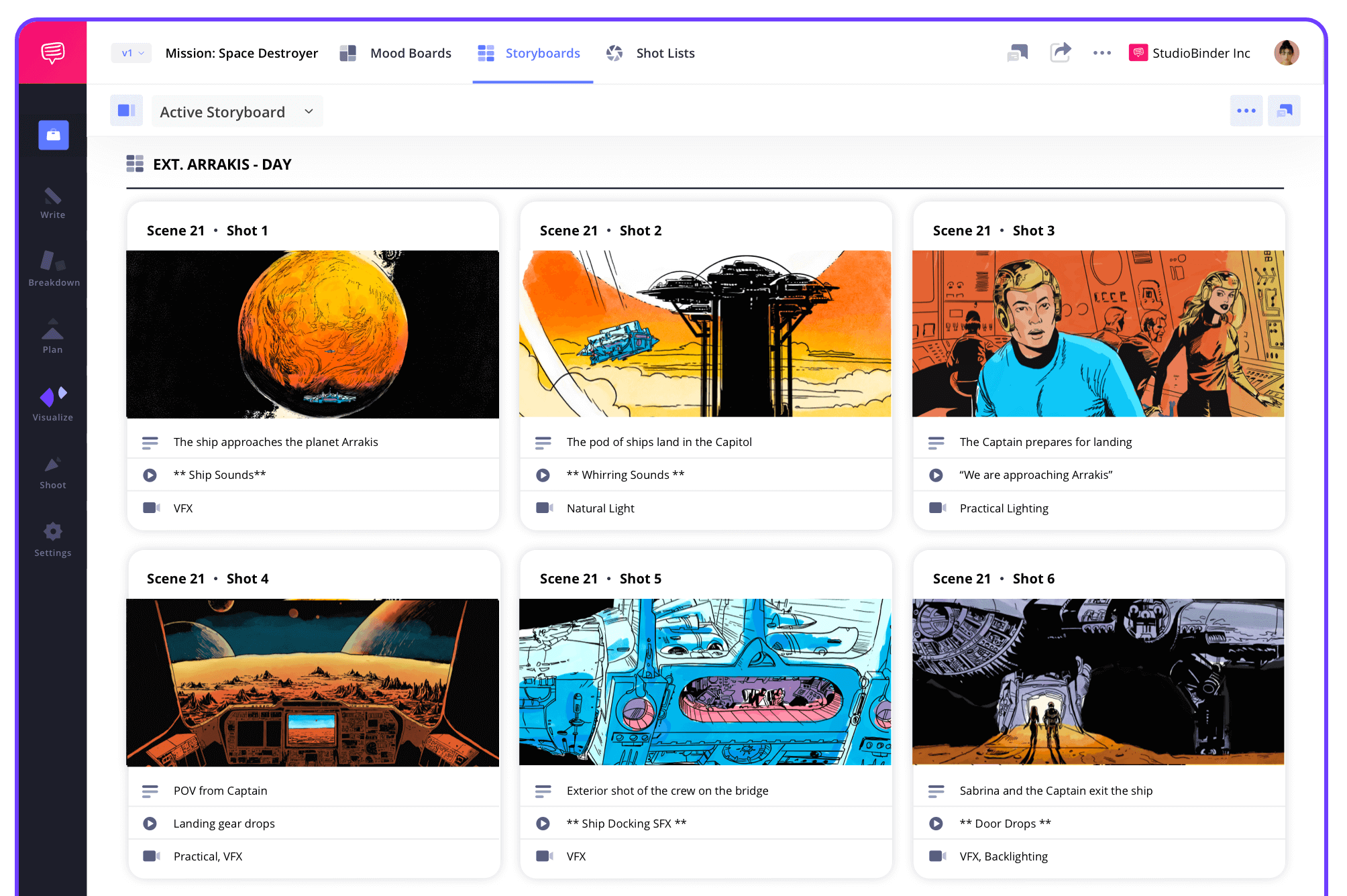
Storyboard panels are built directly from your script. With our storyboard software for filmmakers, you can break down every scene, tag shots, and map out your production day by day.
Script Syncing
From screenplay to storyboard instantly
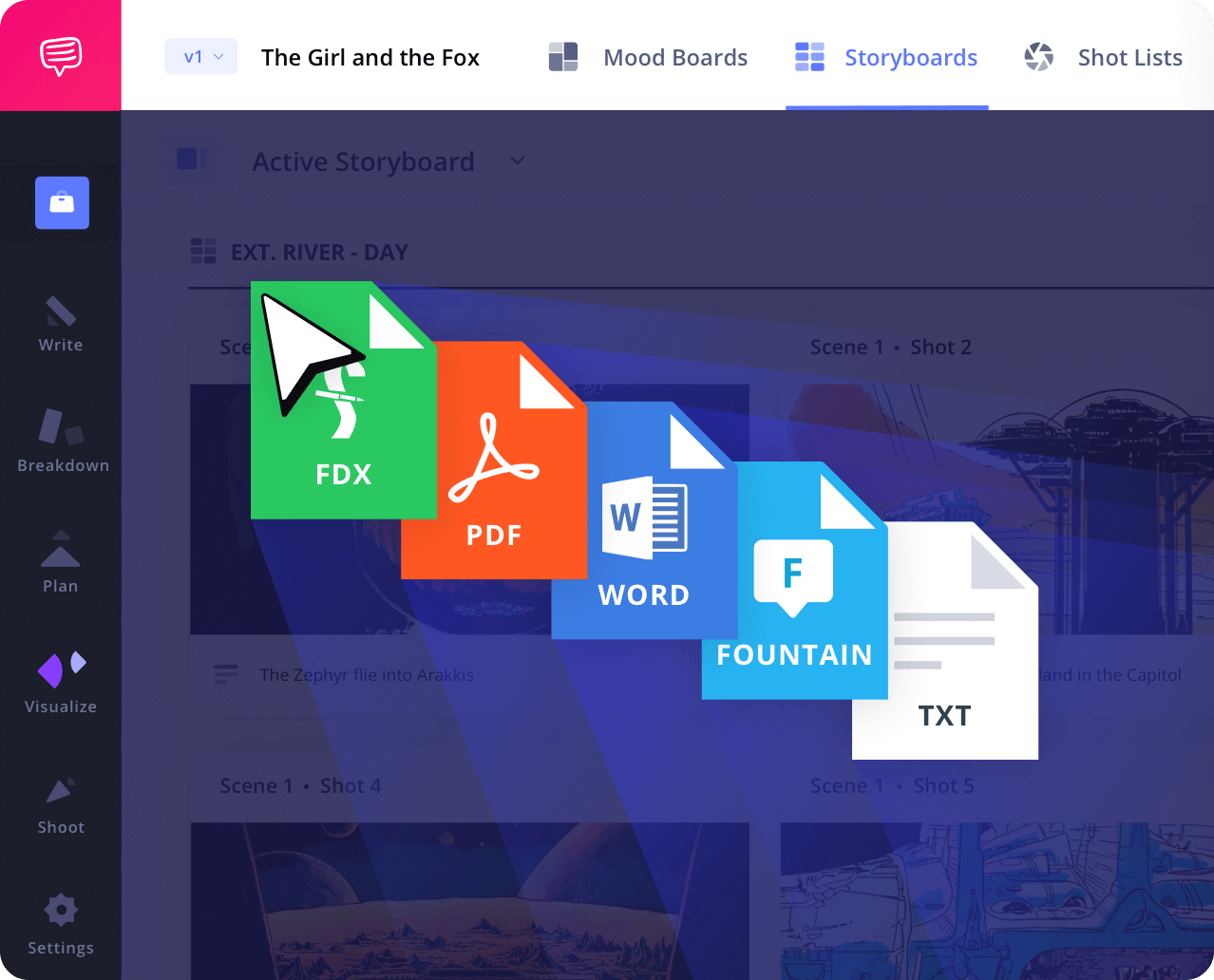
Import your screenplay and auto-generate a storyboard for film production. This tight integration saves time and keeps you focused on your visual storytelling.
Shot Tagging
Turn text into storyboard panels
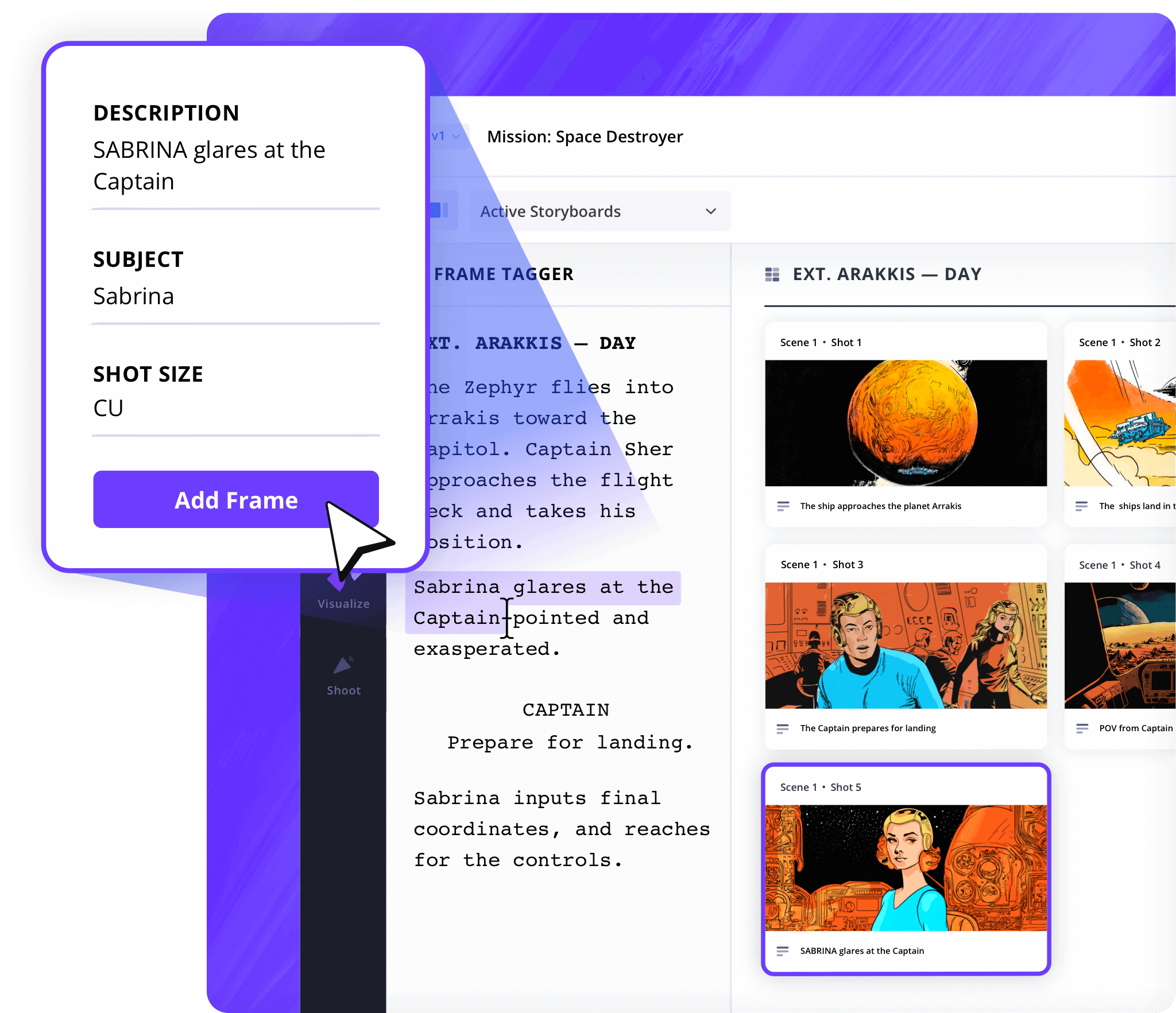
Tag lines of action or dialogue and convert them into frames. This makes it easier to manage shot lists & build a movie storyboard that captures your film’s rhythm.
Shot Specs
Pick your storyboard layout
Choose between layouts like 16:9 or 2.39:1 to suit your project. From vertical video to cinematic widescreen, this storyboarding for film feature adapts to your visual needs.
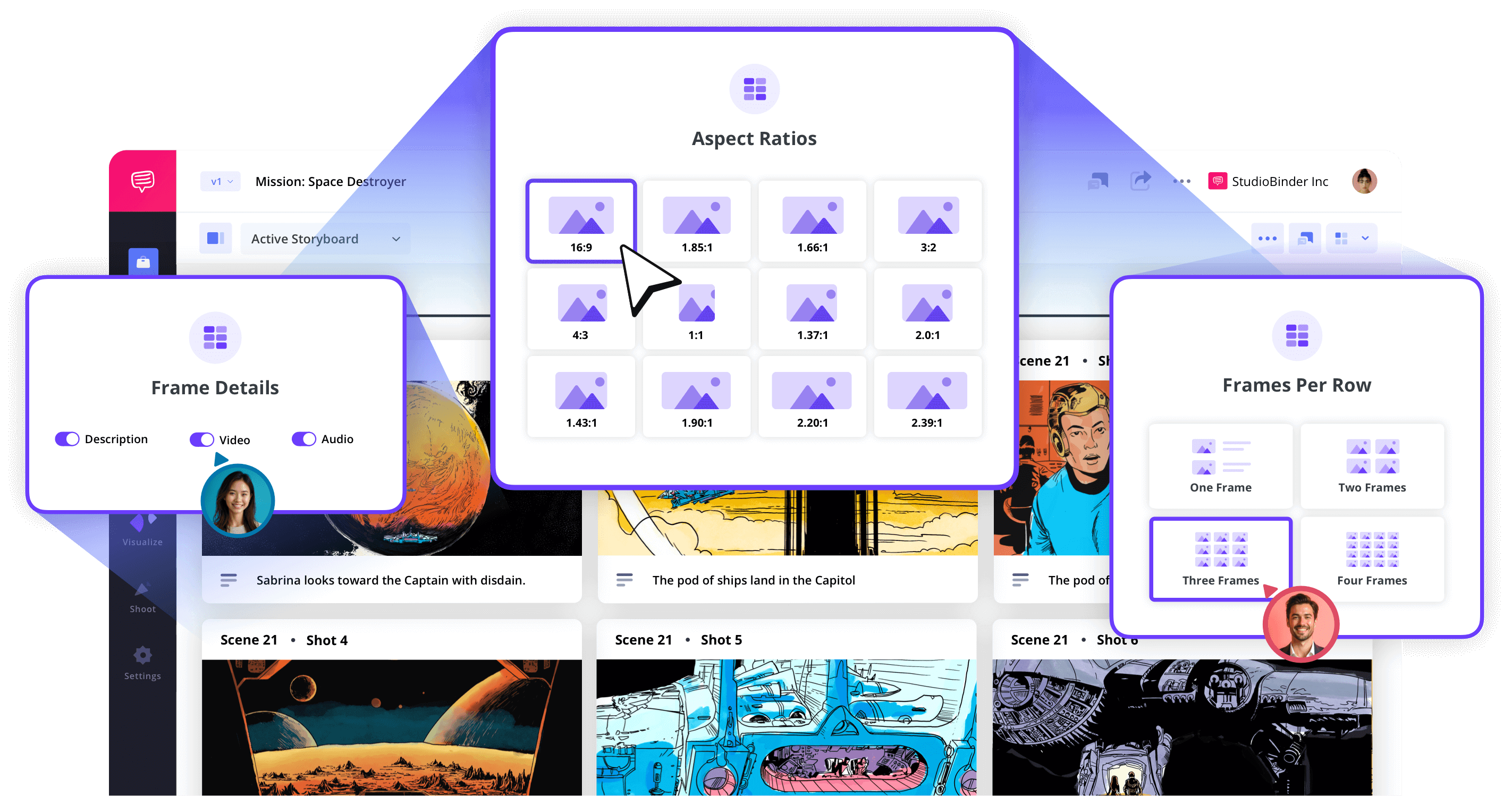
Image Editor
Add arrows, labels, and visual notes
The platform includes image editing tools to refine your frames. Use arrows, exposure filters, or text annotations to turn ideas into production-ready visuals.
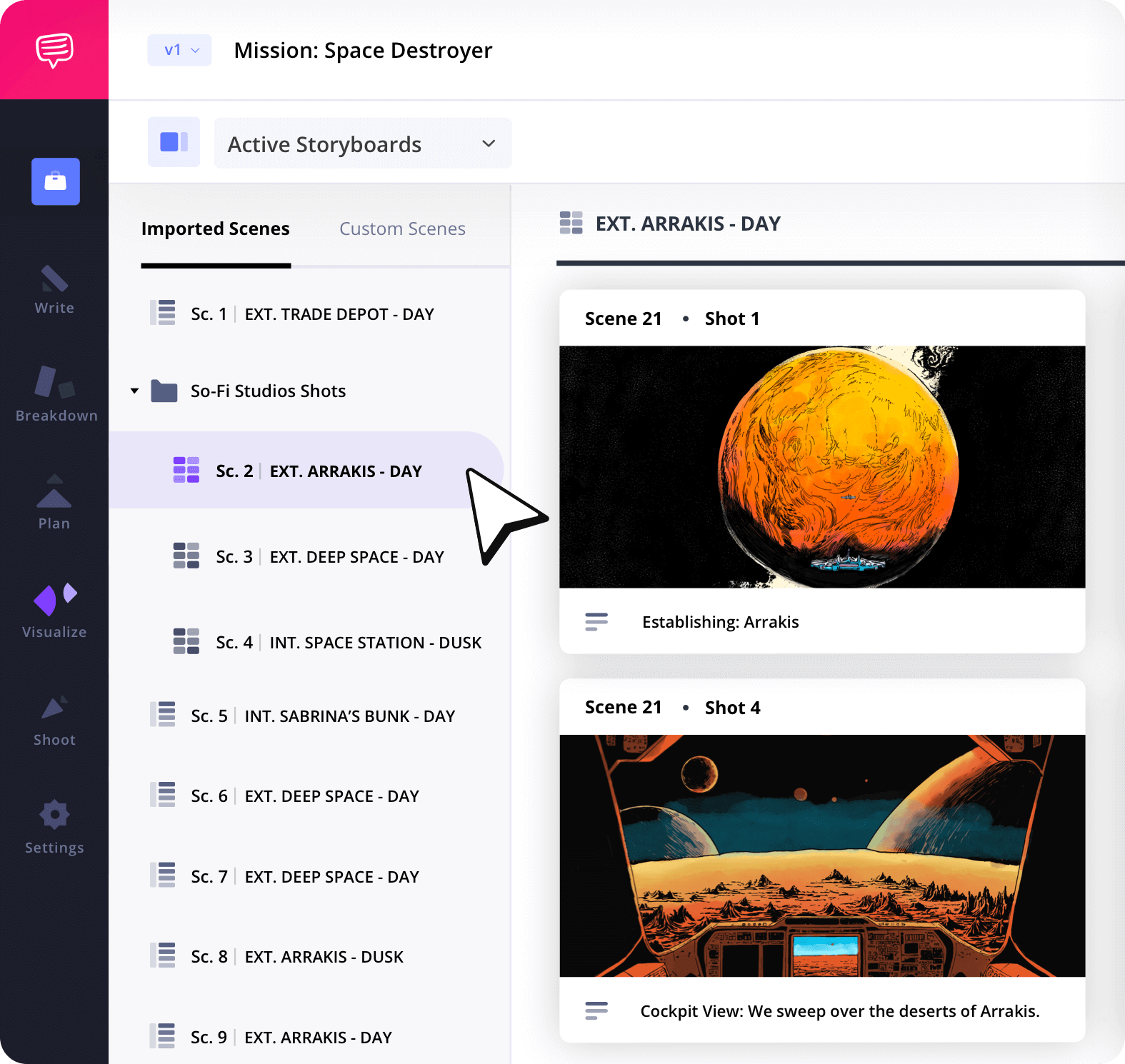
Storyboard Groups
Group shots your way
Our storyboard software helps you categorize each scene. Grouping storyboards by location or shoot day streamlines pre-production and keeps your film story board neatly organized.
Collaborate
Work as a team to shape the vision
Invite producers, DPs, or other creatives to review, comment, or upload frames. This storyboard app for filmmakers makes rapid-fire collaboration easy across departments.
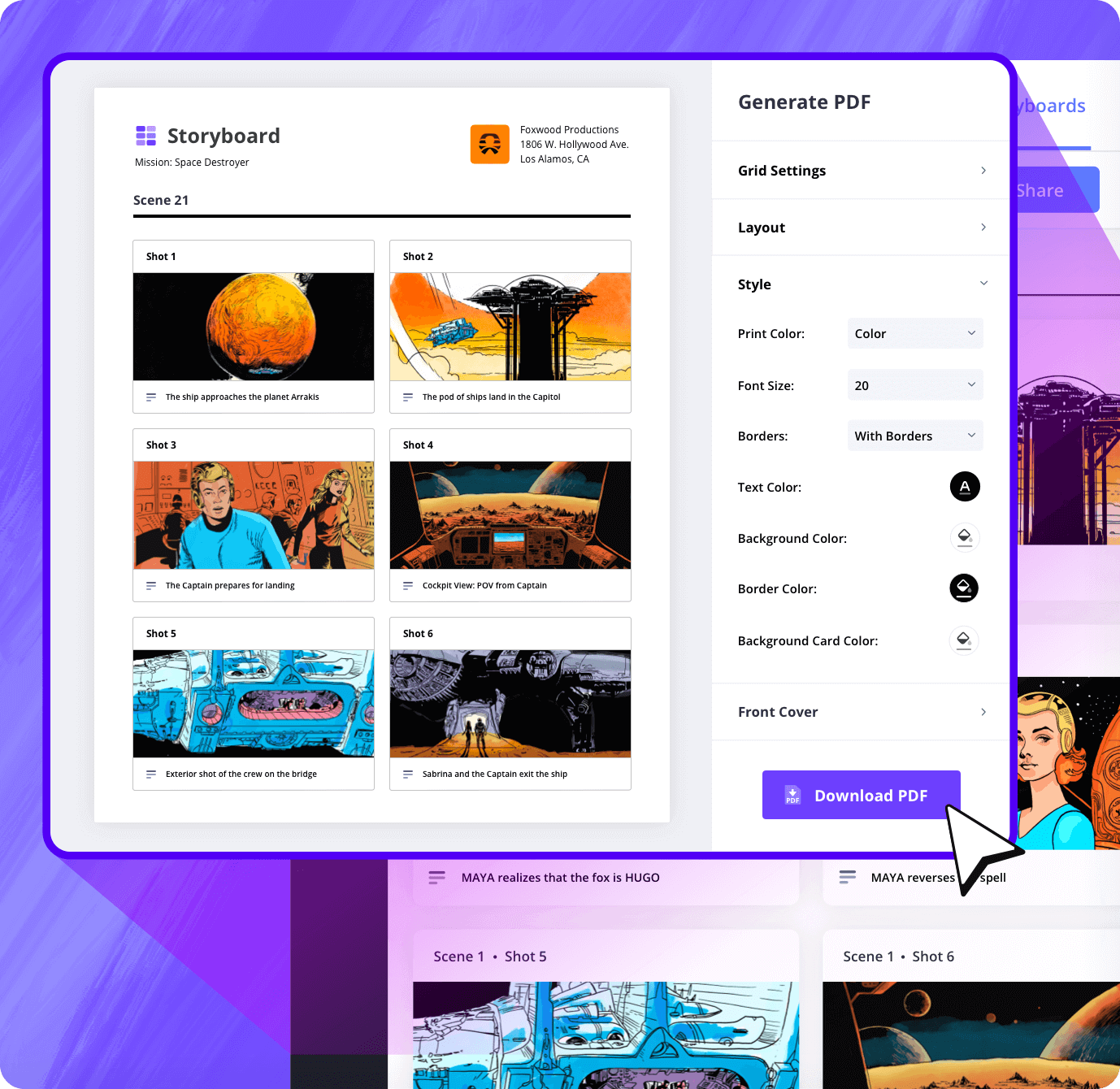
Customization
Create polished storyboard documents
Customize your storyboard layout, add headers, covers, watermarks, and more. The final export is a clean, professional PDF ready for presentations, team reviews, or pitch meetings.
Sharing
Share live storyboard links online
Share view-only links of your film storyboarding project for instant access. No downloads or logins are necessary, just clean visibility for your collaborators.
Explore Features
More storyboard features

Aspect Ratios
Choose an aspect ratio that best suits your project.
Column Layouts
Adjust how many columns your storyboard will have.
Image Library
Reuse storyboard panels from previous projects.
Shot Numbering
Choose between digits, letters, or a custom shot numbering.
Storyboard Archive
Archive old storyboards to keep an accessible history.
Color-Code Shots
Label or call out specialty shots with colors.
Storyboard Sample
View storyboard examples
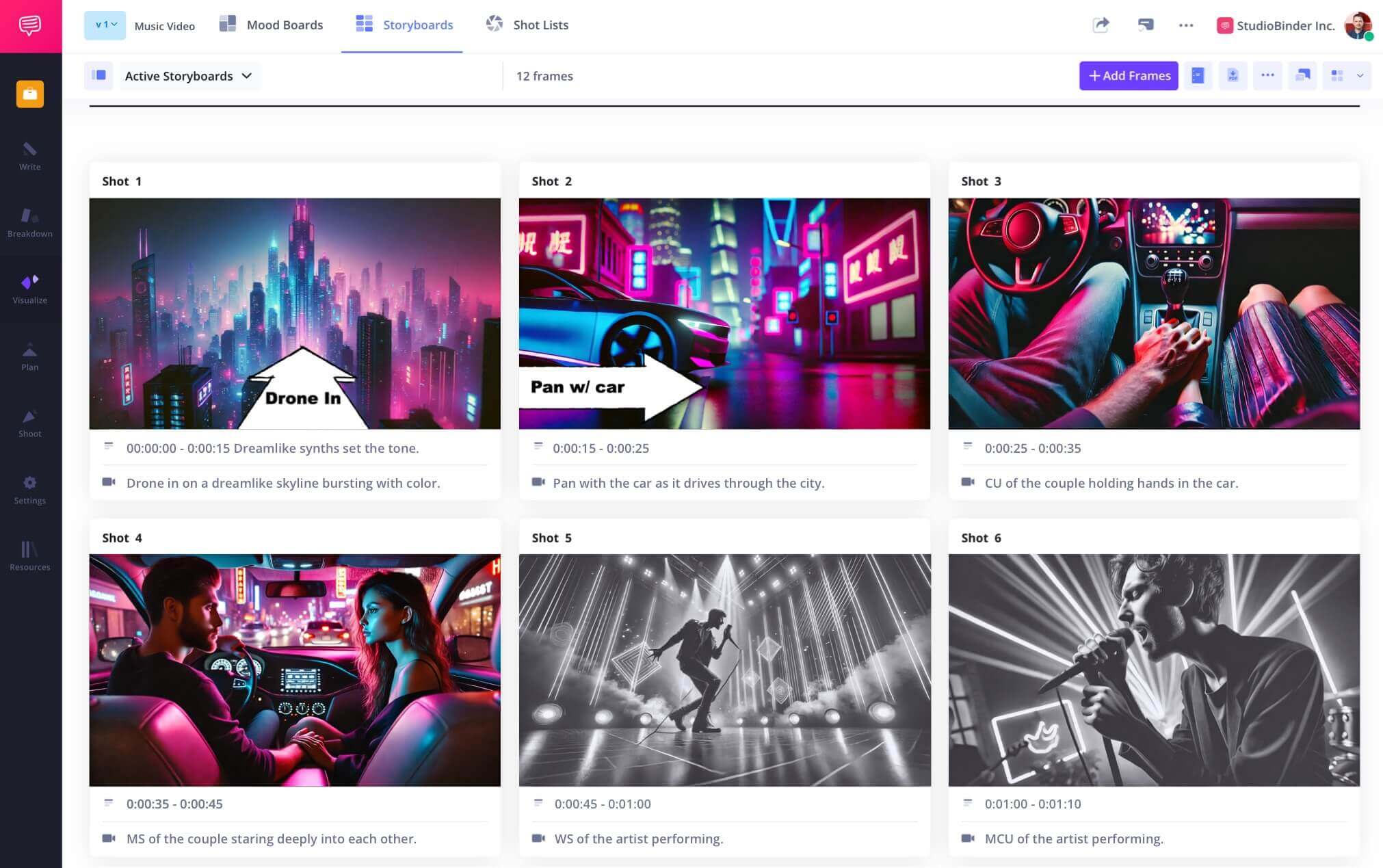
View an example of a storyboard built for a film using StudioBinder.

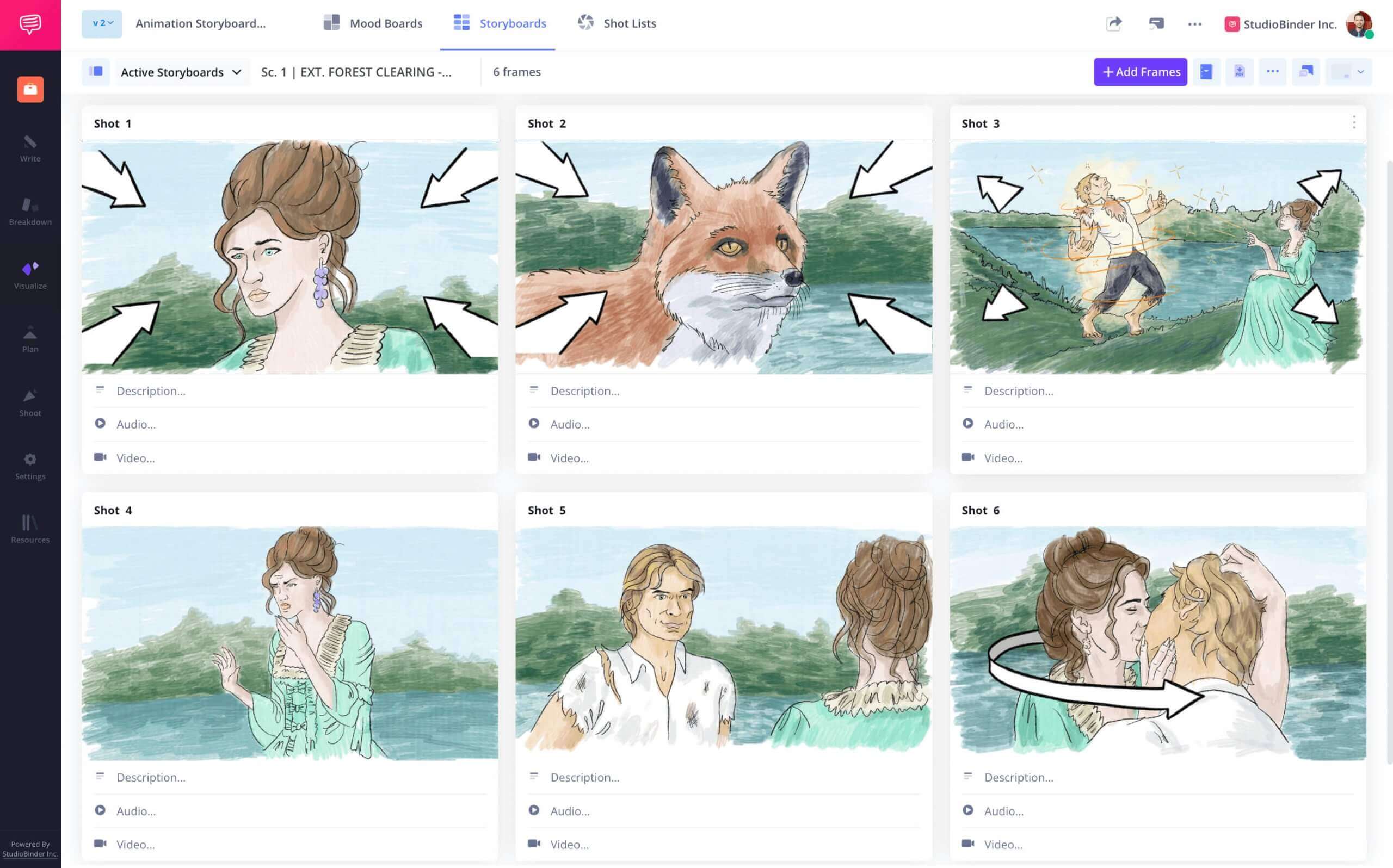
Film Storyboard Example

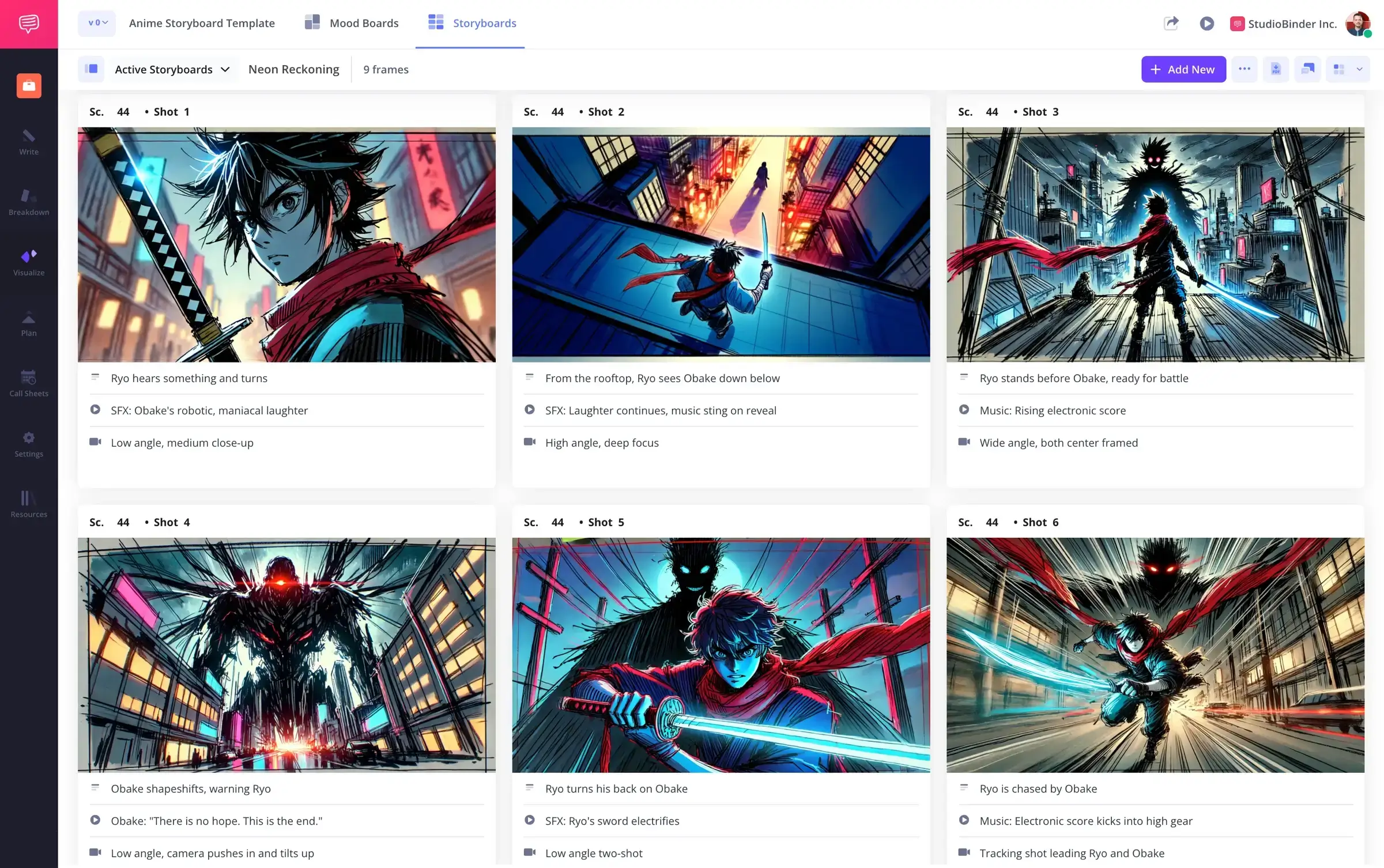
Animation Storyboard Example
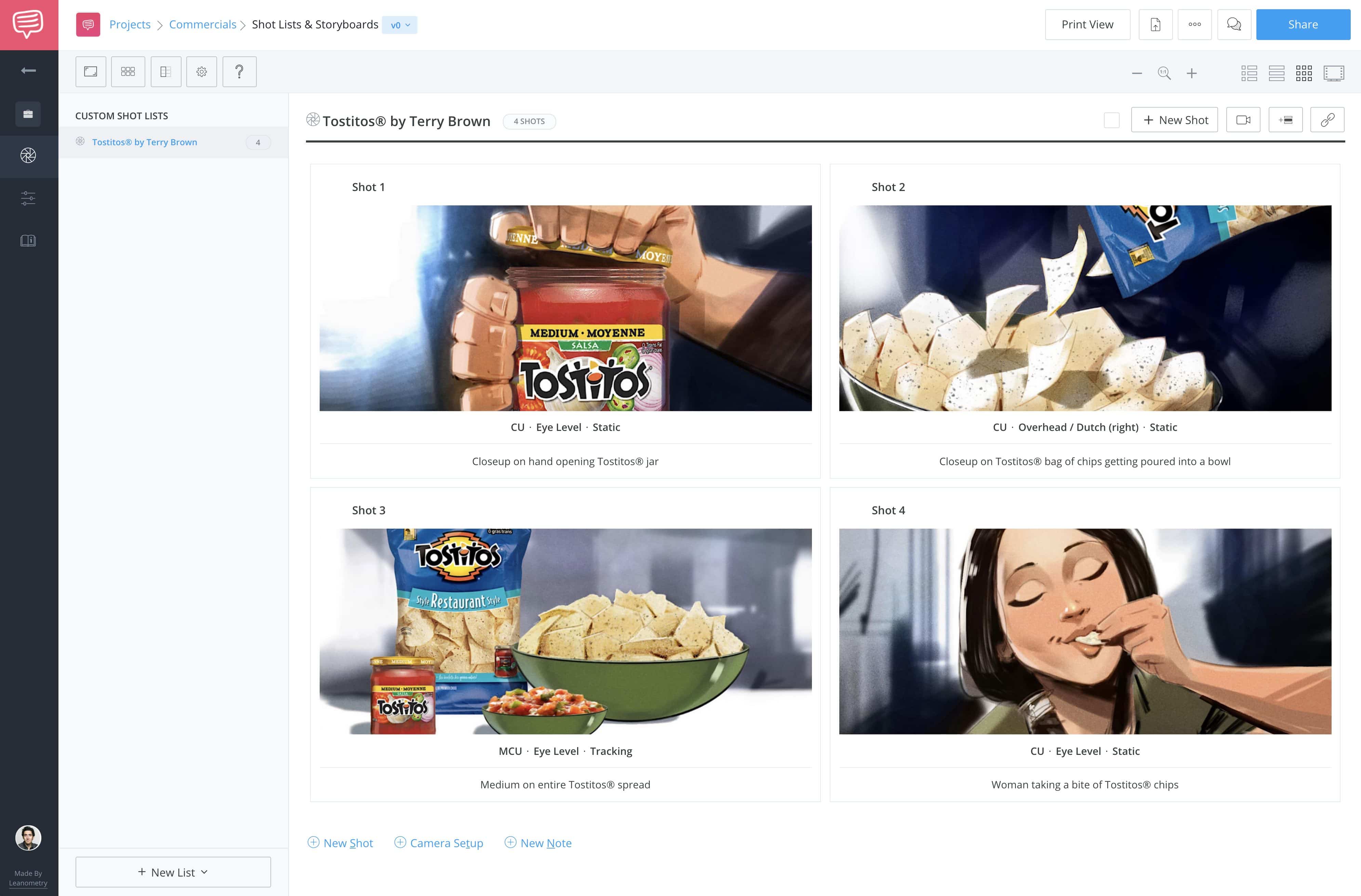
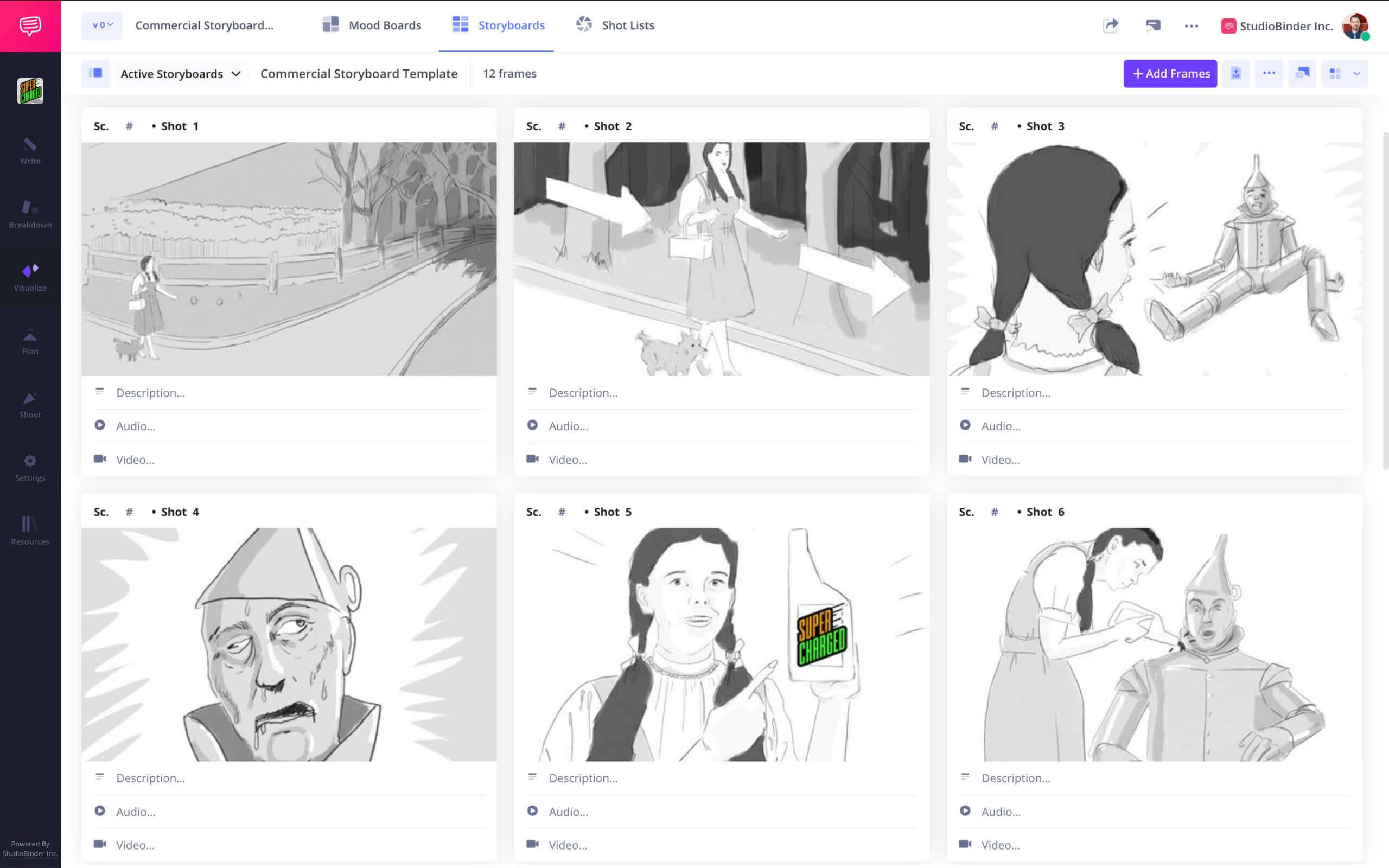
TV Commercial Storyboard

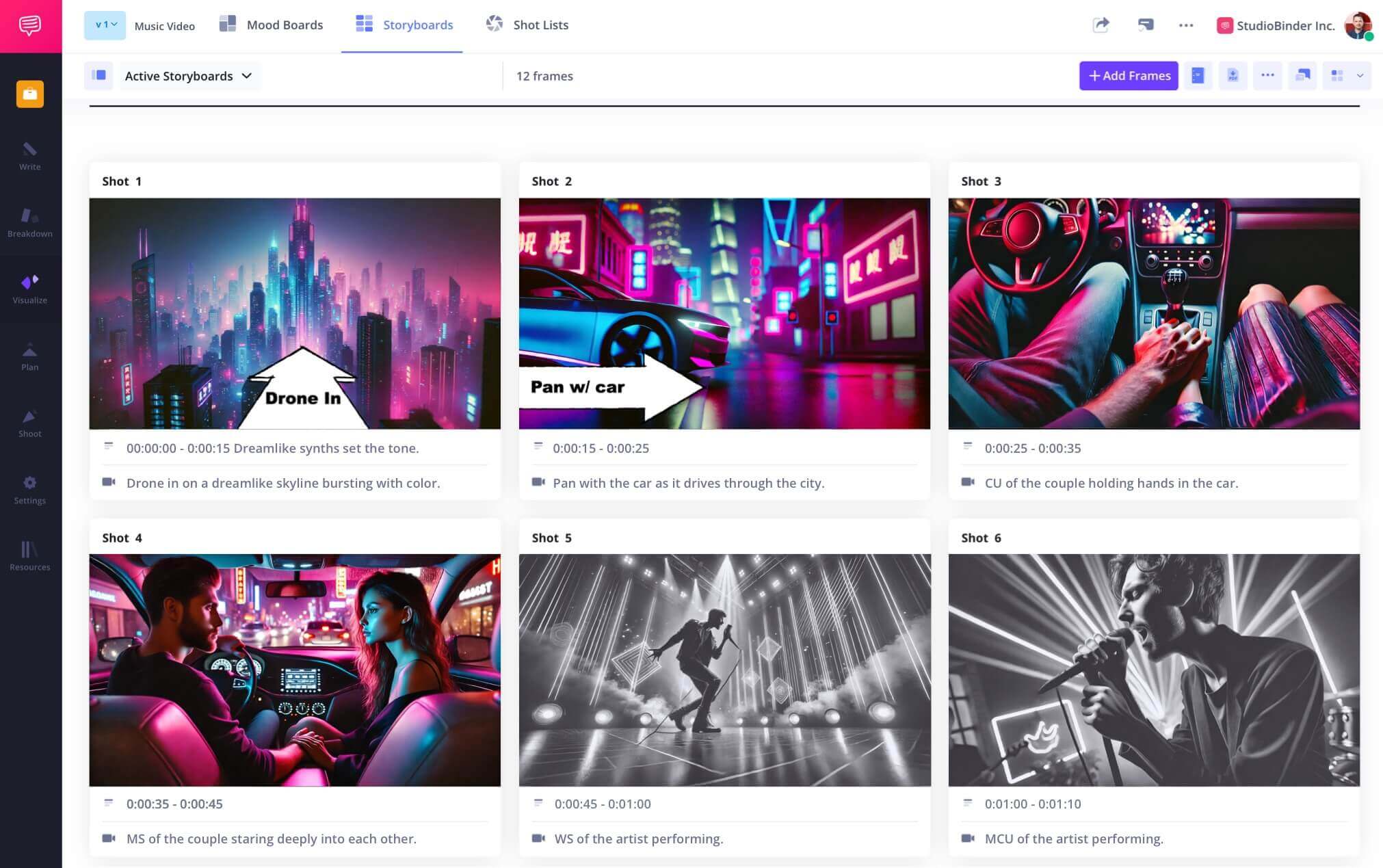
Music Video Storyboard


What are the 8 steps in storyboarding?

Open StudioBinder on your browser.

Click on the Storyboards tab on the project homepage.

Choose to either import a script or create a storyboard manually.

Name the storyboard, set the aspect ratio, and select the number of frames.

Add an image to each frame from the Media Library or upload new images.

Edit your images with a suite of tools, including filters, text, and arrows.

Enter details, including the scene number, description, and notes.

Create a custom PDF, send a view-only link, or invite collaborators for feedback.
Frequently Asked Questions
Your questions, answered
A storyboard in filmmaking is a visual guide to your script containing dozens of illustrations or images that represent different shots. Filmmakers use the storyboard to pre-visualize these shots so that when they arrive on set, they know exactly what shots they need for a particular scene.
No, you don't need a storyboard for filmmaking necessarily, but it is highly recommended, especially for more complicated shots and/or scenes. Storyboards not only help you visualize the perfect shots in a scene, but they also help reduce or even eliminate the time on set trying to decide which shots to get.
Yes, the best way to create and present a storyboard is in chronological order, following your script. This way, there is a flow and a continuity that you and your team can rely on during production.
Filmmakers use storyboards for a couple of reasons. First, it helps them work out their shots on paper before they get to set, saving massive amounts of time. Second, it helps them hone in on the ideal compositions and continuity from shot to shot. It's a way to "pre-shoot" the movie on paper to make sure everything flows and makes sense. Third, it gives the cast and crew a head start on what each shot will look like and what will be required on set.
A storyboard is necessary before filmmaking because it saves time (and money), and it helps the filmmakers choose the best shots for a scene in advance without the pressure of having to decide on set.
There are two primary methods for creating a storyboard: digitally or manually. Some people have strong preferences for their chosen method, but ultimately, the finished product should be useful to you and your team. Here is a quick set of instructions for making a storyboard that works for either option.
- Start with a blank template
- Add your images and arrange them in story order
- Insert notes and descriptions for each shot
- Annotate with text and arrows for an extra layer of clarity
Creating a storyboard for a short film is the same basic process as creating a storyboard for a feature film. Each scene is broken down into separate shots and illustrated with notes and descriptions.
Customers
Trusted by the Best
Modernizing production workflows at renowned studios worldwide.











Explore Solutions
What else can StudioBinder do?
See all the ways we can improve your production workflow.
Write
Industry-standard scriptwriting software and note taking.


Breakdown
Identify all the pre-production details you need to know


Visualize
Visualize the script to get everyone on the same page
Plan
Collaborate with department heads as you prepare for production


Task Boards
Team collaboration

Media Library
Share docs & media



Today’s productions use StudioBinder to streamline their process, and collaborate on better content together.


"I can be a part of the conversation and see when someone finishes a task."
Watch Testimonial ➜

"StudioBinder makes pre-production that much quicker for out team."
Watch Testimonial ➜

"Call sheet confirmations have instantly made our life that much easier."
Watch Testimonial ➜


