home → Guides → StoryboaRD
How to Storyboard a Novel

How to storyboard a novel
If you think you would benefit from a well-structured and well-planned visual map for that novel or short story you’re writing, you should consider learning how to storyboard a novel. Storyboarding is a tool typically used in the film industry during pre-production, where the scripted narrative is broken down into illustrated beats, and reads from left to right, much like a comic book. So, in the same way filmmakers use storyboards to prepare themselves for shooting their films, writers can also use storyboards to prepare themselves to write their story.
Think of a novel storyboard like it’s a first draft where you’re thinking of the bigger picture, such as where your story will flow from start to finish, or what the most essential narrative beats in a single chapter are. With the unique perspective of a storyboard book layout, you can then determine what needs to be reworded or removed altogether from your overarching narrative.
In our below guide on how to create a storyboard for a novel, we’ll take you through all the broadest and most essential steps to building a book storyboard with StudioBinder’s storyboard creator. You can follow along with us in StudioBinder, or use your own storyboard template, it’s up to you!
Step 1
1. Prep your template
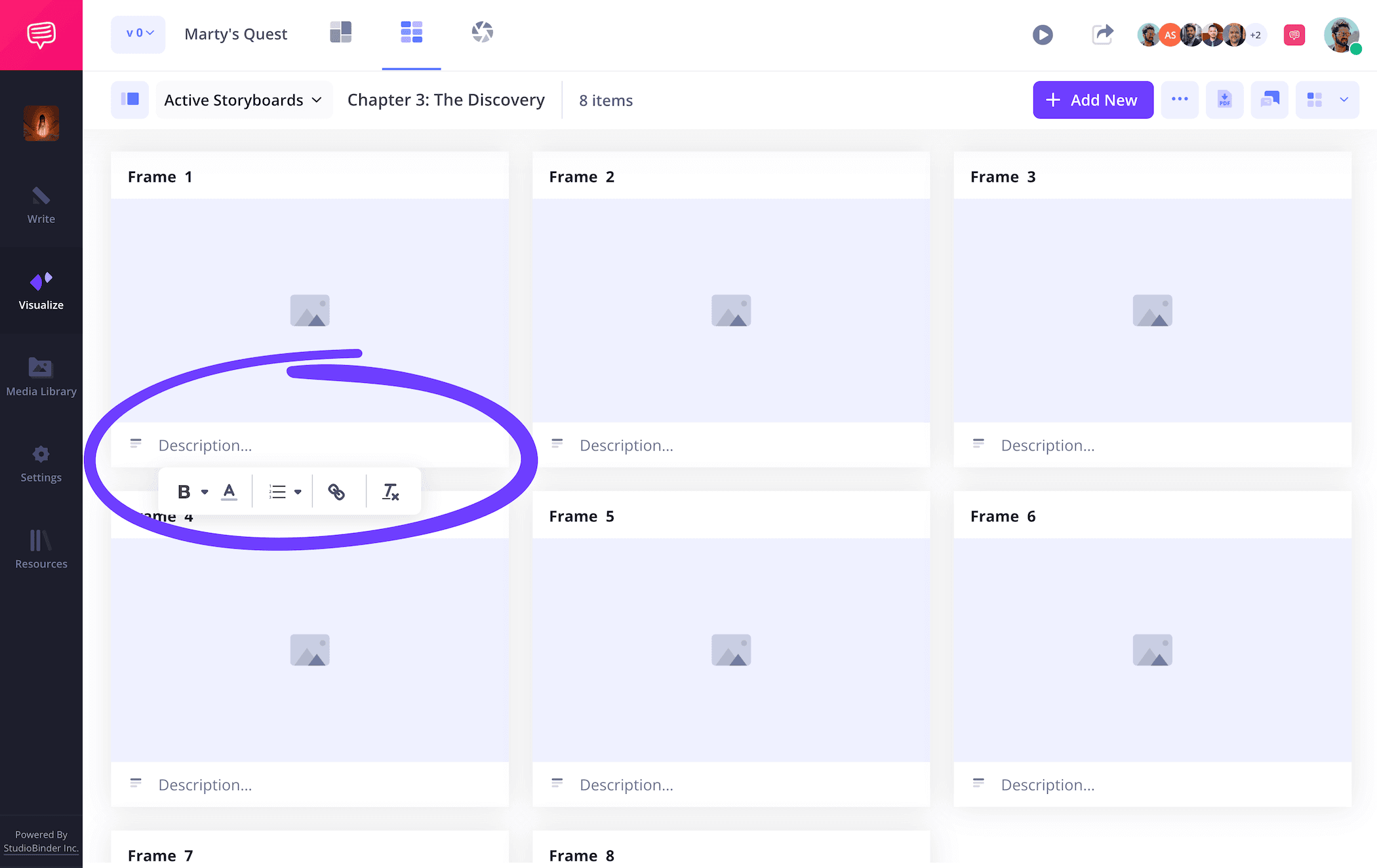
It’s best to start by formatting your storyboard book template in a visual way you’re comfortable with. With our novel storyboard example, we’re using 16:9 panels (a standard panel size for most storyboards) and 6 panels per page so our visuals and descriptions don’t get overly crowded. But how to storyboard a novel really comes down to how you absorb visual information, so keep it at a structure that looks good to you.
When you begin a new storyboard project in StudioBinder, you’ll answer some setup questions like these, before arriving at your own personalized blank template. From there, you can start by writing and pacing out some general descriptions for where you want your story to go. How to write a storyboard will reflect your own unique way of writing, so keep it as condensed or detailed as you want, just be cautious of how much space you have.
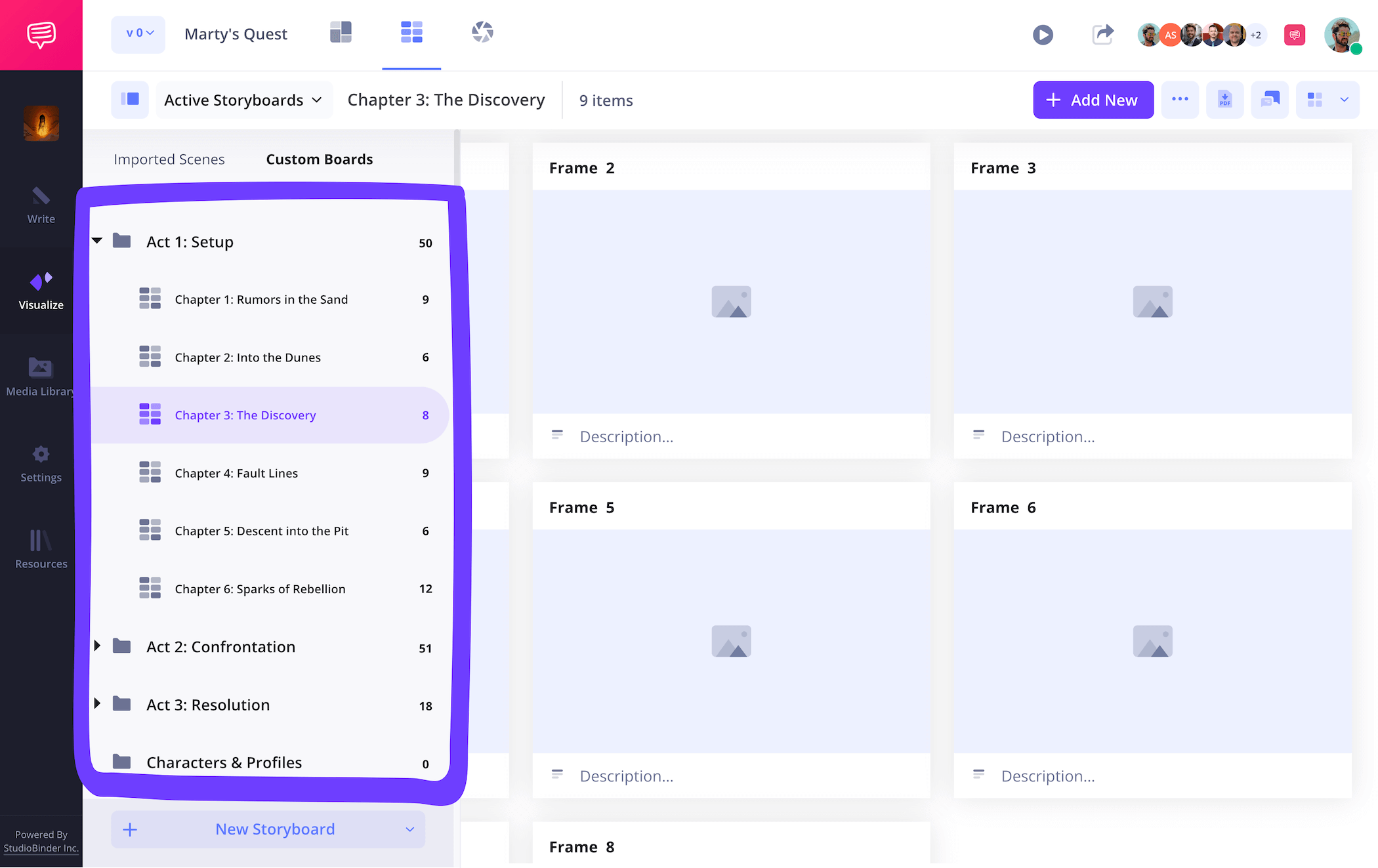
Since this page only represents one of many chapters we plan to storyboard, we’ll also go into our sidebar and create some groups organized around our novel’s three act structure. And just like that, we set a structured plan for how to make a storyboard for a novel!
Step 2
2. Upload images
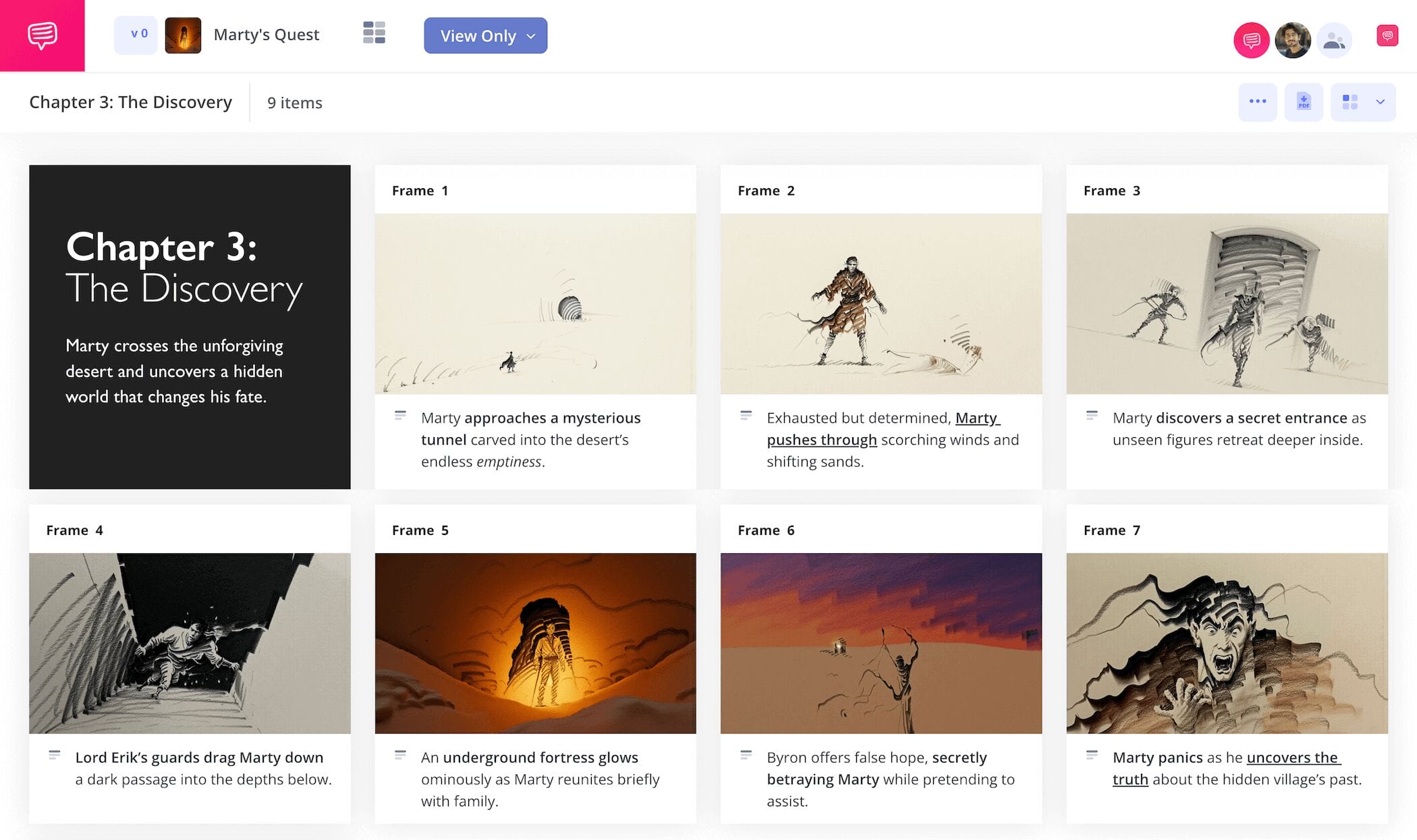
Some novelists have also been gifted with the ability to illustrate their ideas before writing them, so if you identify as this type of novelist, now’s the time to put those skills to good use for your storyboard book template! But for those of us learning how to storyboard a novel without the gift for drawing, there are still some solid options available.
Even basic stick figures can work if you do choose to illustrate, this is your own book storyboard afterall, you’re the only one who needs to understand it visually. And with that in mind, online images that reflect the tone/mood/action you’re planning to write can also work. It really comes down to what speaks to your story’s look and feel.
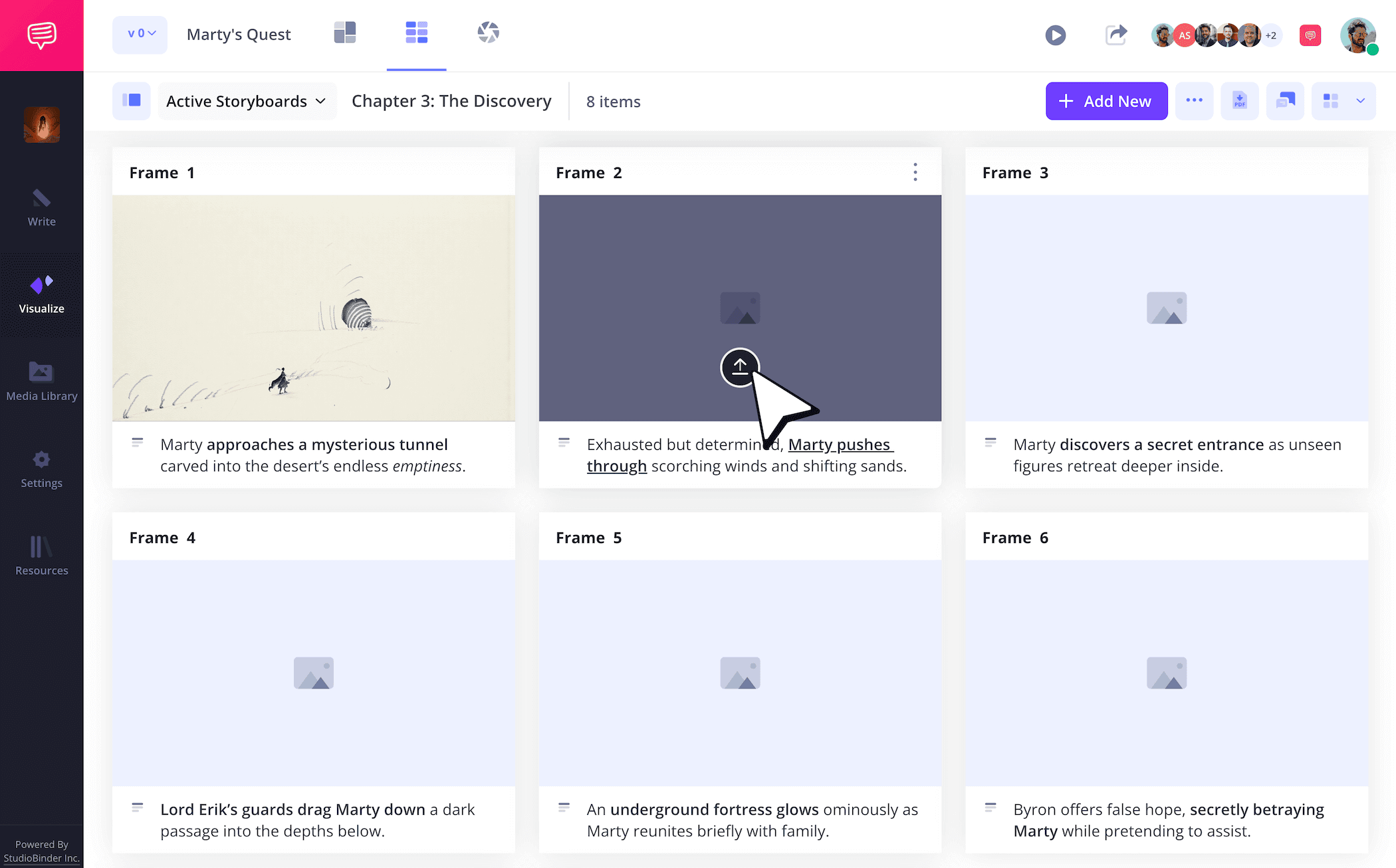
Once you know which images you want and where you want them to go, you can just click Upload on any blank panel to insert them.
Step 3
3. Organize your narrative
Learning how to storyboard a novel isn’t too unlike learning how to use color coded sticky notes as you write, it all comes down to organization. Maybe you want to use a blue placement card to track an important supporting character throughout, or maybe the yellow placement card helps identify the dangerous choices your protagonist makes throughout, leading to a climax that culminates in the consequences of all those choices.
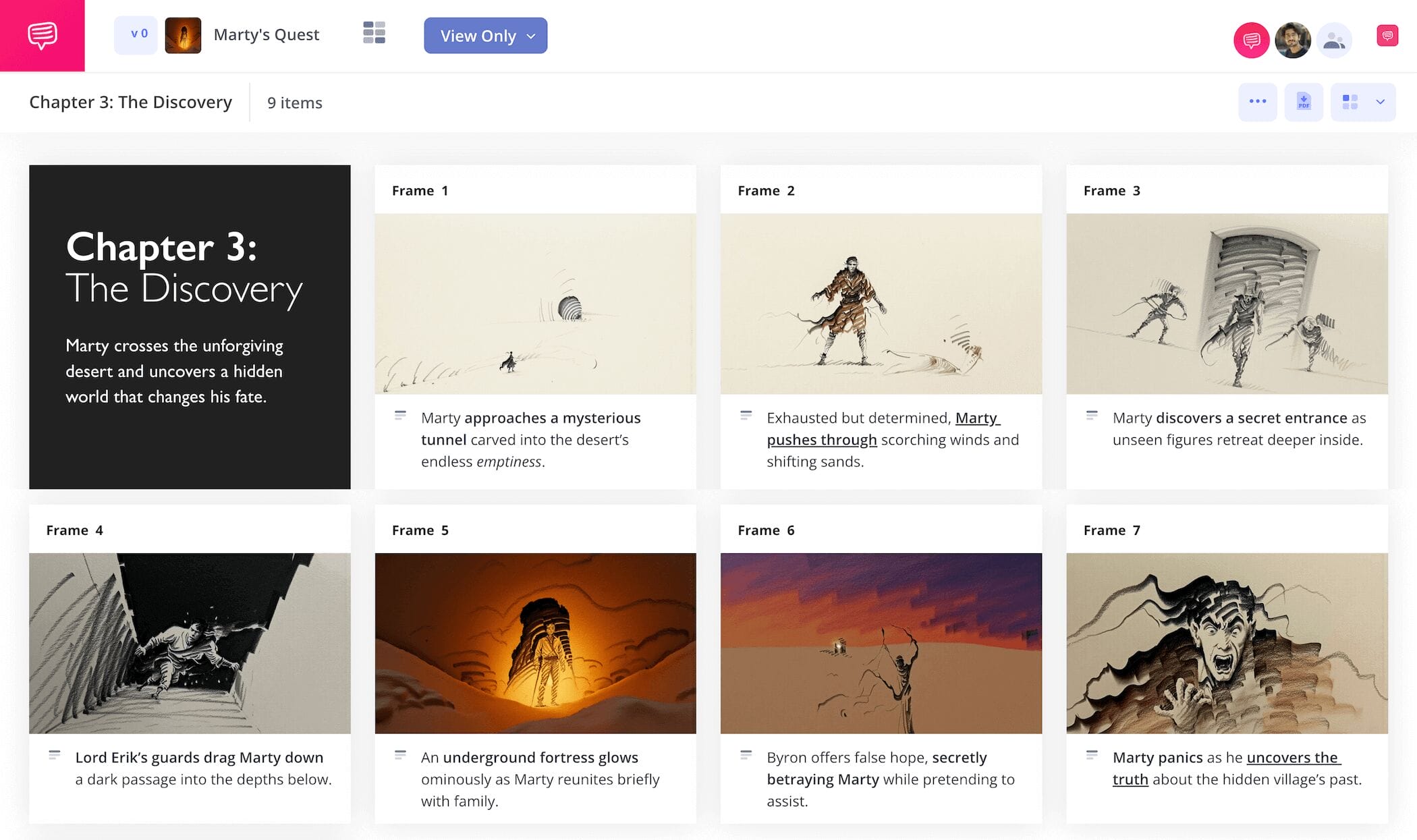
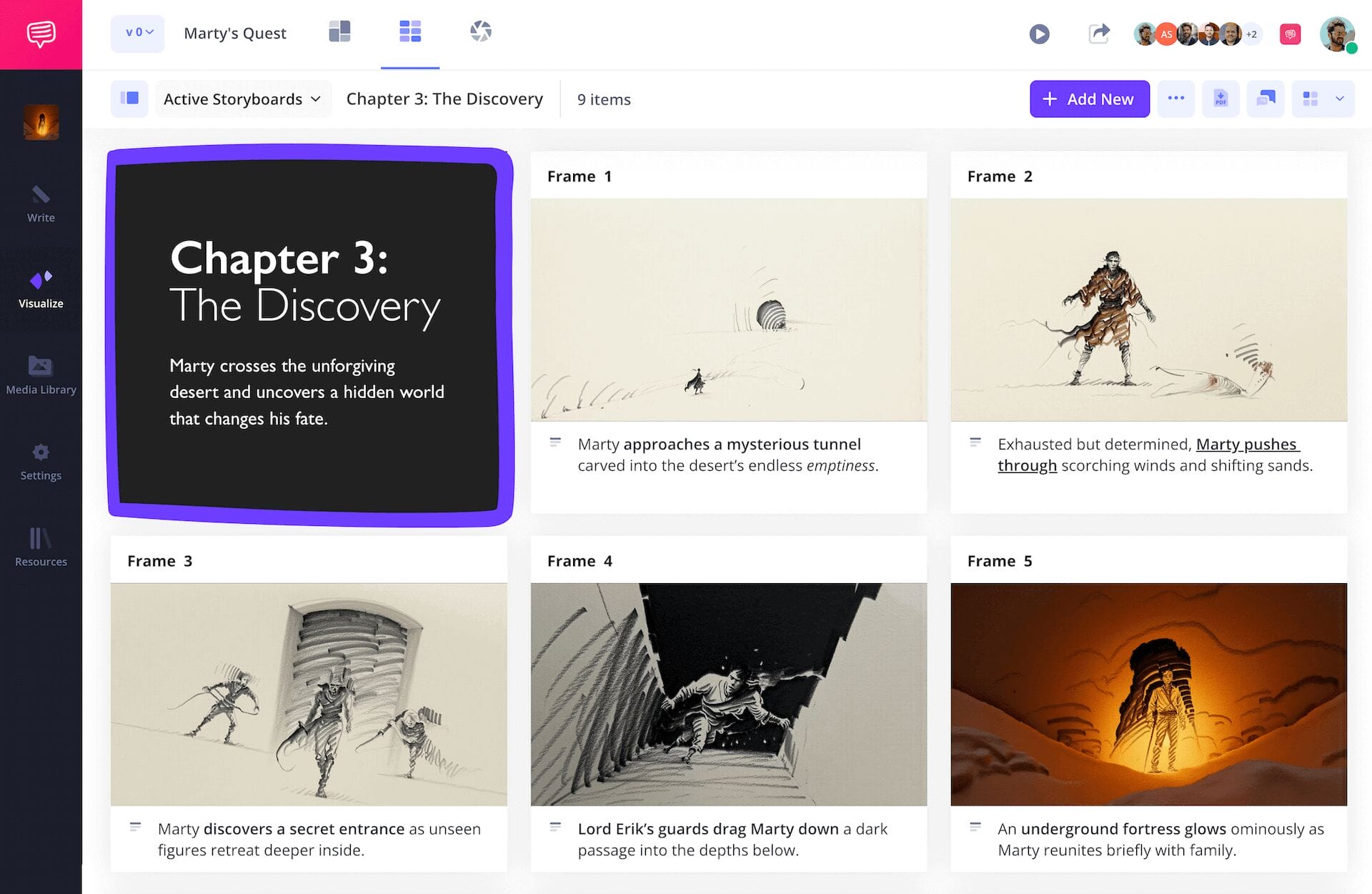
Whatever the case, storyboarding for writers tends to take on a structure of its own. For our novel storyboard example, we’re customizing text boxes for each of our opening chapter loglines. You can drag and drop these text boxes anywhere on your book storyboard and stylize them as you’d like with background colors and font styles.
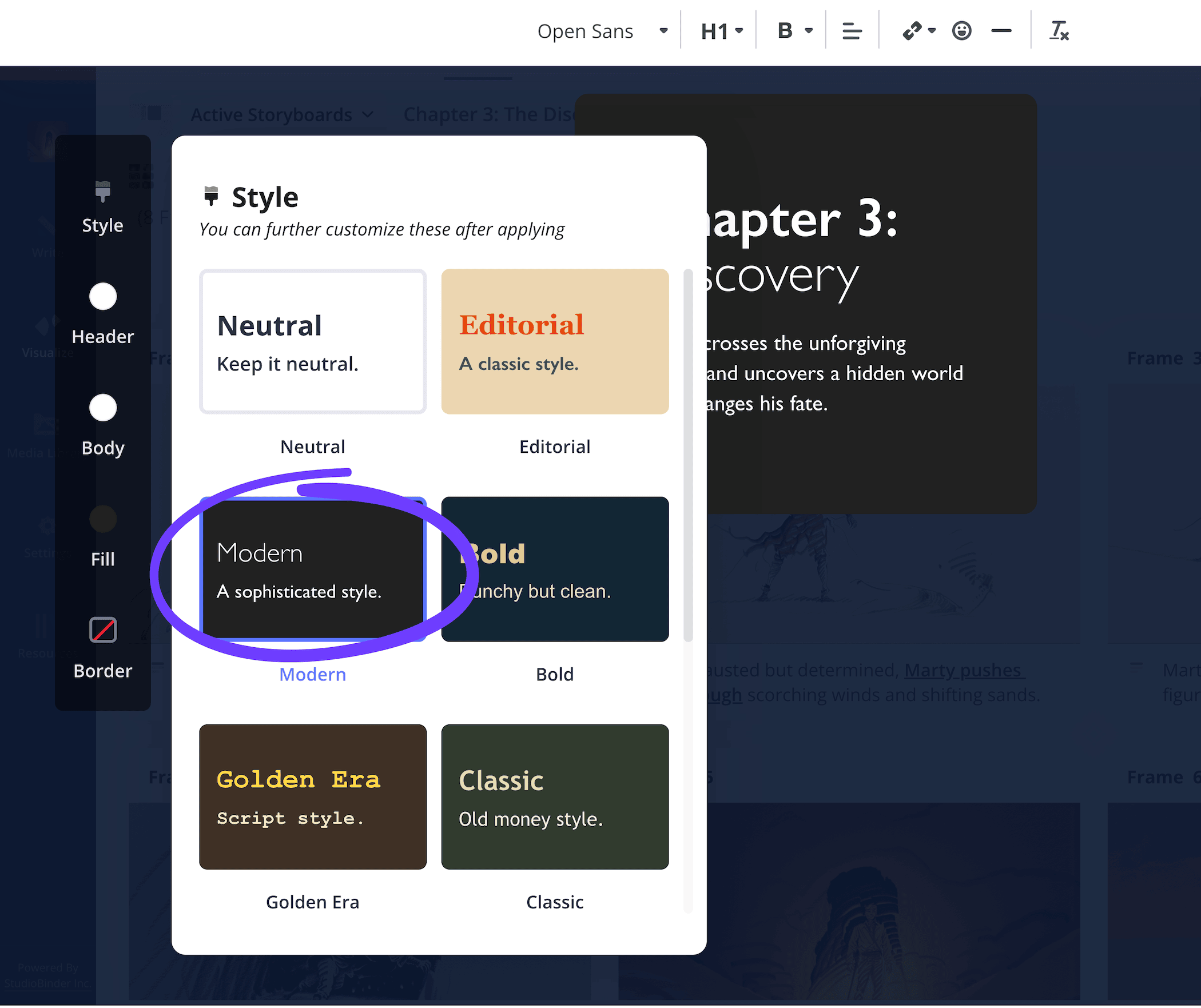
Once you have a text box formatted in the way that helps organize your storyboard, just click Save and you’ll see it added into your project. Now we’ll have no problem memorizing the overarching goal for each of our chapters.
Step 4
4. Collaborate for feedback
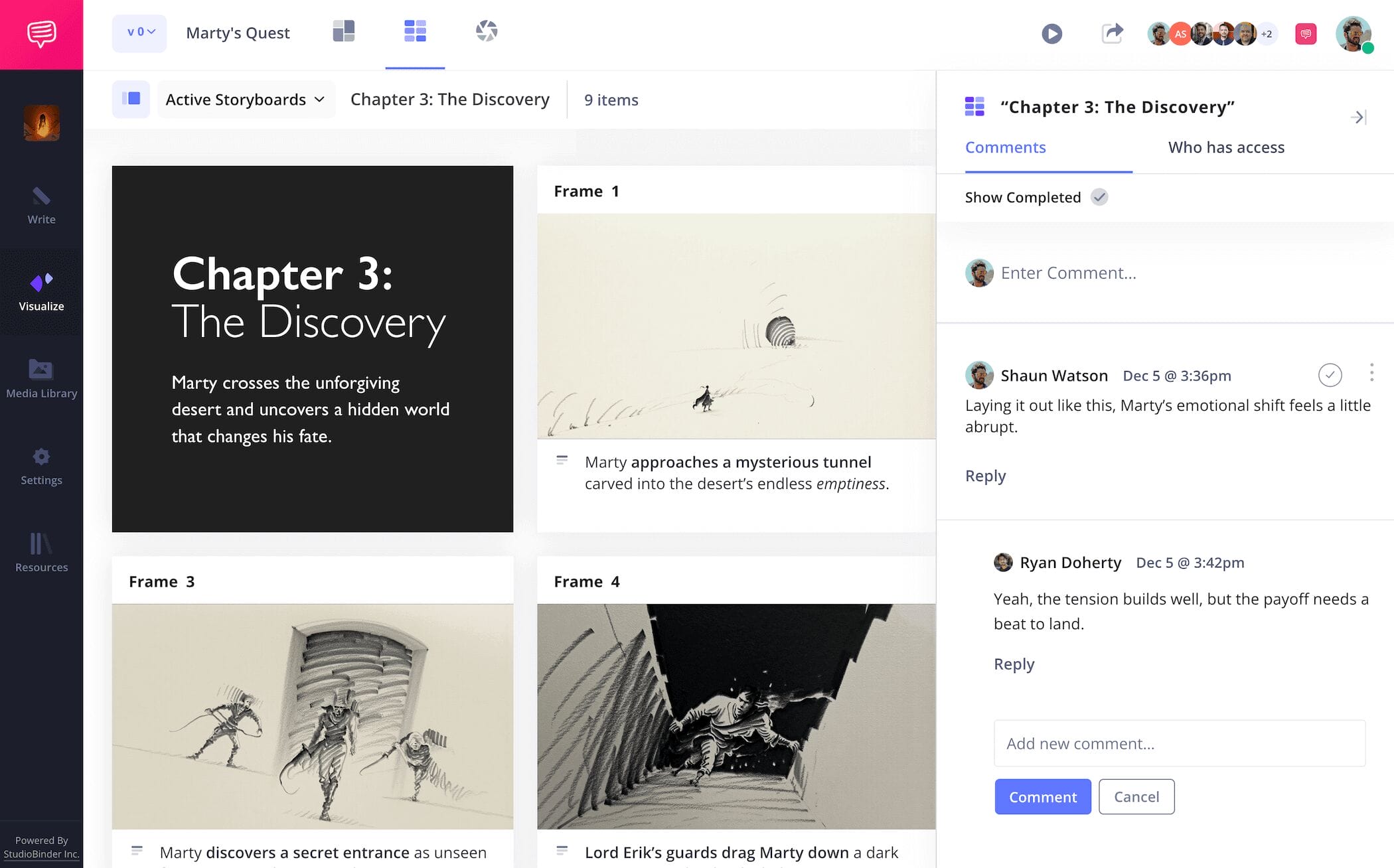
While the actual writing of a novel is often a solo process, editing drafts and working with publishing companies throughout the construction of your story requires some collaborative skills. Once you learn how to storyboard a novel and finish building your storyboard, you can get feedback from close friends and colleagues, or even use the storyboard as a pitch for your publisher. The goal is to make your novel storyboard the best it can be by incorporating alternate perspectives, so why not use the convenience of your storyboard itself as the one place for all your collaboration?
With StudioBinder, you can send anyone an invite with either viewer, commenter, or editor permissions enabled. If you send an invite with commenter or editor permissions on, then your collaborators can go into the comments and discuss their notes with you.
Step 5
5. Convert your storyboard
Now that you’ve gone through all the writing and collaborating of making a top tier storyboard, you can officially say you know how to storyboard a novel. But don’t start celebrating just yet, because there’s one more important step to take into consideration: converting your storyboard to a PDF document.
Since some book publishers might prefer a hard copy of your storyboard, a PDF is the best way to present it to them. Not only that, it’s good to get into the habit of saving your work as an unchangeable document as you make changes throughout. In StudioBinder, you can customize your PDF document in any way you or anyone else requesting it prefers.
For our novel storyboard example, we were sure to make our font size just a bit bigger, before going into the security tab and adding a custom watermark. This is a juicy novel, so we really want to make sure it doesn’t get leaked early.

Conclusion
You're finished!
Now that you know how to storyboard a novel, what are you waiting for? Get out there and make those creative writing dreams come true! And remember, storyboarding for writers isn’t the only kind of storyboarding help StudioBinder offers, so be sure to check out all the free storyboard templates we have to offer!
Frequently Asked Questions
Your questions, answered
Sure you can jump straight into writing your novel, but most successful writers wouldn’t recommend it. So, if you’re looking for a way to plan out and better understand the story you’re writing, here are the 7 best steps to outline a novel:
- Establish your premise
- Start writing out scene ideas
- Flesh out your characters
- Familiarize yourself with your settings
- Construct a full outline
- Edit your outline
- Start writing with your outline as your guide
Beginning the construction of a storyboard can be overwhelming, which is why it’s good to start with baby steps. So, what’s the first little step you should take? Simply identify the heart of your story, or it’s core objective. And as you start filling out your storybeats one by one, just make sure you can easily identify how each one ties into your guiding objective. With this in mind, you’ll have secure ground to stand on as you slowly start building your storyboard.
In our experience, we’ve found the most common mistake you can make while building your storyboard is losing a sense of continuity from panel to panel. Oftentimes this is because too much focus is put on trying to make the images look good, rather than just using them to communicate the essential information. A runner up would be accidentally breaking the 180 rule, which your director will certainly notice and not love. And the third most common mistake is definitely overcomplicating images. Creating a simple image with clarity and obvious intent is tougher than it may seem at first, so be sure to focus on just the essential elements in each camera shot.
Storyboarding a novel isn’t too unlike storyboarding a film. You’ll want to start by finding a storyboard template structure that works for your visual learning. From there, start finding your pacing by writing the essential plot information from one panel to the next. For images, you can illustrate yourself or find temp images online. Now you’ll want to start organizing your storyboard with color coded cards, similar to sticky notes. Use the cards to track character arcs, plot structure, etc. From there, collaborate to get feedback and make all the necessary edits.
Create a storyboard for your novel
Visualize your storyboard for your novel with our free template.
Get started for free