
Shot List App
Streamline your shot list
StudioBinder’s camera shot list app is a flexible, web-based tool for filmmaking and photography.

Explore Visualize
Explore all the features in the Visualize solution


Shot List App Interface
Shot listing and pre-production in one app
Tag shots from your script, customize your layout, and build your shooting schedule with our intuitive shot list app. Collaborate with your entire team, elevating your shot listing process to the next level.
Screenplay Importing
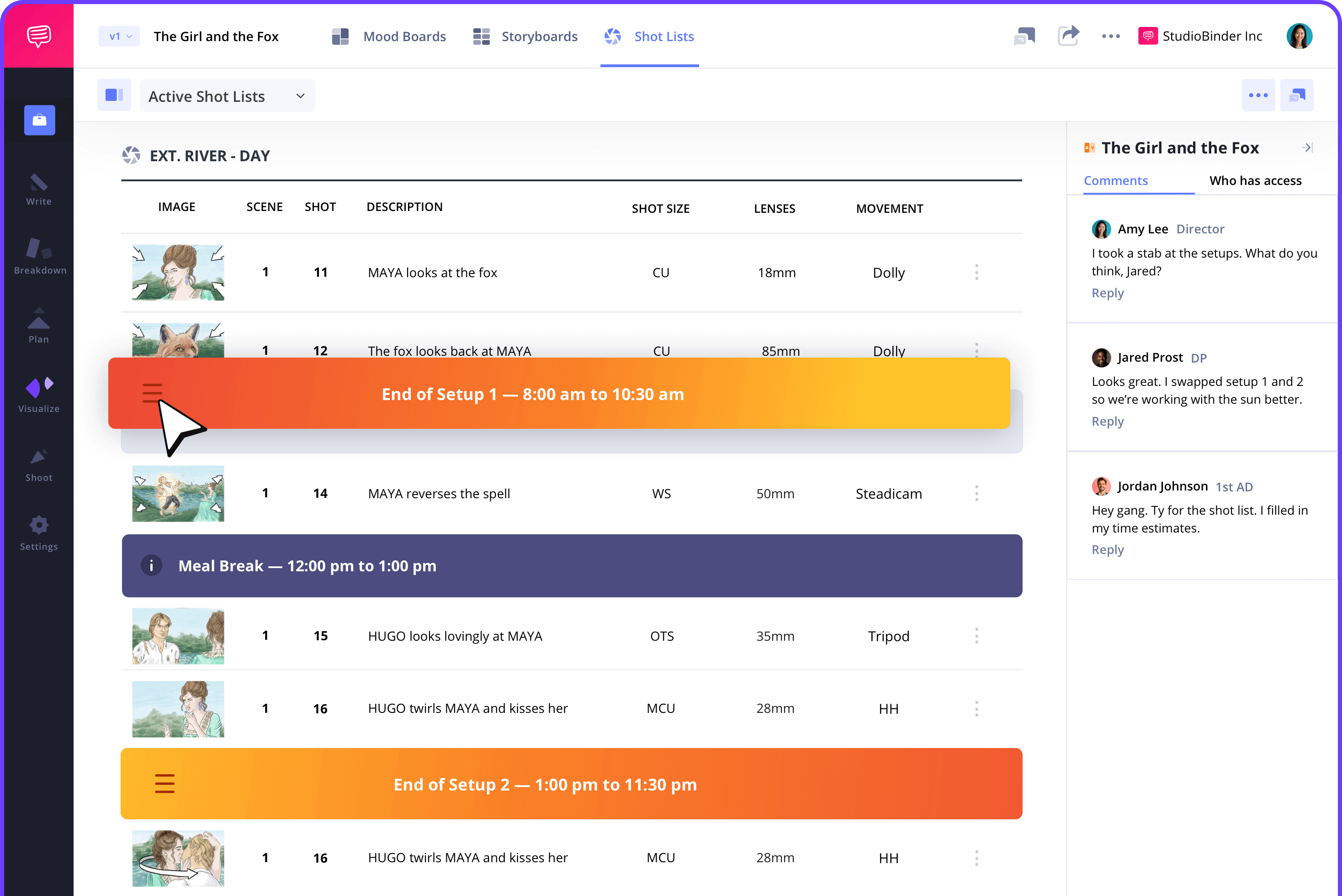
Transform screenplays into shot lists
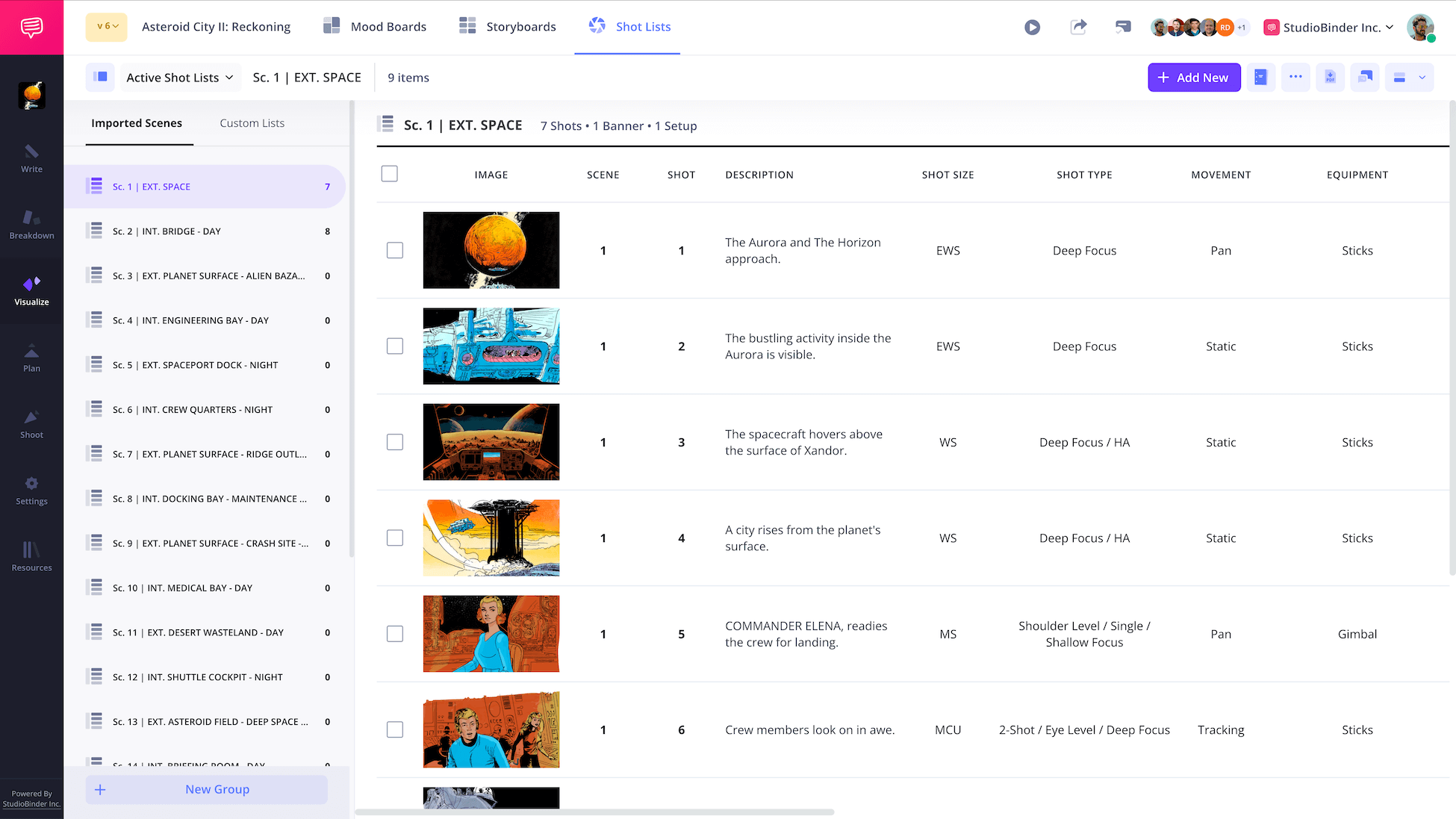
Import your script to automatically generate a dedicated shot list for each scene. It’s quick and easy to review scene content and add shots with a single click.

Shot Types
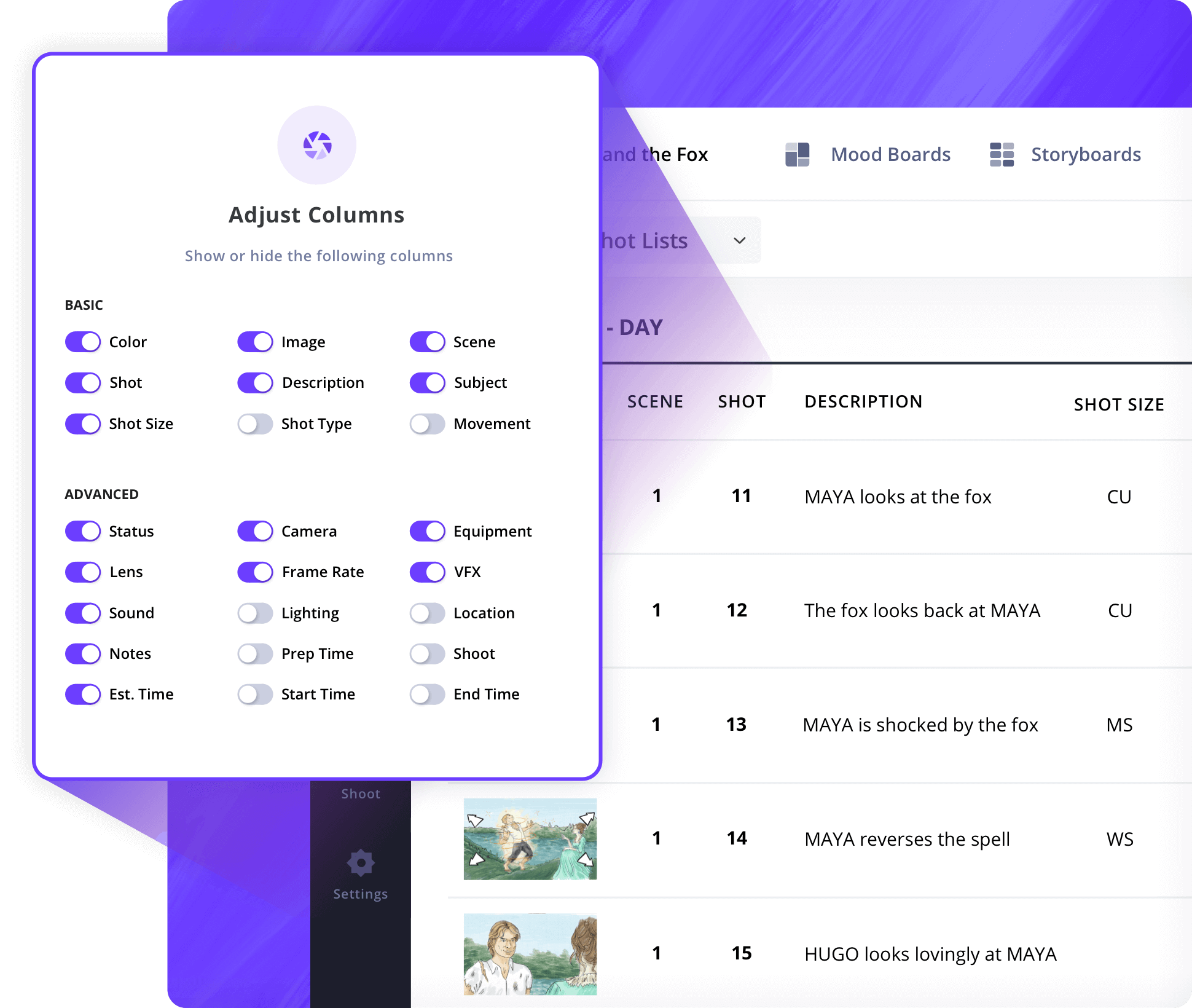
Customize your shot list layout
Filter shot details to display exactly what you need, keeping your shot list simple or detailed as you see fit. Customize for any production scale using shot types and shot specs.

How to Make a Shot List
Populate with shot details
Choose from shot types like shot size, camera movement, lens, location, and frame rate. Keep every shot type organized and ready for your creative vision.
Shot Tagger
Build shot lists faster with tagging
Select any line of action or dialogue from your script, and instantly add a shot to your list. Shot tagging simplifies and accelerates the shot listing process with maximum creative flow.


Camera Setups
Efficient schedules with shot listing apps
Group shots by camera or lighting setup, then drag and drop to optimize your shooting schedule. StudioBinder’s shot list app automatically calculates time estimates for your day.

Sharing
Collab and share your shot list
Keep everyone aligned with view-only links or invite team members to review and add feedback. The shot list software ensures seamless collaboration on your project.
Collaboration
A better approach to shot lists
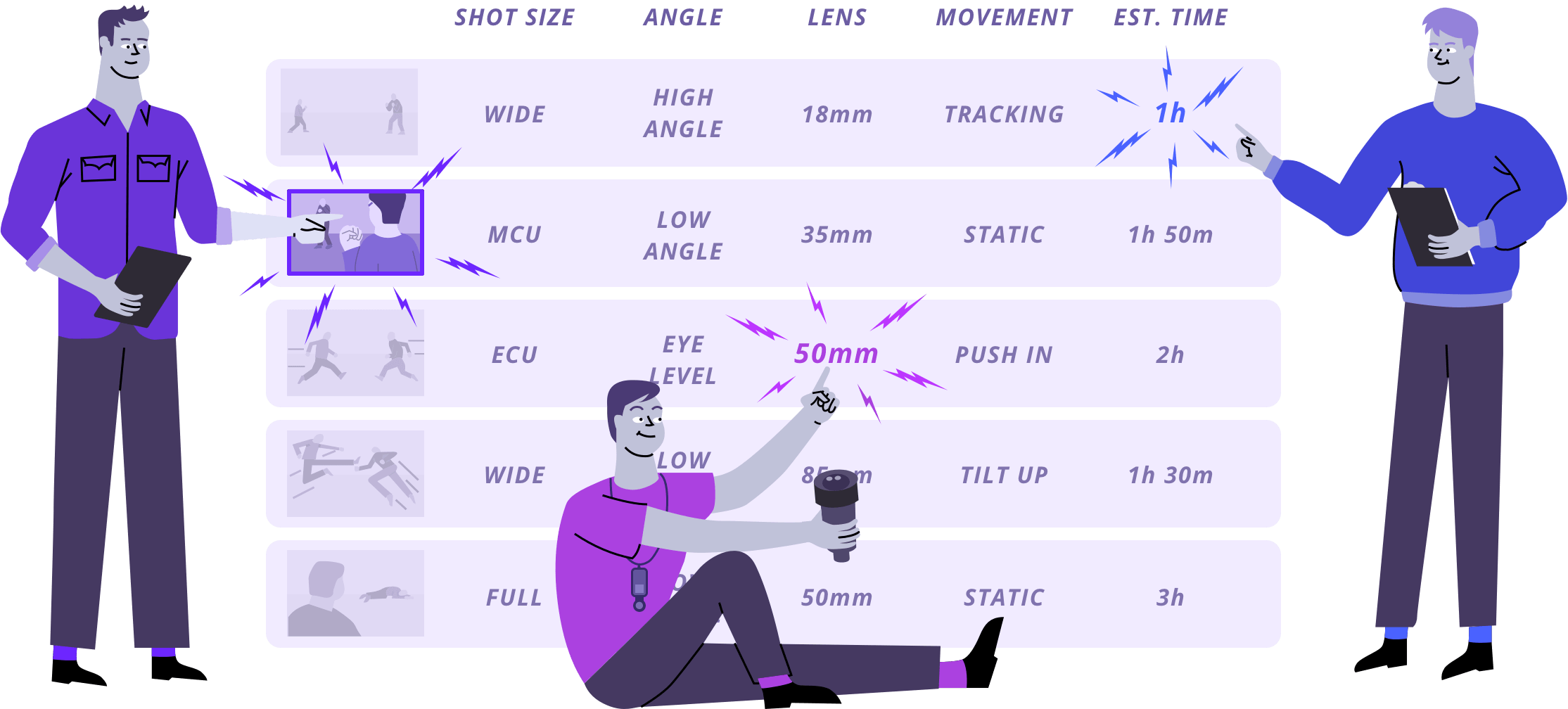
Directors, DPs, and 1st ADs can all collaborate on creating and scheduling shots using StudioBinder’s web-based shot list tools. Share, edit, and comment on your shot list with ease.

Director
The director builds the core shot list to express the creative vision.


Director of Photography
The DP fills in technical details like equipment, lens, lighting setups, etc.

1st Assistant Director
The 1st AD works in the necessary time estimates to schedule the day.
Mobile-Ready
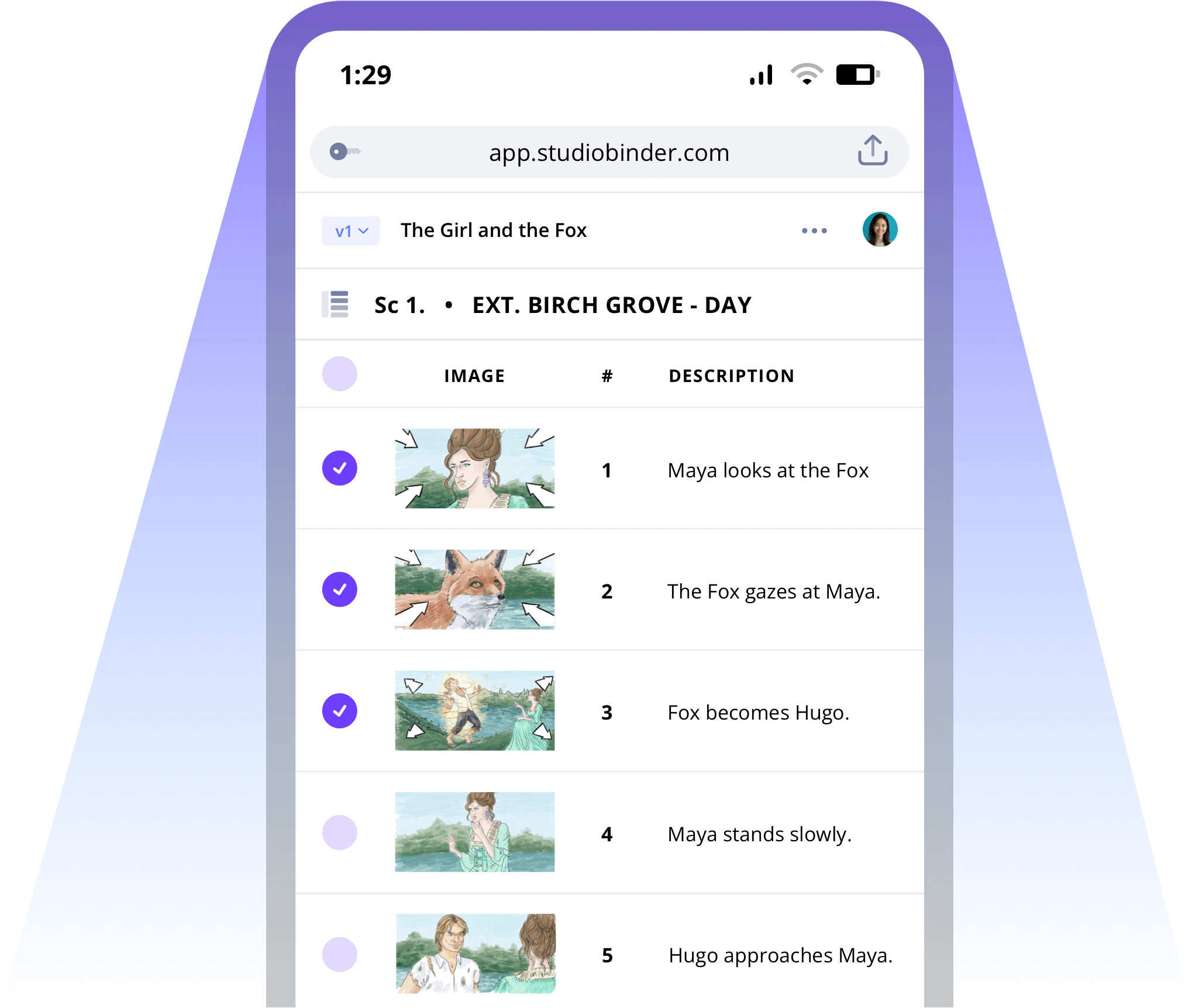
Track progress on set
Track your shot list progress from your phone, checking off completed shots as you go. StudioBinder’s shot list app ensures you stay on top of your day, even on the move.

Explore Features
More shot list features
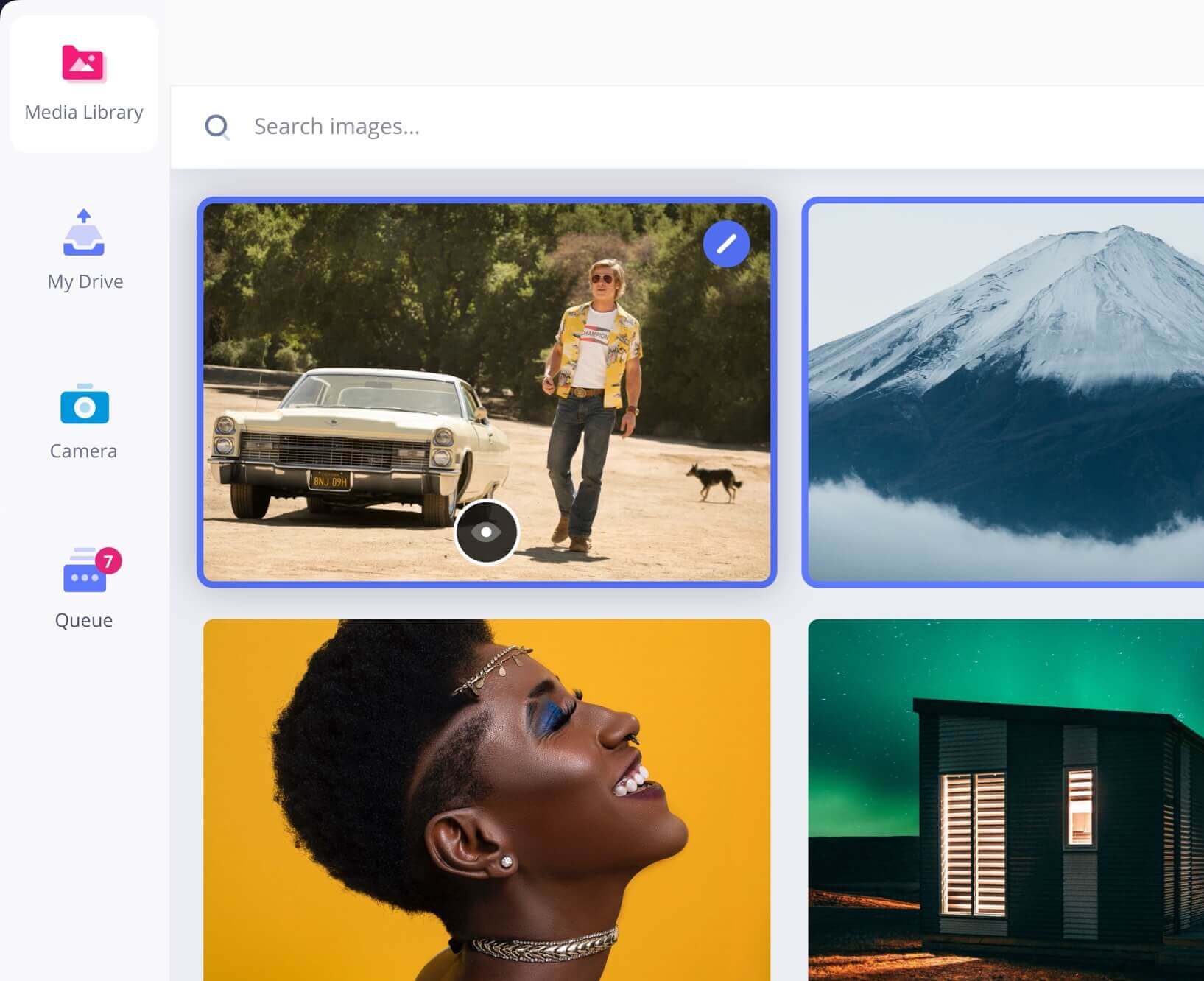
Media Library
Your media organized
Groups
Organize your shot lists

Aspect Ratios
Adjust every ratio
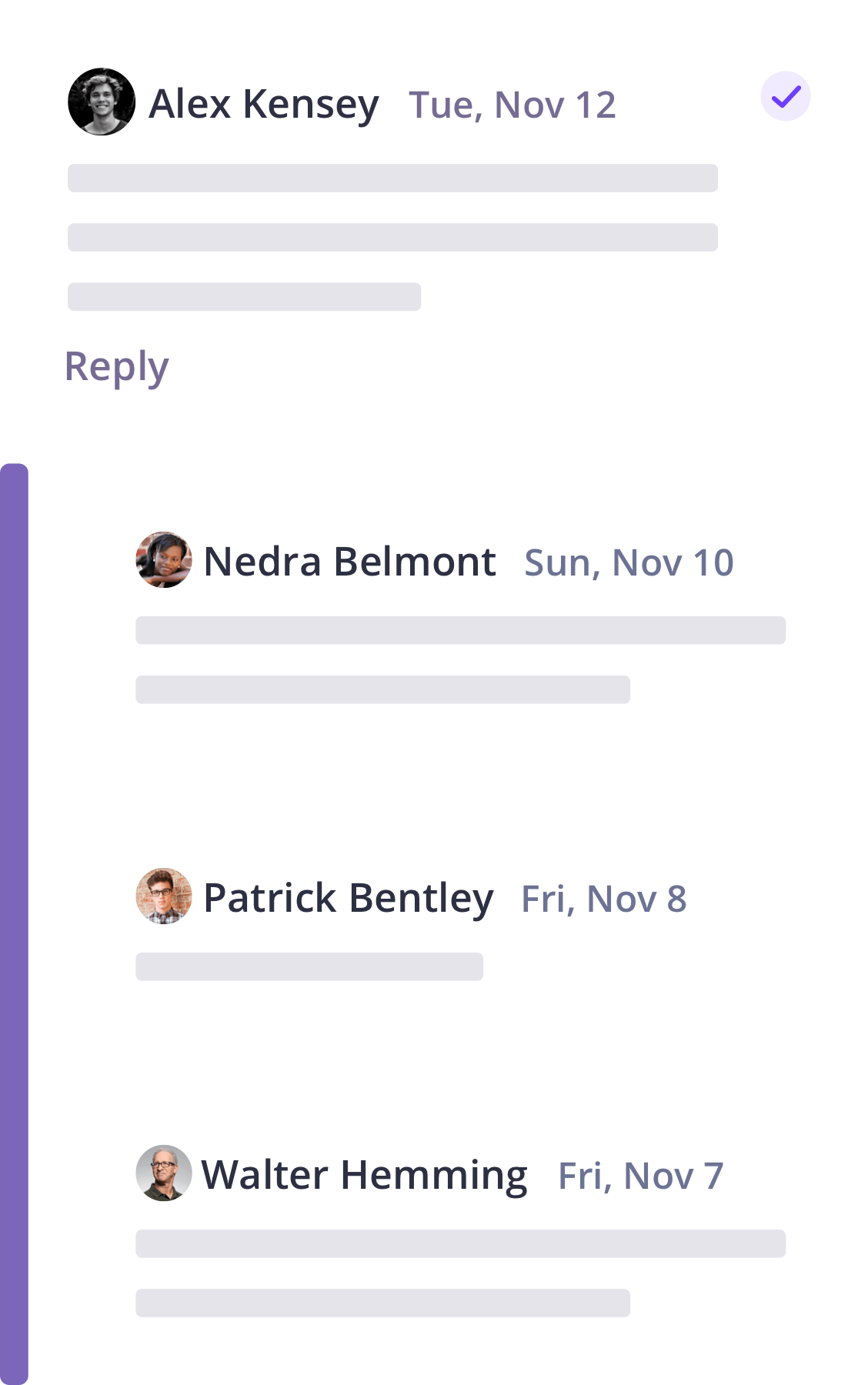
Comments
Colors
Call out shots with color


Tasks

Advanced
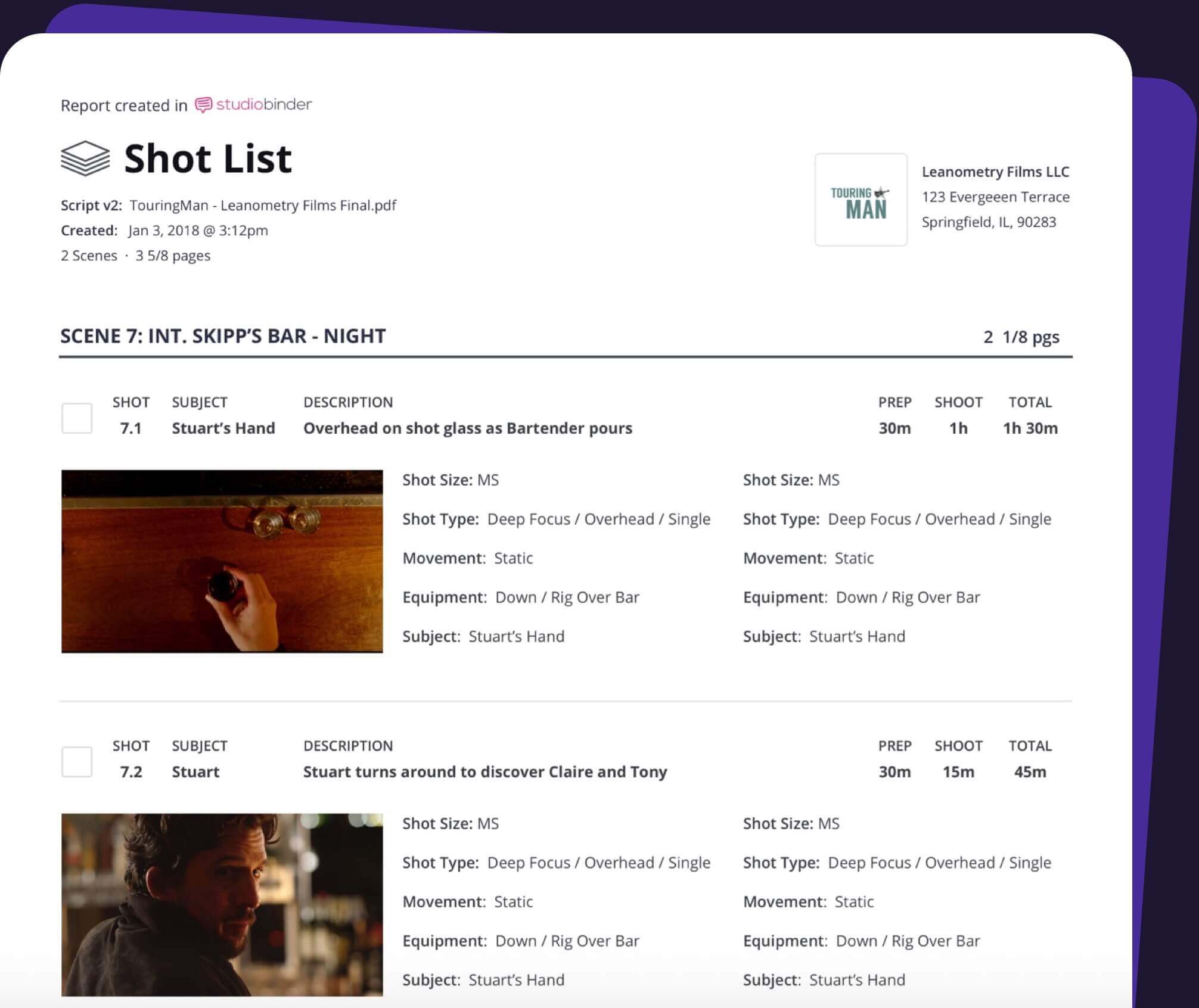
PDF Generator
Board View
See it like a storyboard


Export

Archive
Archive old shot lists to keep an accessible history.

Shot Numbers
Choose digits, letters, or your own custom numbering system.
Banners
Add camera setups, company moves, & meal breaks
Sample Shot List
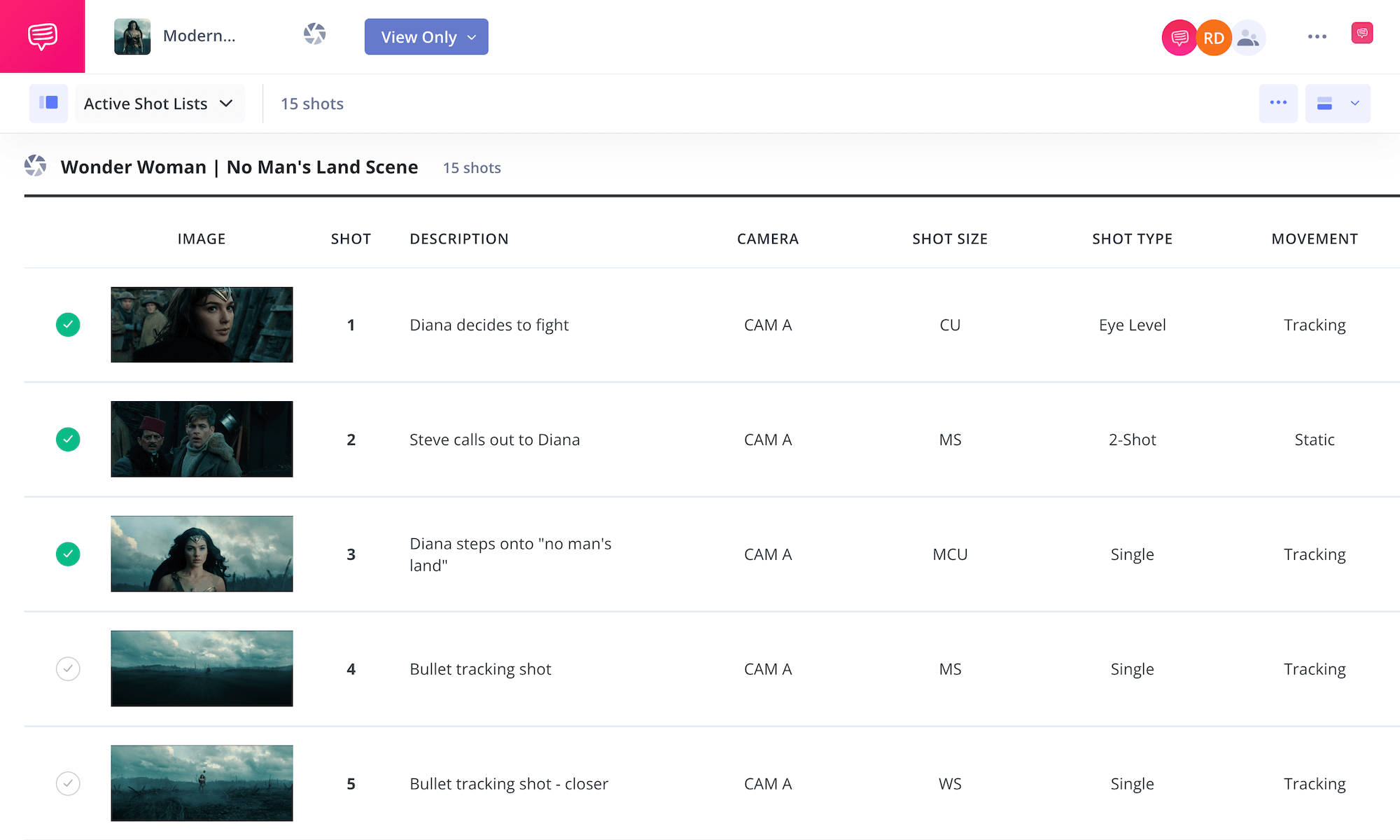
Review sample shot list
See how easy it is to create and manage your shots with our shot list app.

"StudioBinder places many of the tools you would need when managing a video production into one central place without the need of creating multiple excel, PDF & doc files. Information can be quickly updated, distributed & viewed minimizing any miscommunications."

Editor, NewsShooter
What are the 8 steps in shot listing?

Open StudioBinder on your browser.

Click on the Shot List tab on the project homepage.

Choose to either import a script or create a shot list from scratch.

Name the shot list, select shot details, and add images or insert blank shots.

Add an image to each frame from the Media Library or upload new images.

Enter details, including the scene number, description, and notes.

Populate your shot specs with camera movement, lenses, VFX, and more.

Create a custom PDF, send a view-only link, or invite team members for feedback.
Shot list FAQs
Shot listing basics explained
Step one is read your script and choose your shots. Make a list with all the necessary details and shot specs. Then order that list into the most cost-efficient shooting schedule.
A shot list template is a blank shot list that you fill in with your shots and details. These are typically a spreadsheet-style document that can be printed or filled in electronically.
If you have a specific wish list for a photo session, you should definitely reach out to the photographer with a shot list. It doesn't need to be extensive or detailed, but this will help guide them to get what you want.
The format and layout of your shot list can be whatever works best for you and your team. But a vast majority of shot lists use a spreadsheet-style table with a row for each shot and columns for individual shot specs.
Letters you should avoid when shot listing are those that resemble numbers. For example, "B" might look like an "8" which would cause unnecessary confusion on the film slate.
Depending on the nature of the photoshoot, a photography shot list would break down shots into poses, backdrops, locations, lighting setups, wardrobe changes, etc.
Photoshoots, like any other type of visual production, requires organization. This means having a shot list plan set, specific call times, location details, etc. so that the entire team knows the plan.
Customers
Trusted by the Best
Modernizing production workflows at renowned studios worldwide.












Explore Solutions
What else can StudioBinder do?
See all the ways we can improve your production workflow.
Write
Industry-standard scriptwriting software and note taking.


Breakdown
Identify all the pre-production details you need to know.


Visualize
Visualize the script to get everyone on the same page.
Plan
Collaborate with department heads as you prepare for production.


Task Boards
Team collaboration

Media Library
Share docs & media



Today’s production teams use StudioBinder to streamline their process, and collaborate on better content together.


"I can be a part of the conversation and see when someone finishes a task."
Watch Testimonial ➜

"StudioBinder makes pre-production that much quicker for out team."
Watch Testimonial ➜

"Call sheet confirmations have instantly made our life that much easier."
Watch Testimonial ➜





