
Shot Lister App
Take your shot
StudioBinder’s shot lister tool is built to suit any size production, offering flexibility and precision for your filmmaking needs.

Explore Visualize
Explore all the features in the Visualize solution


Shot Lister Software
A shot listing tool for professionals
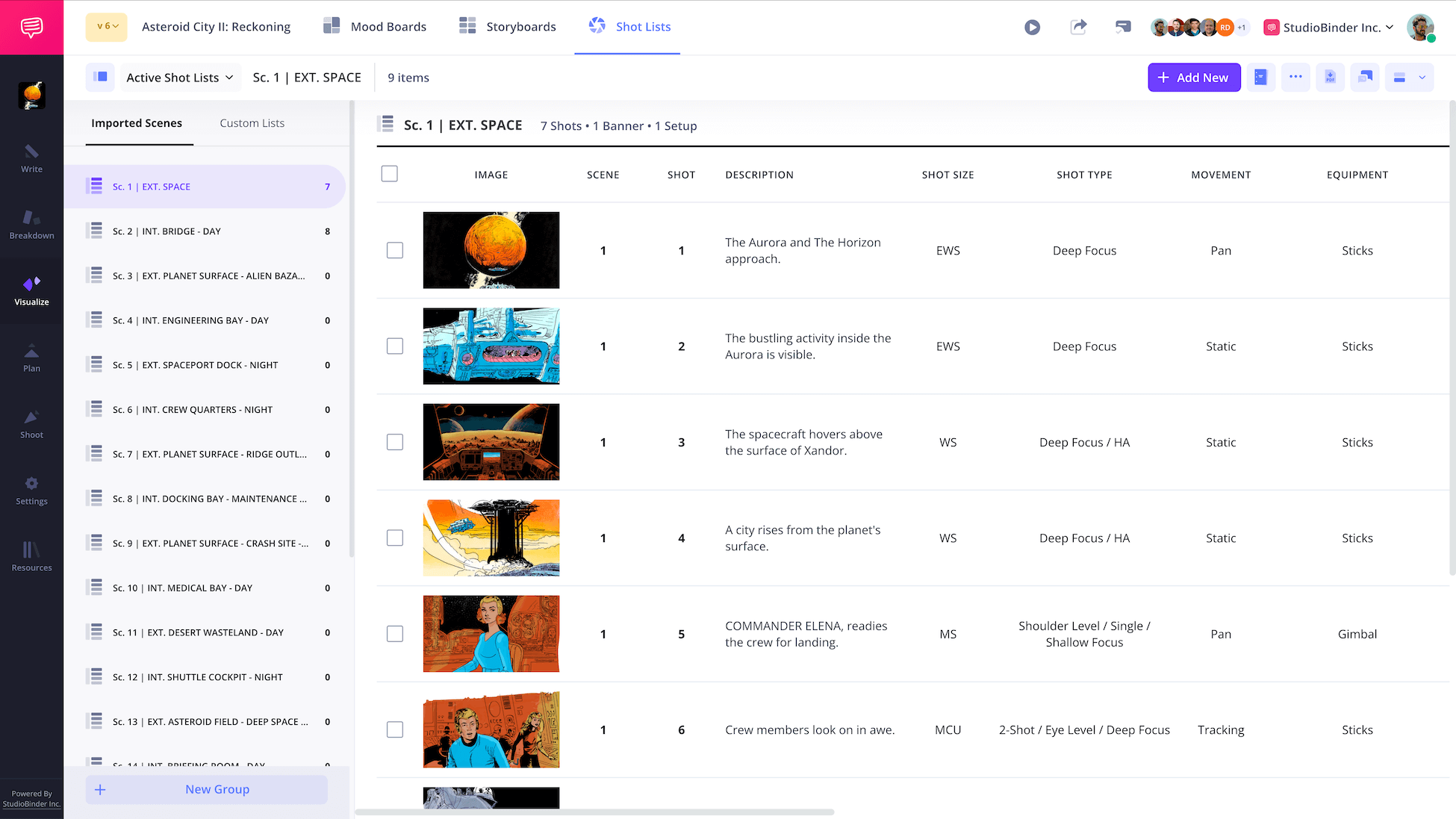
Tag shots straight from your script, fill in your shot details, customize your view, create a shooting schedule, and collaborate seamlessly with your team. Take your shot listing to the next level.
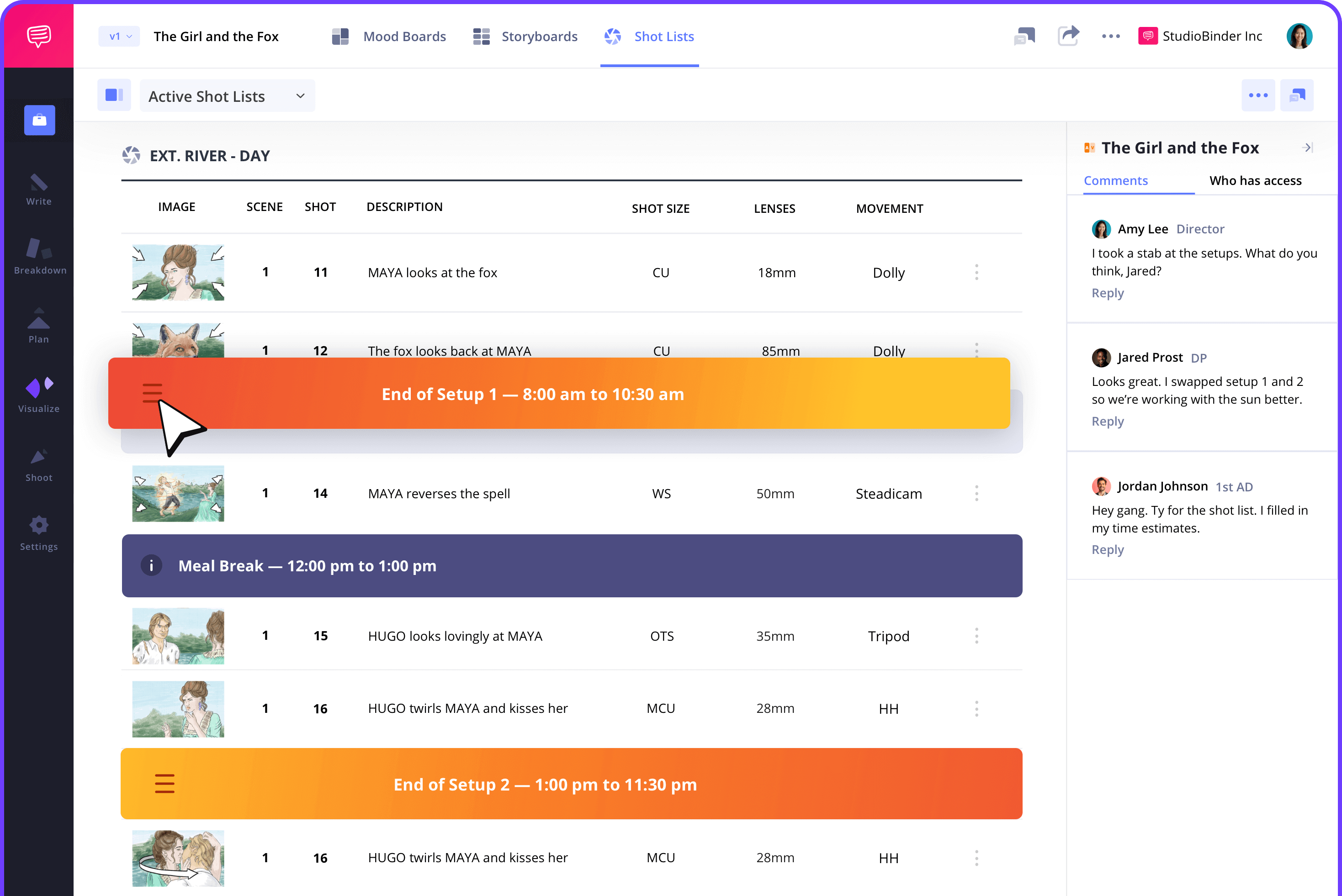
Script Integration
Let the script shape your shot list
If you have a script, simply import it. This will generate a shot list for every scene, making it easier than ever to generate scene content. All that’s left is to review the scene and add your shots.

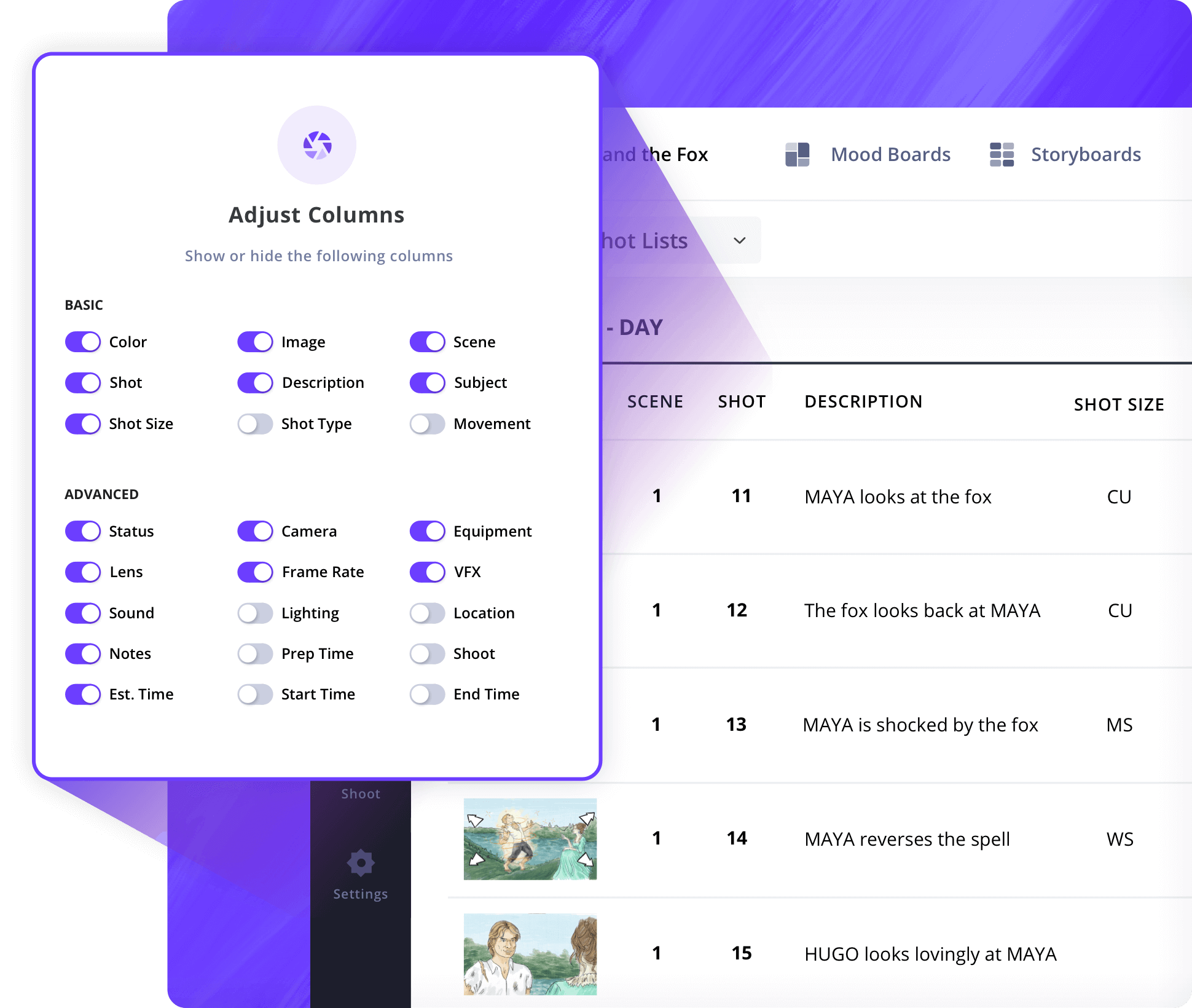
Shot List Creator
Choose your shot types
Whether you need a basic setup or a detailed breakdown, filter the columns to display only what you want. Your shot list, your style so you can make it work for your project.

Building Your Shot List
Add shot specs with ease
Choose from a wide range of shot types, from shot size, camera movements, lens choice, frame rates, camera angles, sound, and locations. Every shot type is clearly listed to help you visualize your creative direction.
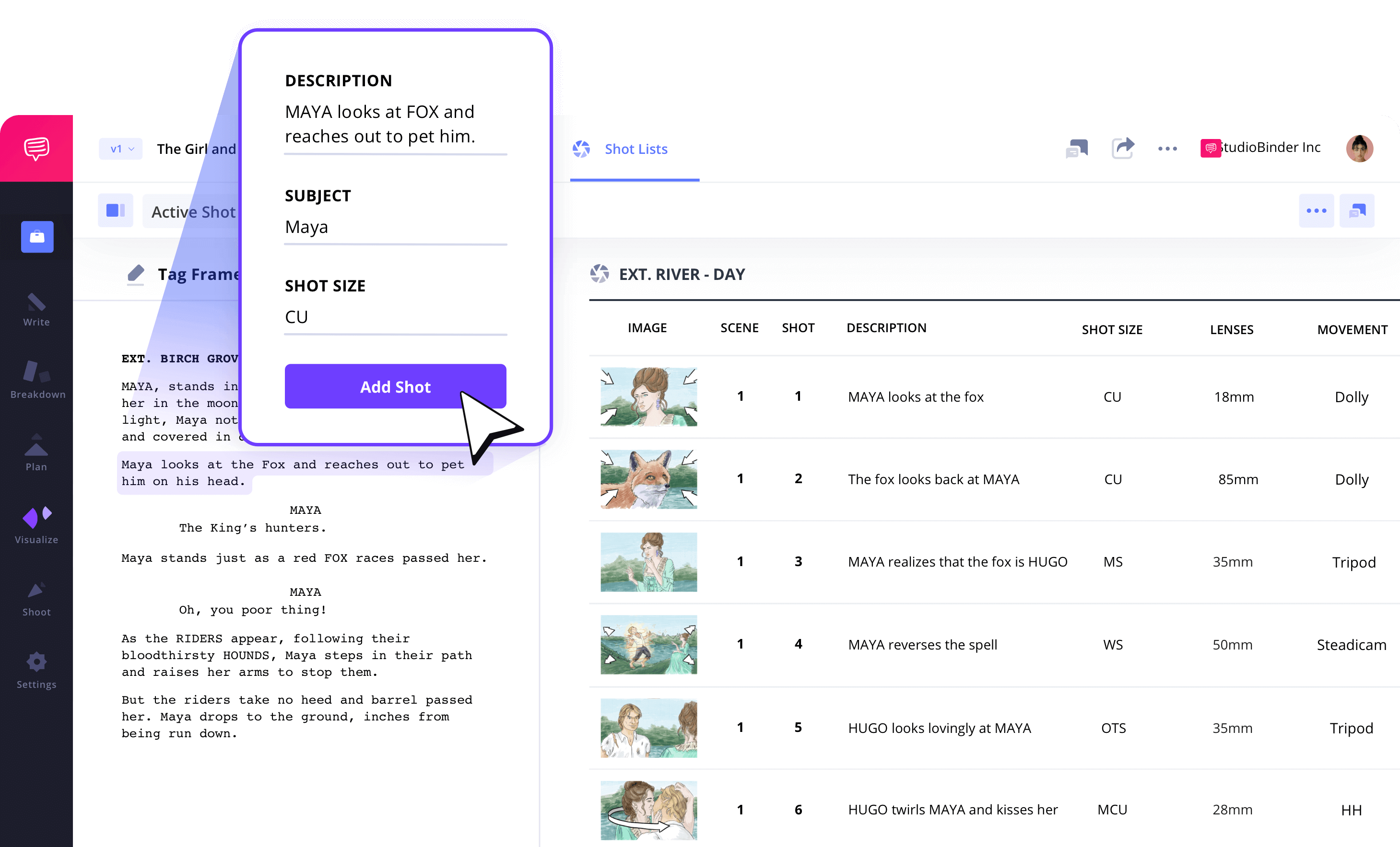
Shot Tagging
Create shot lists more efficiently
Forget manually lining up your script and flipping back and forth. With StudioBinder’s Shot Tagging feature, you can add shots instantly by selecting action or dialogue lines from your script. This makes building your shot list fast and intuitive.
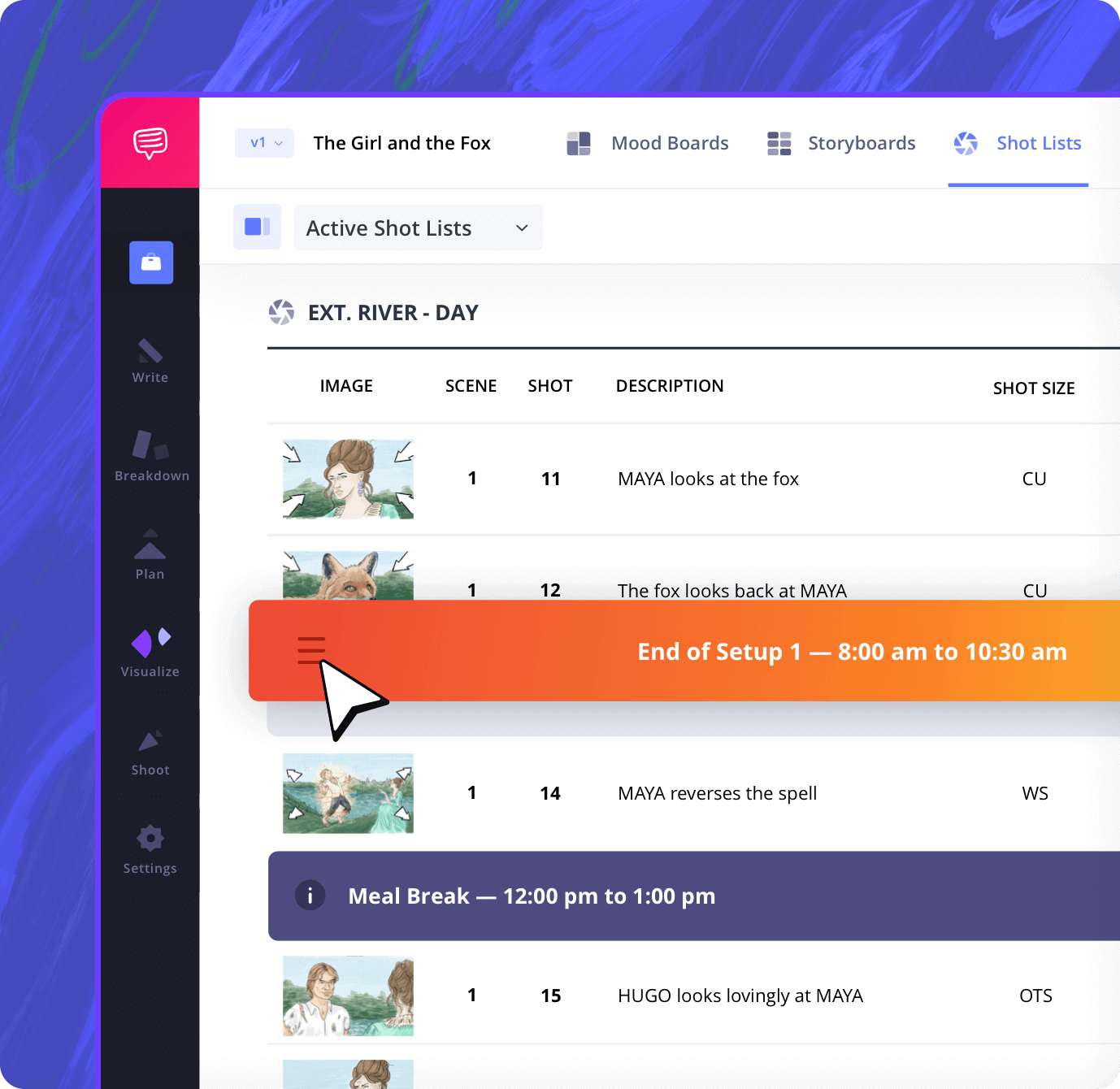
Camera Setups
Plan your shooting days
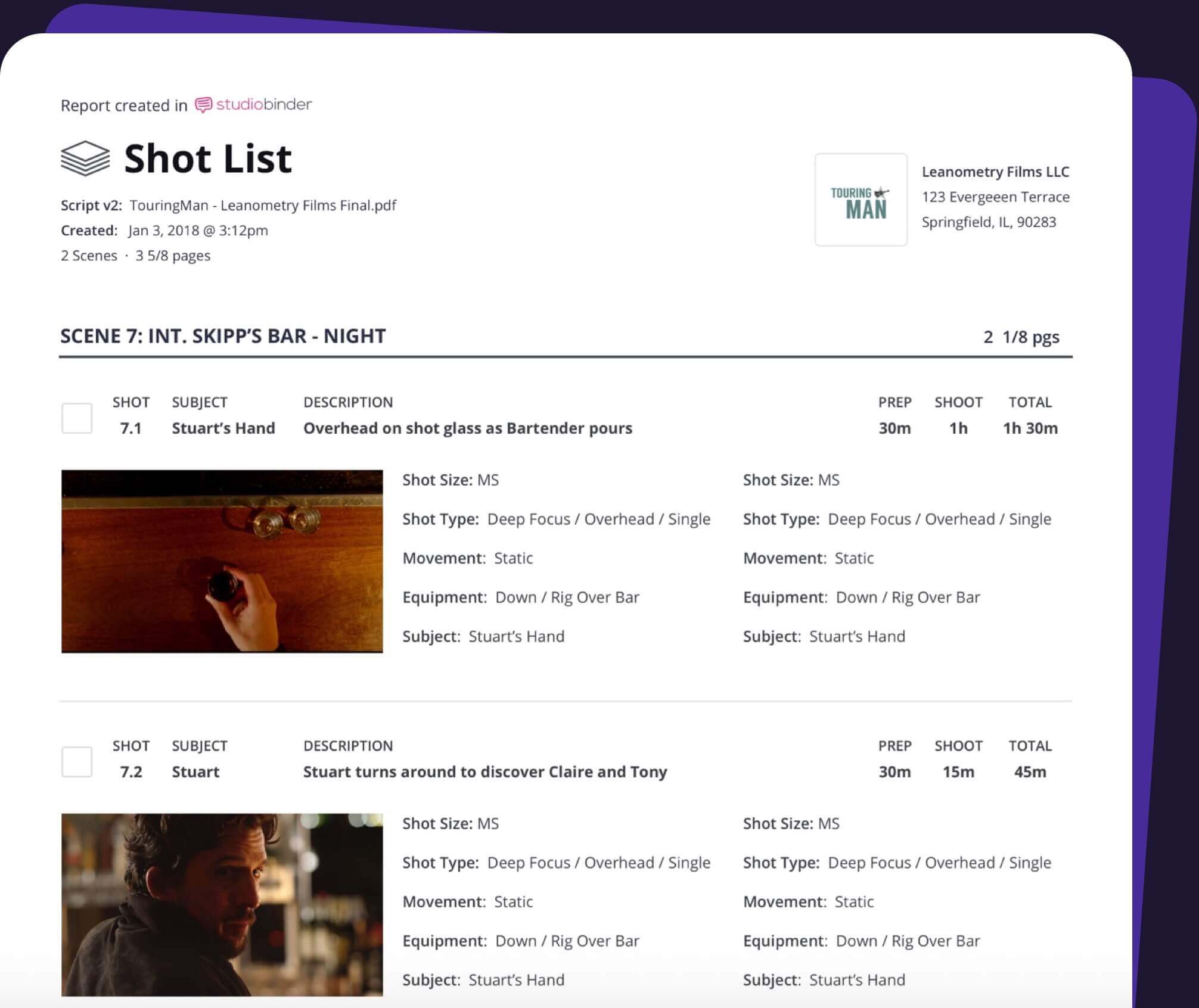
Group shots by camera or lighting setup, then drag and drop each one to arrange the optimal shooting sequence. Add prep and shoot time estimates, and StudioBinder will automatically calculate your total shooting time.
Sharing
Collaborate even easier
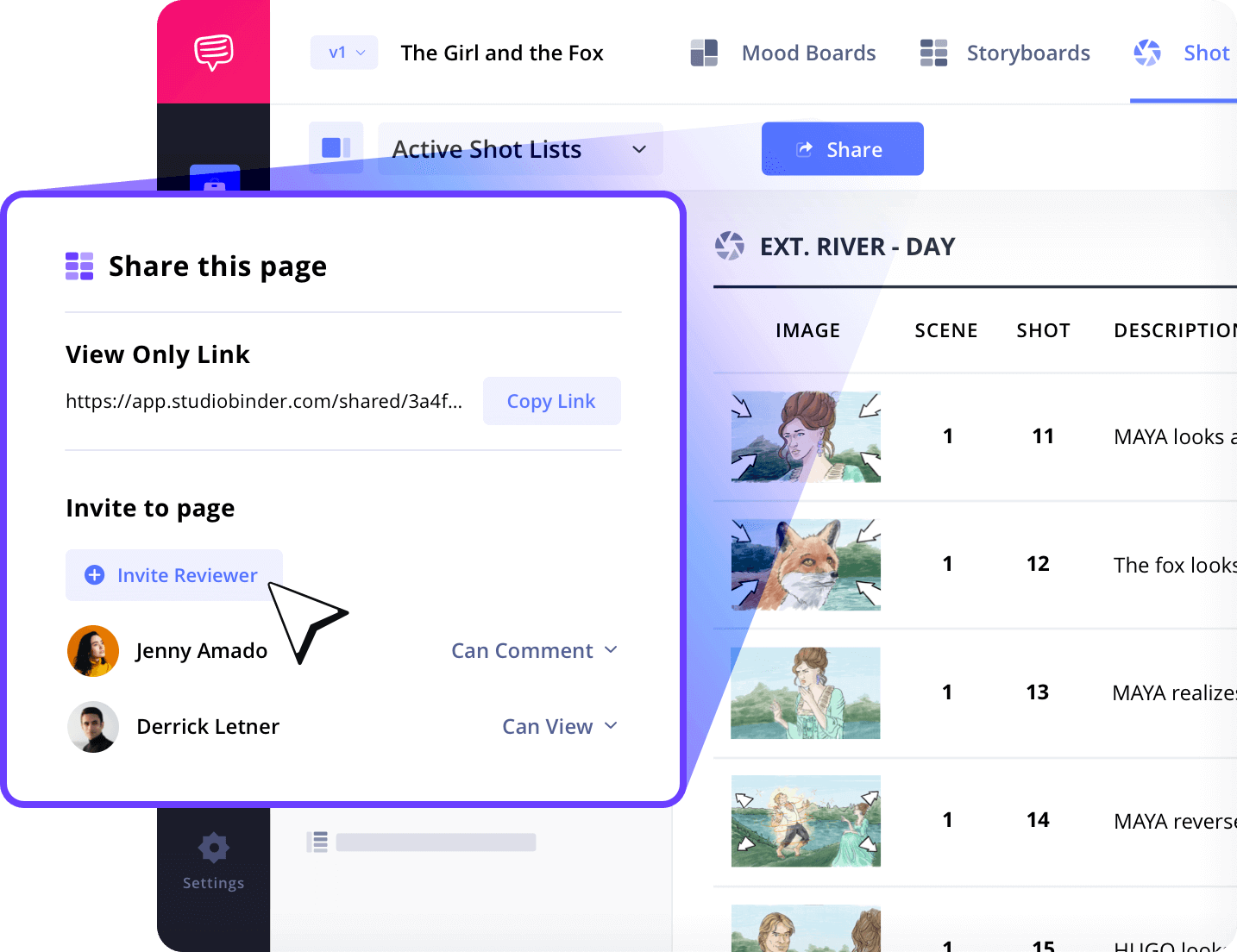
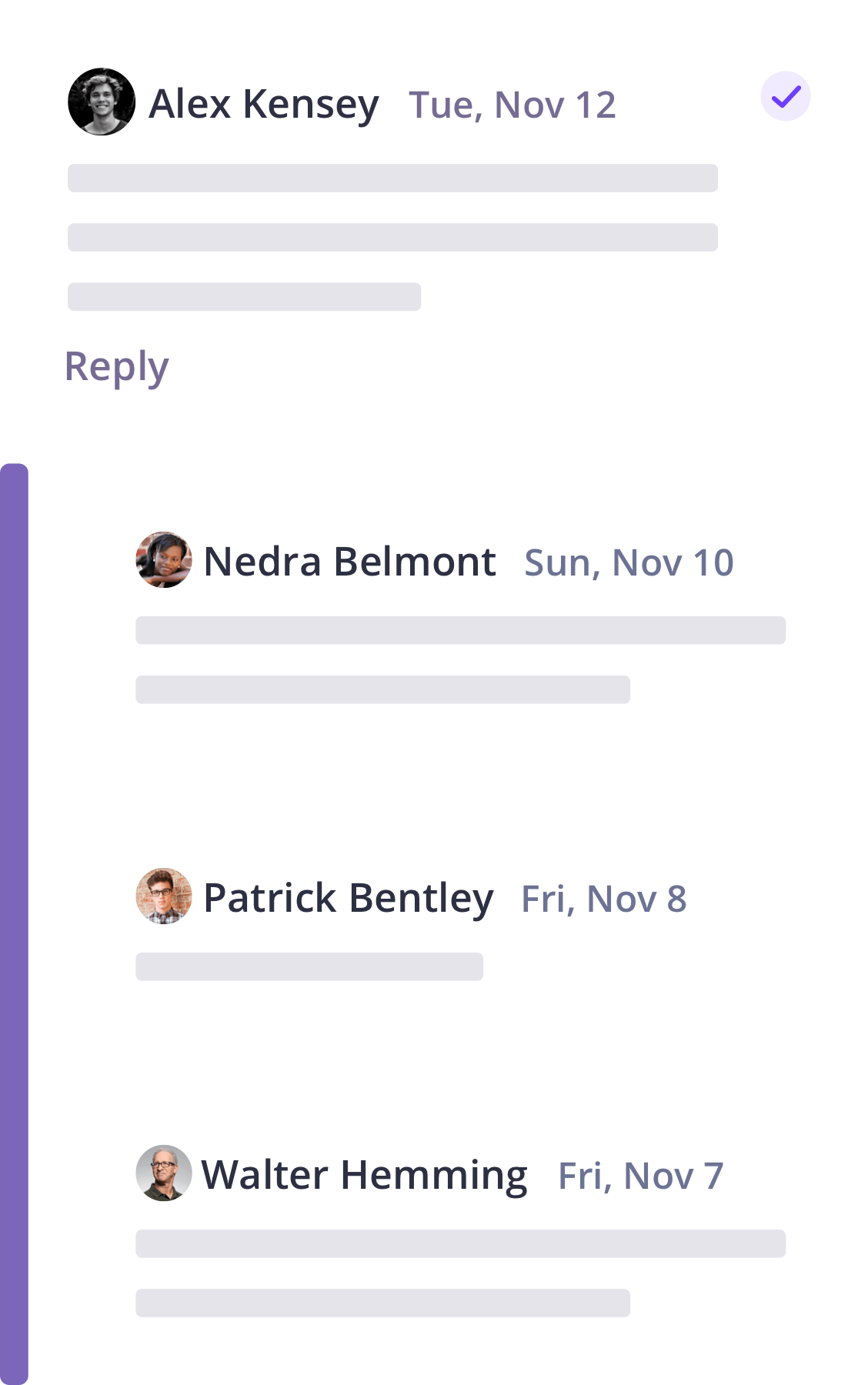
Keep your entire team updated with collaboration tools. Easily create view-only links for easy access to your shot list or invite teammates to add feedback, comments and make revisions within the shot list to save more time.
Collaboration
A modern approach to shot listing for film
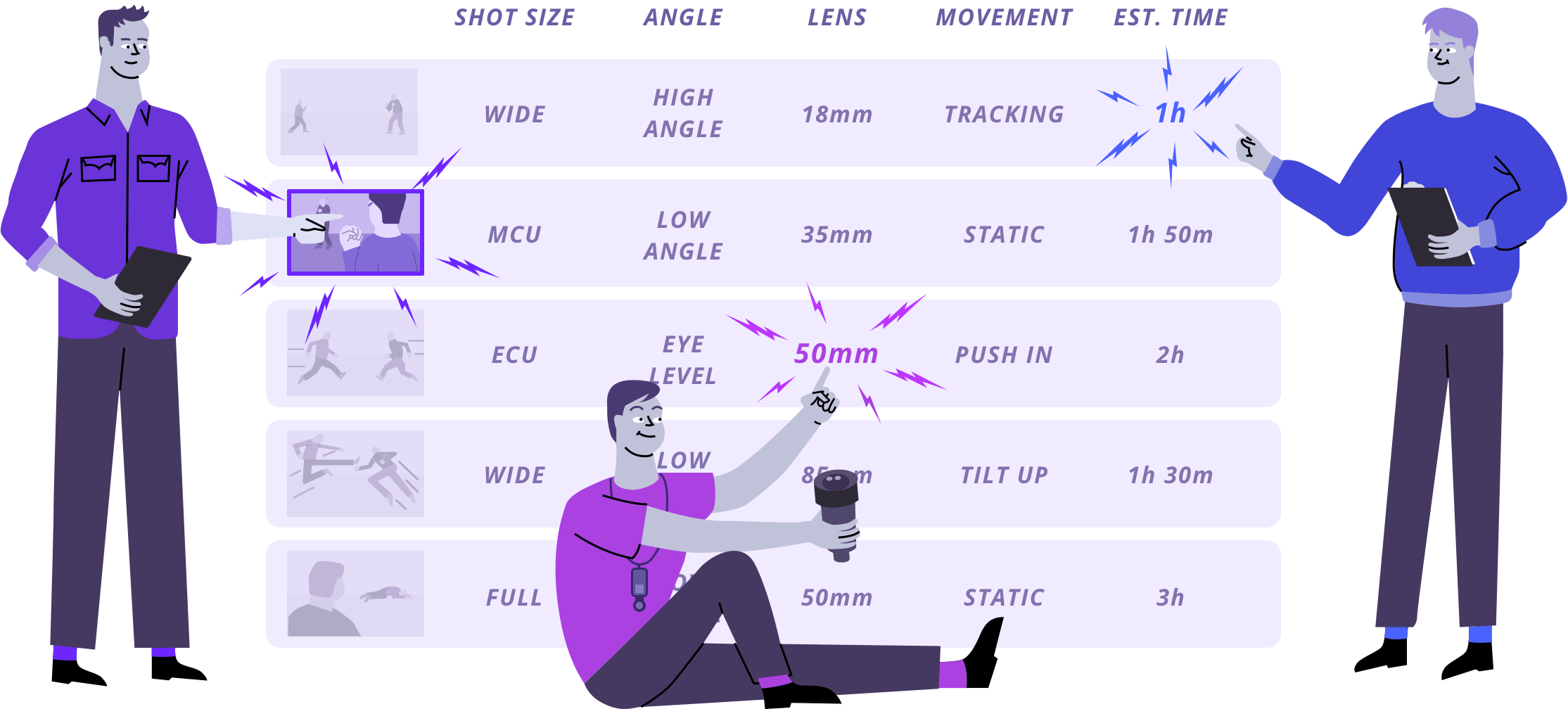
Creating a shot list has always been a collaborative process between the director, cinematographer, and 1st AD. StudioBinder brings this process online, making it efficient, accessible, and shareable.

Director
The director builds the shot list to convey the creative vision.


Director of Photography
The DP adds technical details like gear, lens, and lighting setups.

1st Assistant Director
The 1st AD works in time estimates to schedule the shooting day
Mobile-Optimized
Track progress on the go
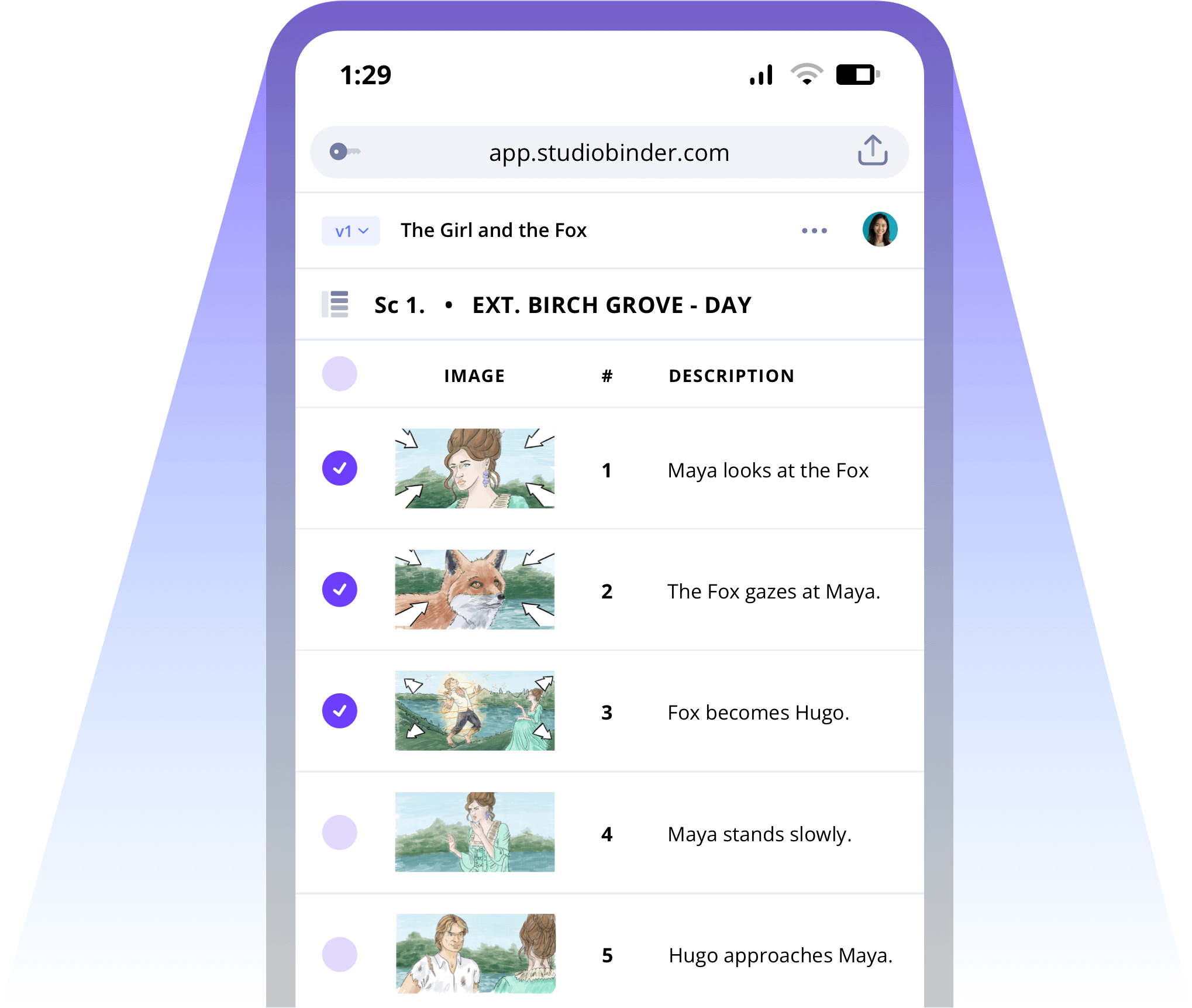
Stay on top of your shoot by checking off completed shots directly from your phone. You and your collaborators can track what’s finished and what’s left to do in a glance, keeping everyone in sync.
Explore Features
More shot list features
Media Library
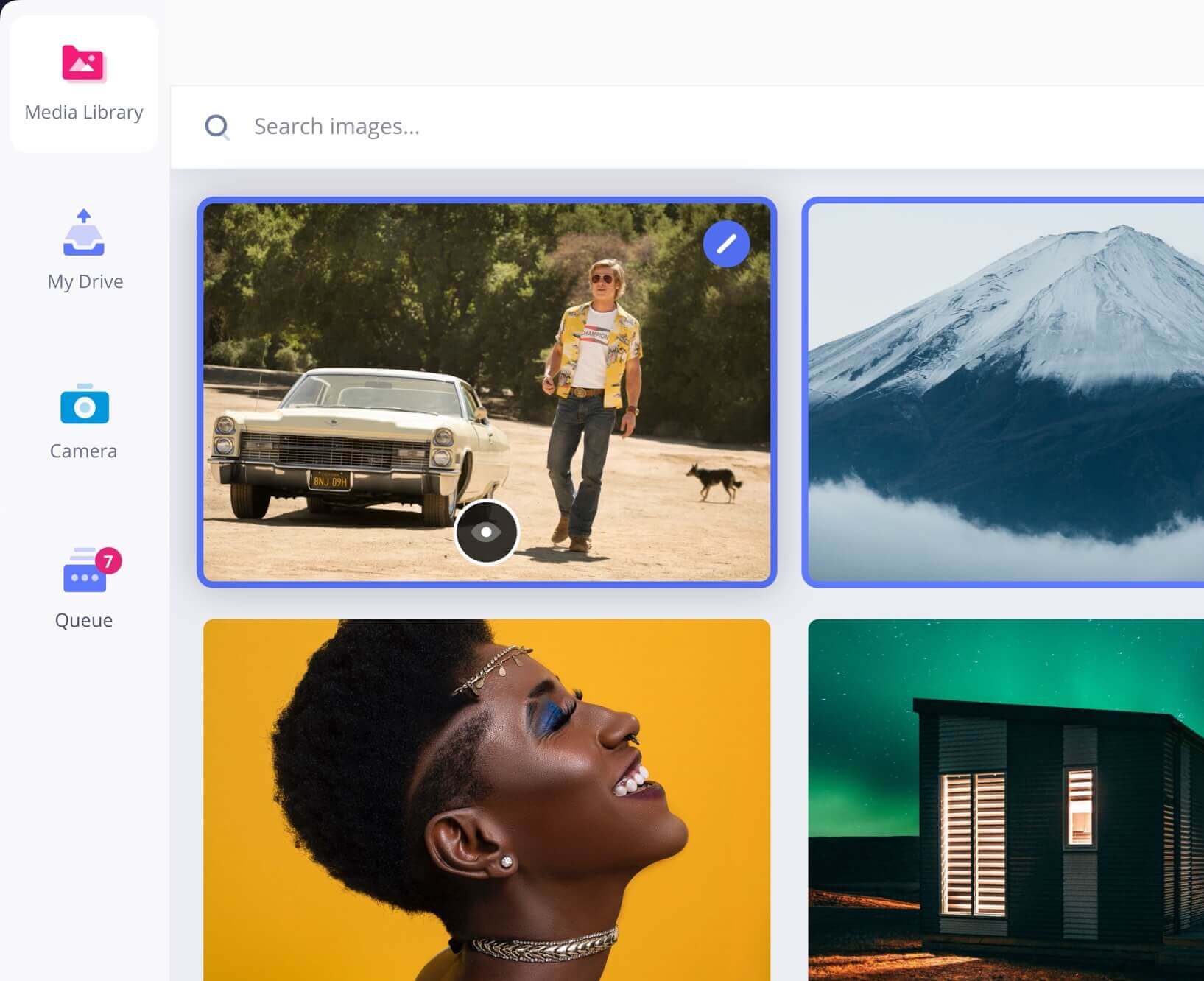
Your media organized
Groups
Organize your shot lists

Aspect Ratios
Adjust every ratio
Comments
Colors
Call out shots with color


Tasks

Advanced
PDF Generator
Board View
See it like a storyboard


Export

Archive
Archive old shot lists to keep an accessible history.

Shot Numbers
Choose digits, letters, or your own custom numbering system.
Banners
Add camera setups, company moves, & meal breaks
Shot List Demo
See it in action
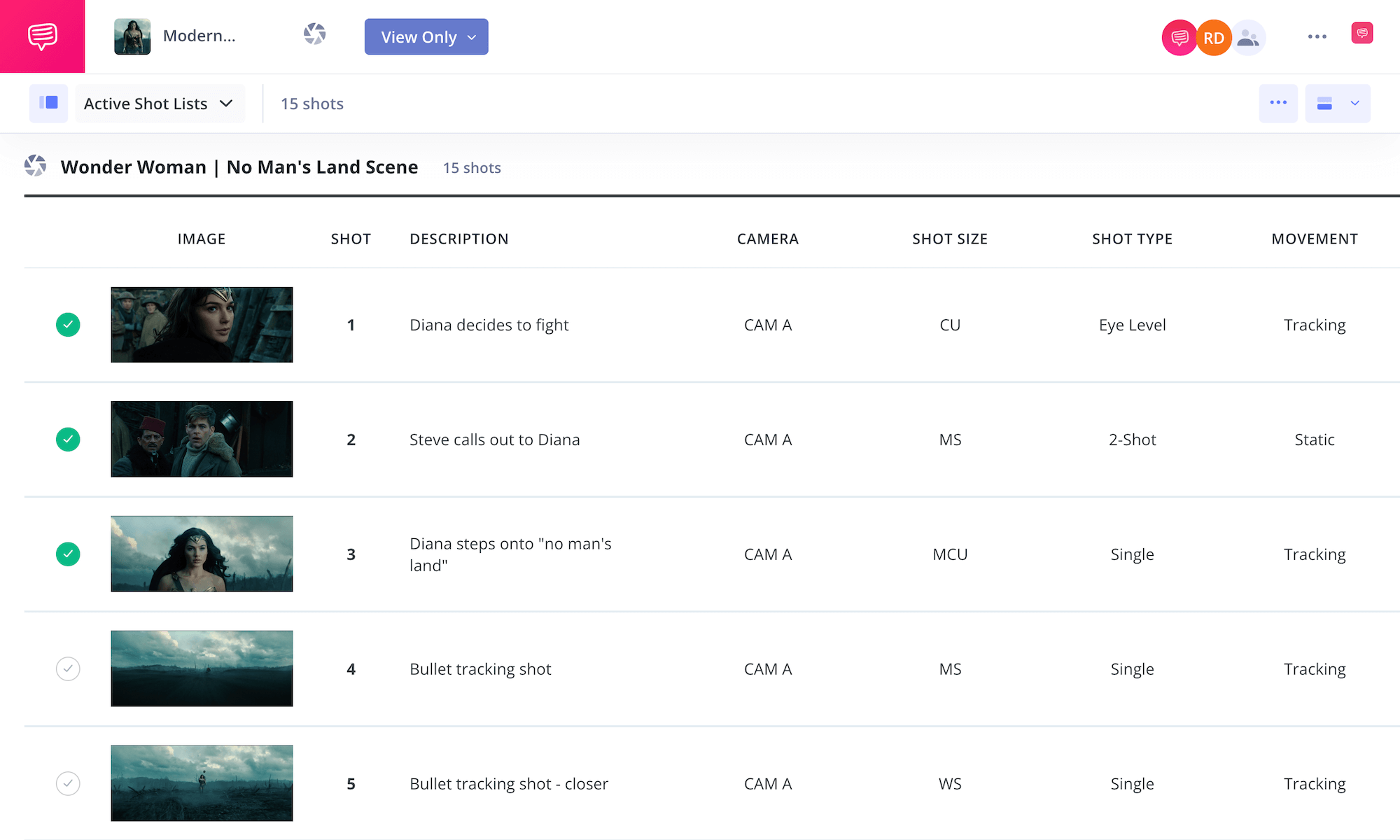
Experience StudioBinder’s shot listing tool firsthand. Browse our shot list example to see how it simplifies production planning.

"StudioBinder places many of the tools you would need when managing a video production into one central place without the need of creating multiple excel, PDF & doc files. Information can be quickly updated, distributed & viewed minimizing any miscommunications."

Editor, NewsShooter
What are the 8 steps in shot listing?

Open StudioBinder on your browser.

Click on the Shot List tab on the project homepage.

Choose to either import a script or create a shot list from scratch.

Name the shot list, select shot details, and add images or insert blank shots.

Add an image to each frame from the Media Library or upload new images.

Enter details, including the scene number, description, and notes.

Populate your shot specs with camera movement, lenses, VFX, and more.

Create a custom PDF, send a view-only link, or invite team members for feedback.
Shot list FAQs
Shot list basics explained
Most people use the two-word version, but it's perfectly fine to use either. The meaning is the same for both.
The director should make the shot list. At least the first draft because upon collaboration with the DP and 1st AD, changes might need to be made. But, as the director, the vision starts and ends with them.
Here's the scene: Two women sit on a park bench talking.
- Master Shot — wide shot from the street facing the bench
- Two Shot — medium shot from the left
- Two Shot — medium shot from the right
- Close-up on Character A
- Close-up on Character B
A real shot list should include more details than that, but that's the basic version of a shot list.
When you shot list is complete, you might then turn that shot list into a storyboard, which is just a visual version. Each shot gets illustrated with a drawing, a photograph, an AI-generated image, etc. This provides the team with a more visual reference for how each shot should look and how it will play in context with the other shots.
List out each shot you want for the scene. Remember that you only need a shot entry for each setup. Add as many details as you can to give your crew, especially the camera crew, the complete game plan.
No, a shot list is not absolutely necessary, but it is highly recommended. Some filmmakers prefer the natural flow of finding shots with the actors on set. But that runs the risk of going over schedule and budget. Even if you do a shot list, you can experiment on set, but at least you have a solid plan to fall back on with a list.
Customers
Trusted by the Best
Modernizing production workflows at renowned studios worldwide.












Explore Solutions
What else can StudioBinder do?
See all the ways we can improve your production workflow.
Write
Industry-standard scriptwriting software and note taking.


Breakdown
Identify all the pre-production details you need to know


Visualize
Visualize the script to get everyone on the same page
Plan
Collaborate with department heads as you prepare for production


Task Boards
Team collaboration

Media Library
Share docs & media



Today’s production teams use StudioBinder to streamline their process, and collaborate on better content together.


"I can be a part of the conversation and see when someone finishes a task."
Watch Testimonial ➜

"StudioBinder makes pre-production that much quicker for out team."
Watch Testimonial ➜

"Call sheet confirmations have instantly made our life that much easier."
Watch Testimonial ➜


