
Storyboard Blocking
Ideas to storyboards
StudioBinder’s storyboard blocking feature helps filmmakers plan angles, character movements & scene layouts efficiently.

Explore Visualize
Explore all the features in the Visualize solution


Storyboard Builder
Storyboard and pre-production in one program
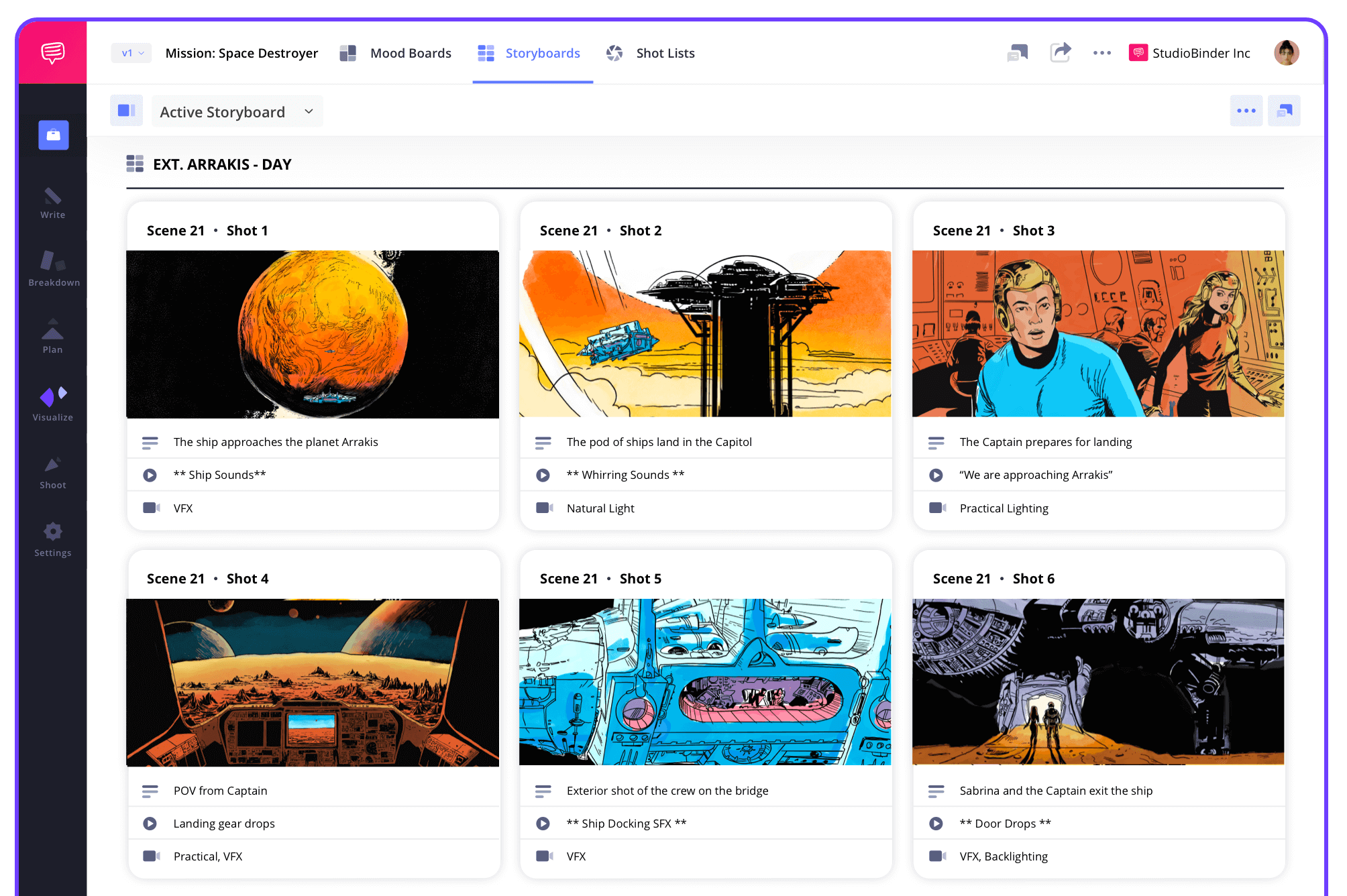
StudioBinder’s storyboard creator combines storyboard blocking, shot listing, and production planning in a single tool. Visualize each scene’s actor and camera movements, map out shots, and create a clear blueprint for your shoot.
Script to Storyboard
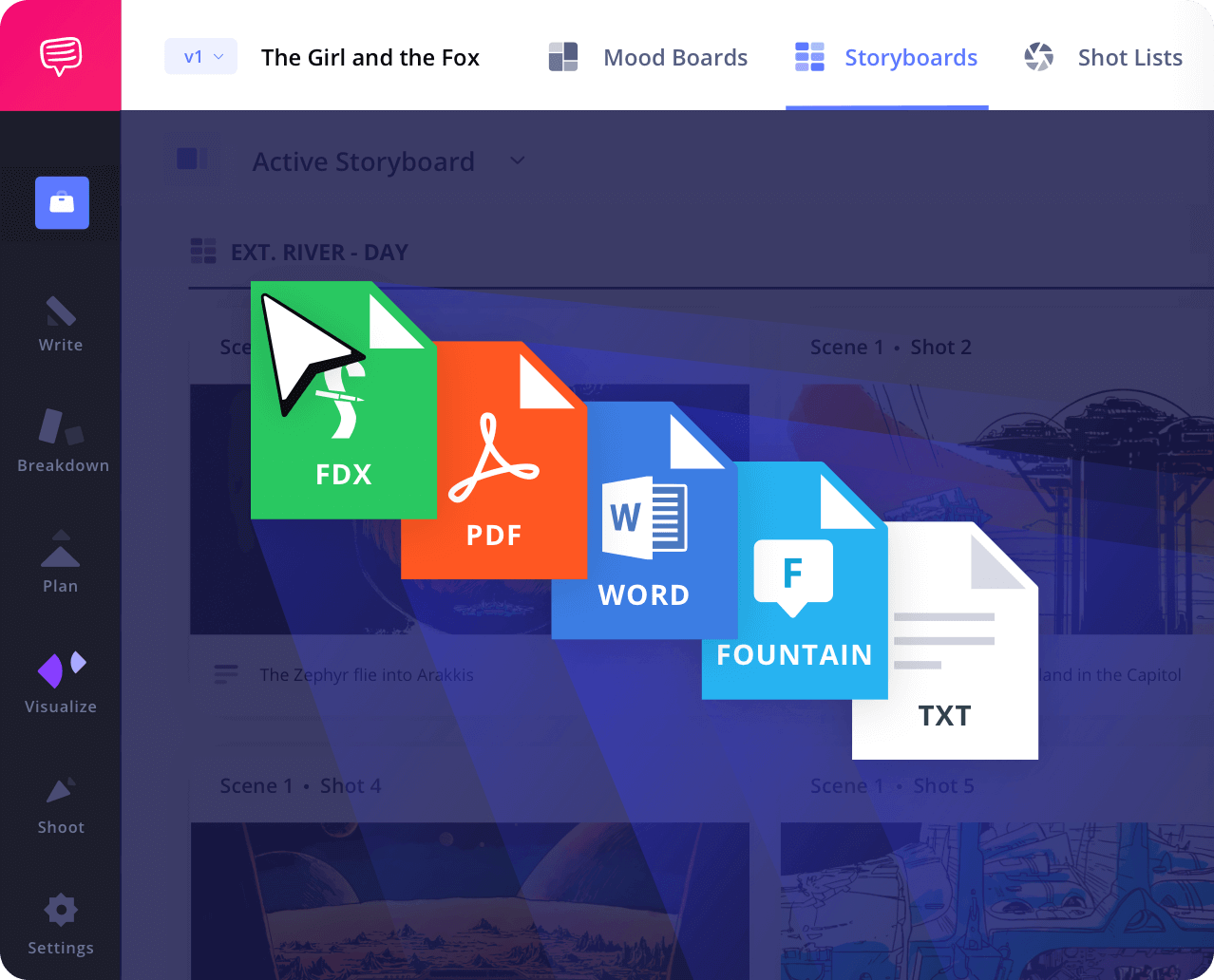
Storyboard blocking starts with your script
Import your script or write one directly inside StudioBinder. Each scene automatically generates storyboard panels that incorporate storyboard blocking notes for camera positions, actor movements, and shot composition, making pre-visualization seamless.
Shot Tagger
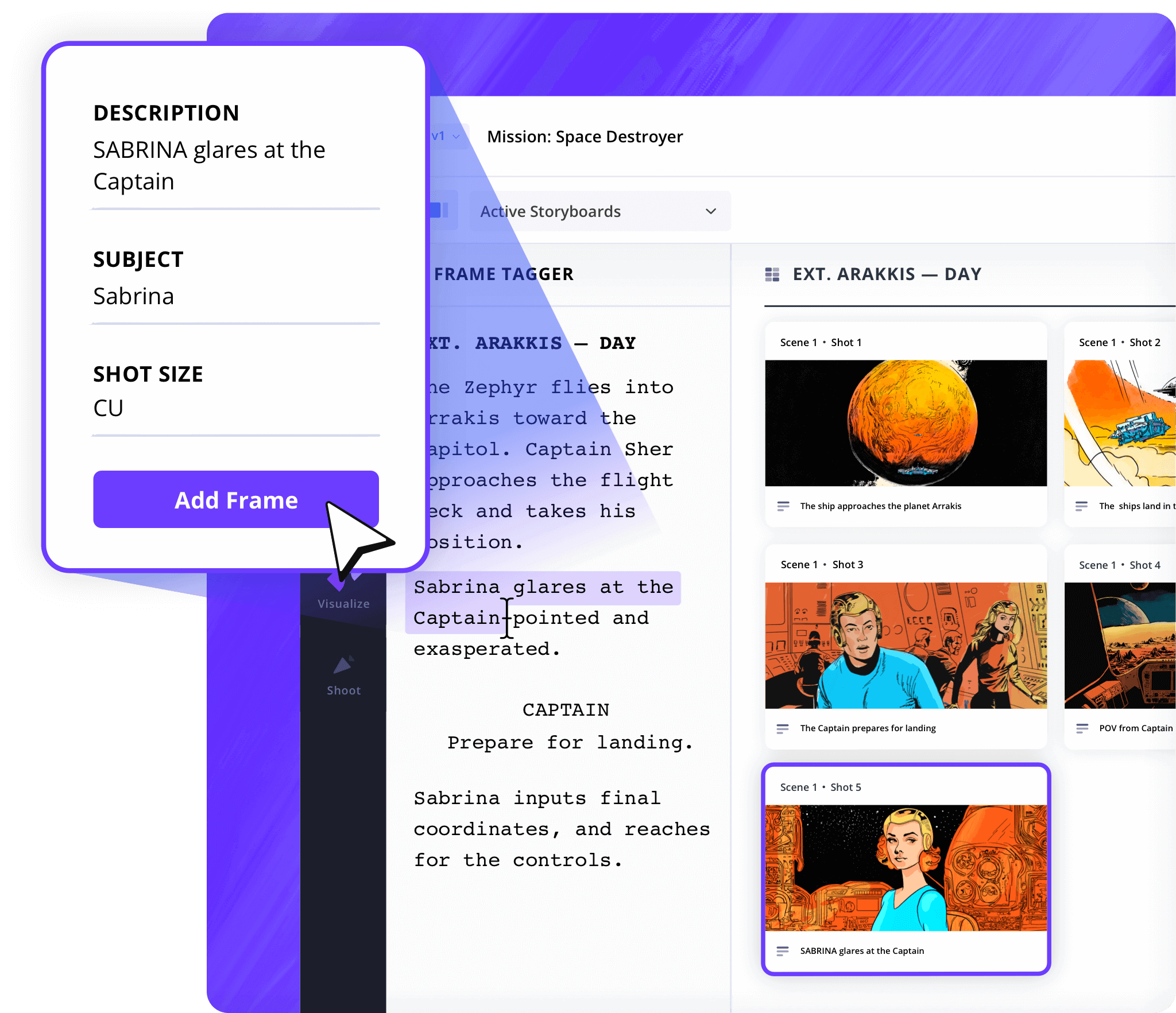
Tag from your screenplay directly
Select lines of dialogue or action and automatically create storyboard panels with blocking notes. Connect the script to angles, actor positions & movements to ensure each shot is accounted for.
Shot Specs
Plan your shots with precision
Choose from dozens of shot types, camera angles, lenses, and frame rates, all linked to storyboard blocking notes. Every panel is fully detailed to help visualize scene composition, movement, and action, so your shoot day runs smoothly.
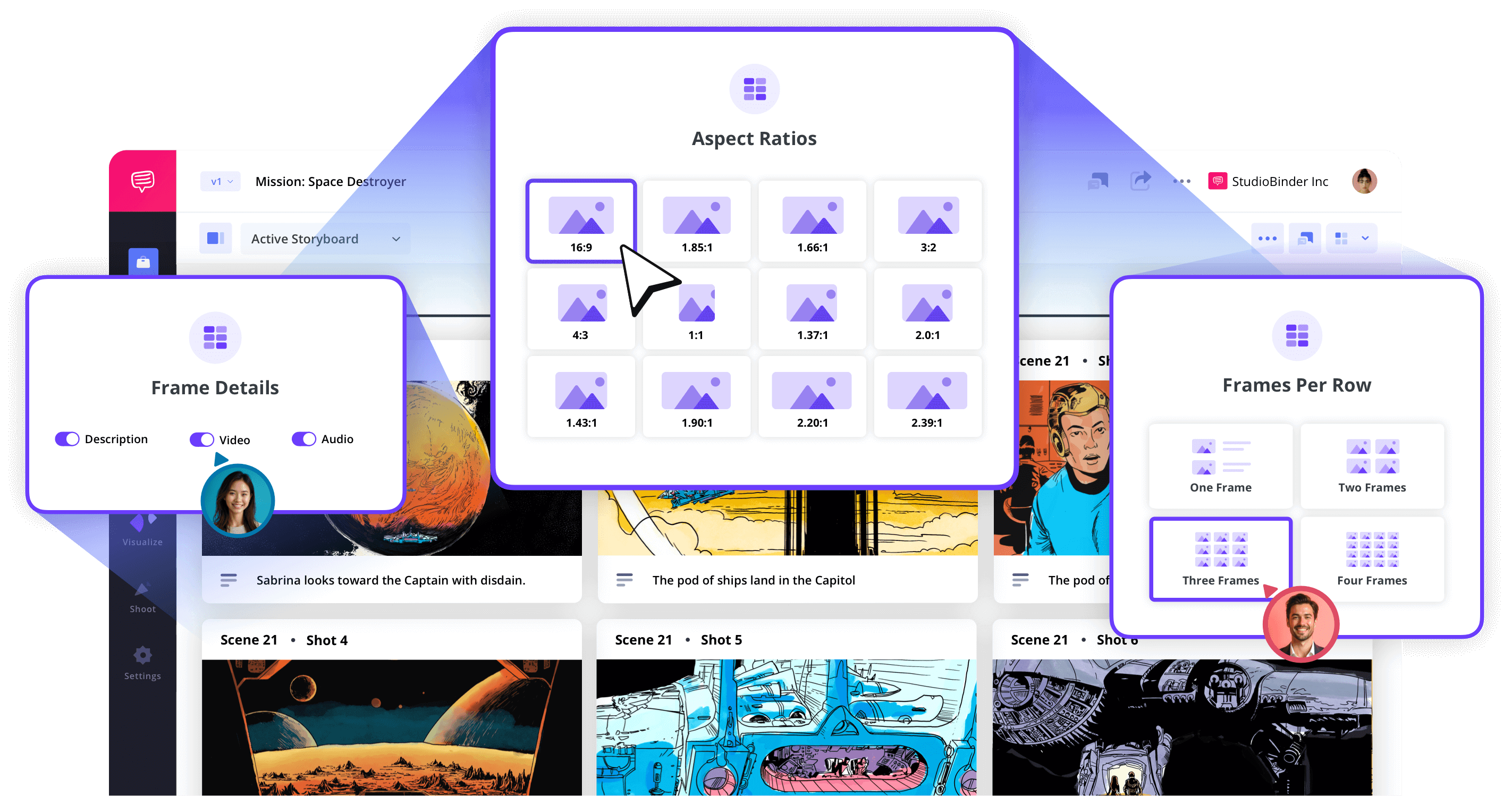
Image Editor
Enhance your storyboard panels
Scan sketches or upload images to represent actor blocking and camera setups. Add arrows, text, or shapes to mark movement paths and adjust composition to give your storyboard clarity.
Storyboard Groups
Organize storyboards more efficiently
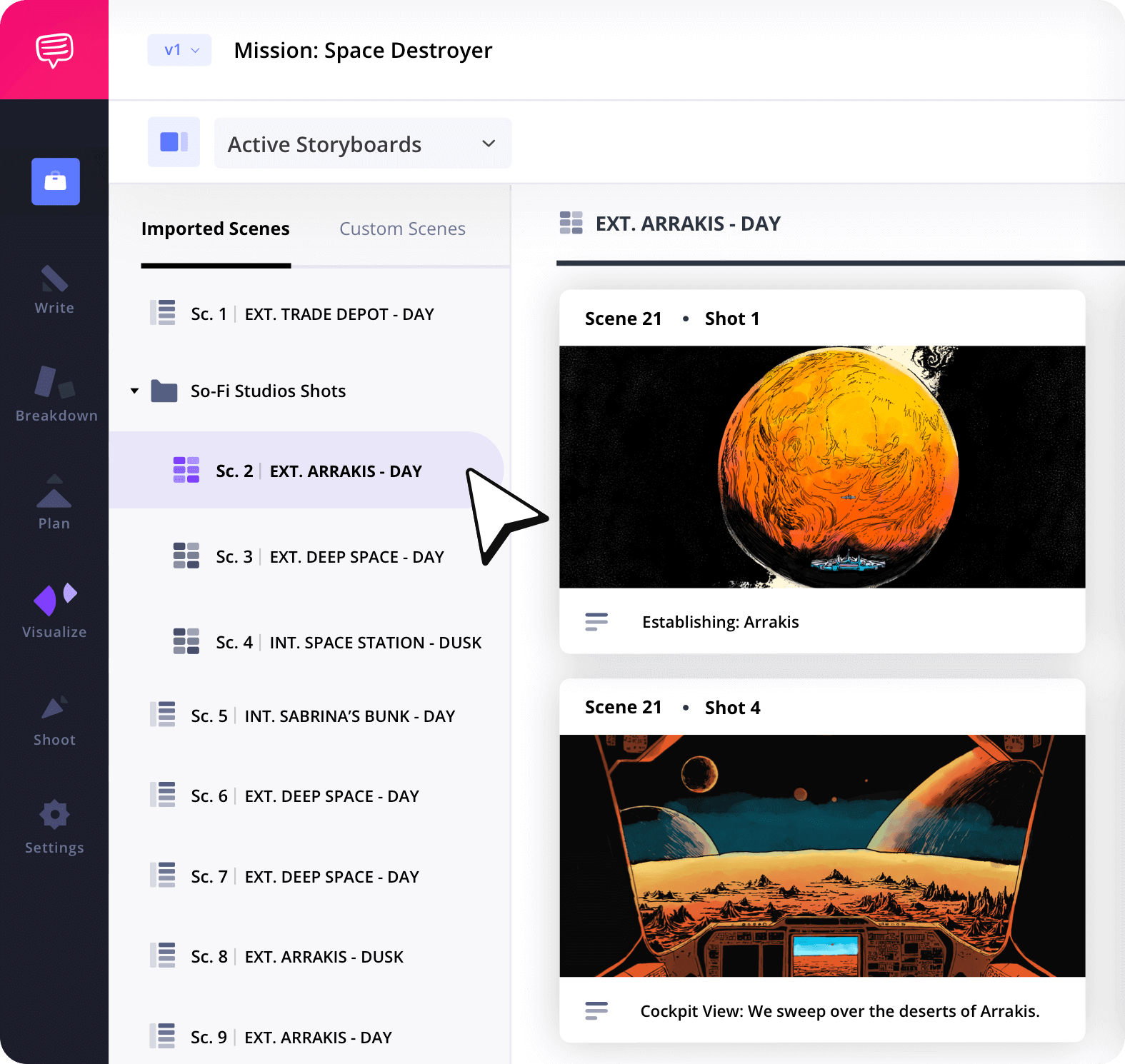
Group storyboard panels by scene, location, or shooting day. Include blocking notes for each group to ensure every camera angle, actor movement, and shot setup is tracked and easy to reference during production.
Collaborate
Work together on blocking & storyboards
Invite your team to contribute to storyboard blocking, shot planning, and annotations. Directors, DPs, and 1st ADs can work together to visualize actor movements, camera setups, and scene flow, keeping everyone aligned before filming begins.
Customization
Tailor your storyboard PDFs
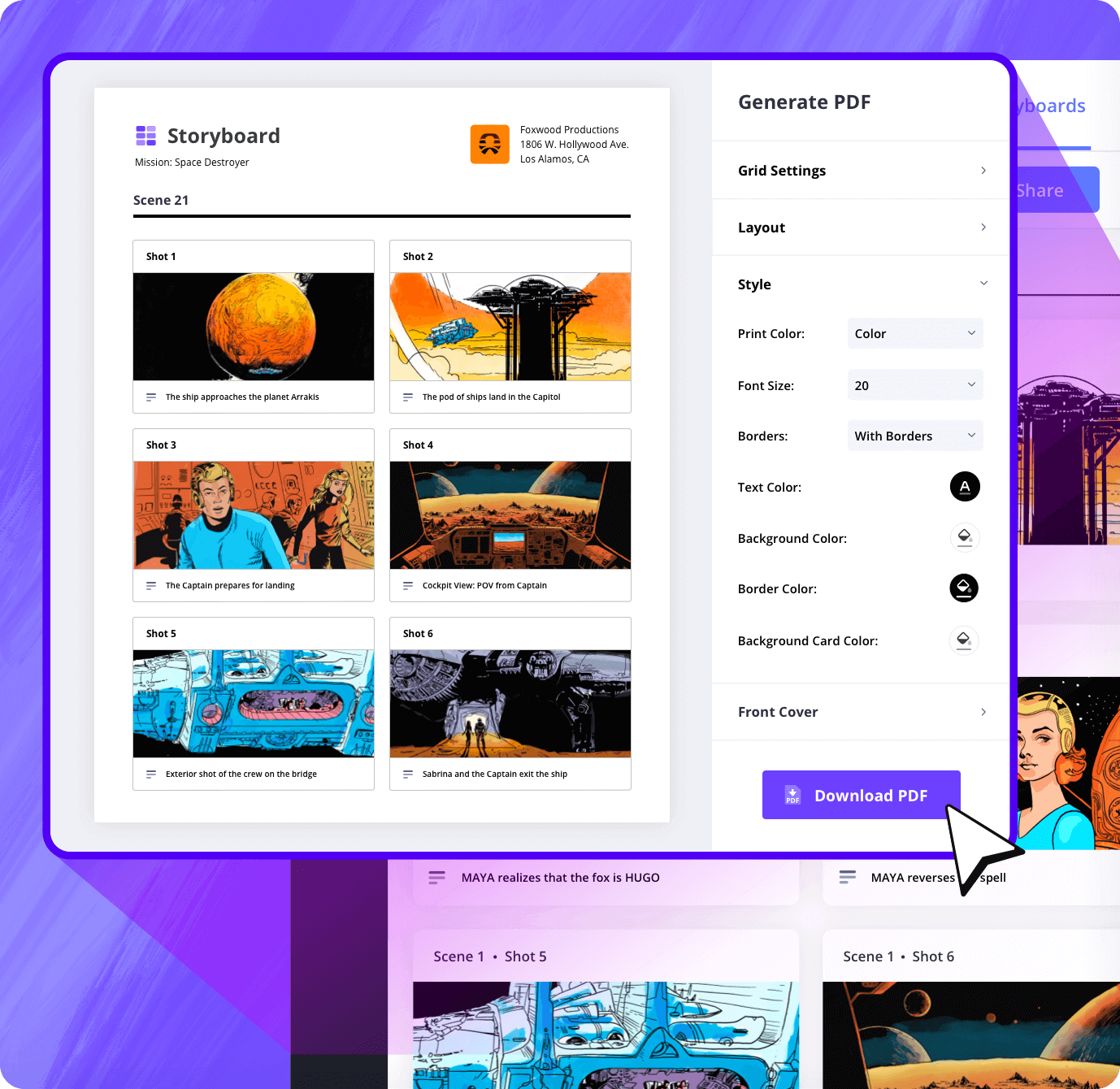
Export your storyboards with blocking notes as PDFs. Adjust layouts, add actor movement indicators, camera angles, and arrows, and customize colors, headers, and covers to clearly communicate your scene planning to the entire team.
Sharing
Share storyboards online
Distribute your storyboards with blocking notes as view-only links, or invite specific collaborators to comment and provide feedback.
Whether it’s actor positions, camera angles, or scene composition, your team can access and review your storyboard blocking anywhere, keeping everyone on the same page during pre-production.
Explore Features
More storyboard features

Aspect Ratios
Choose an aspect ratio that best suits your project.
Column Layouts
Adjust how many columns your storyboard will have.
Image Library
Reuse storyboard panels from previous projects.
Shot Numbering
Choose between digits, letters, or a custom shot numbering.
Storyboard Archive
Archive old storyboards to keep an accessible history.
Color-Code Shots
Label or call out specialty shots with colors.
Storyboard Sample
See storyboard blocking in action
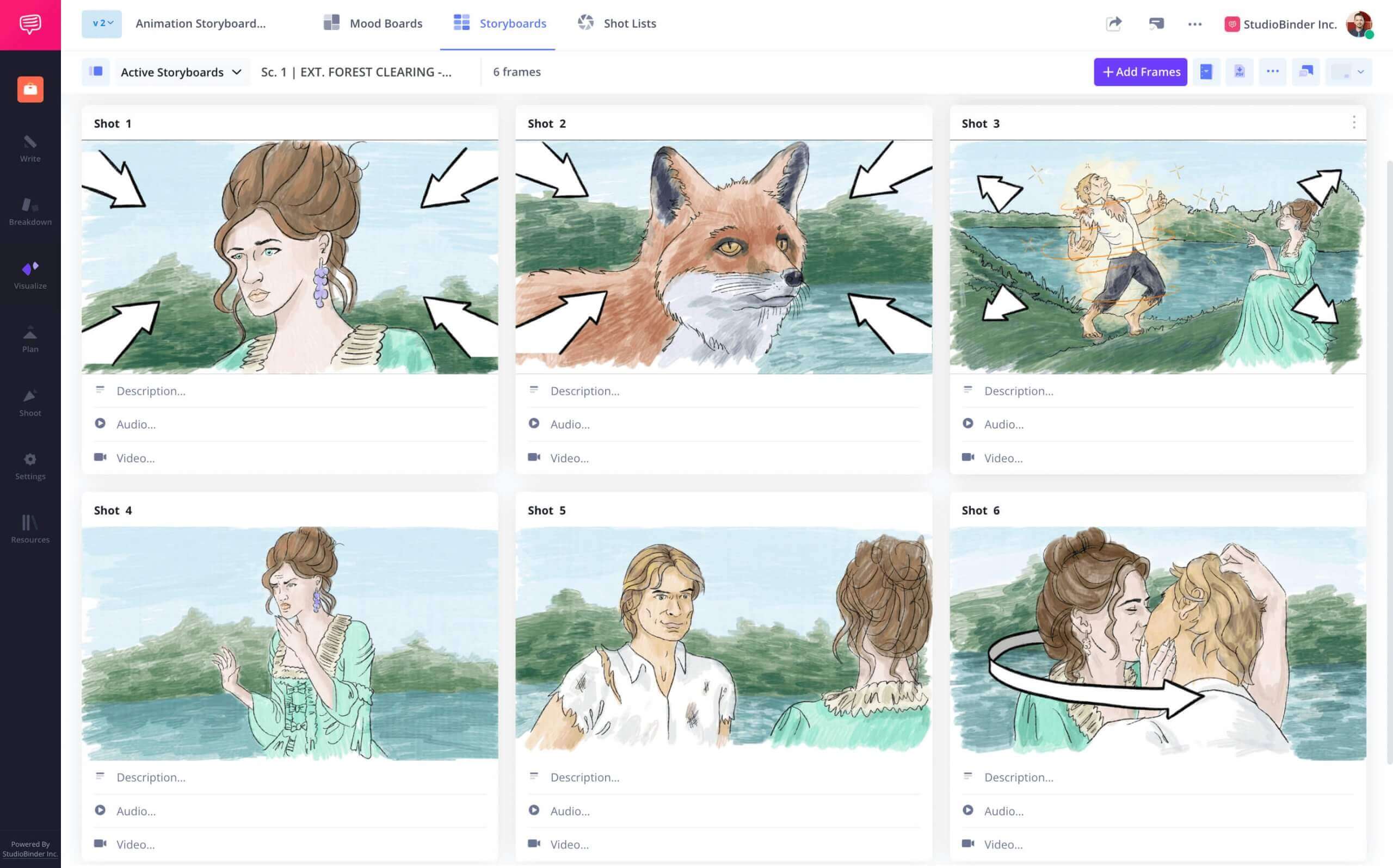
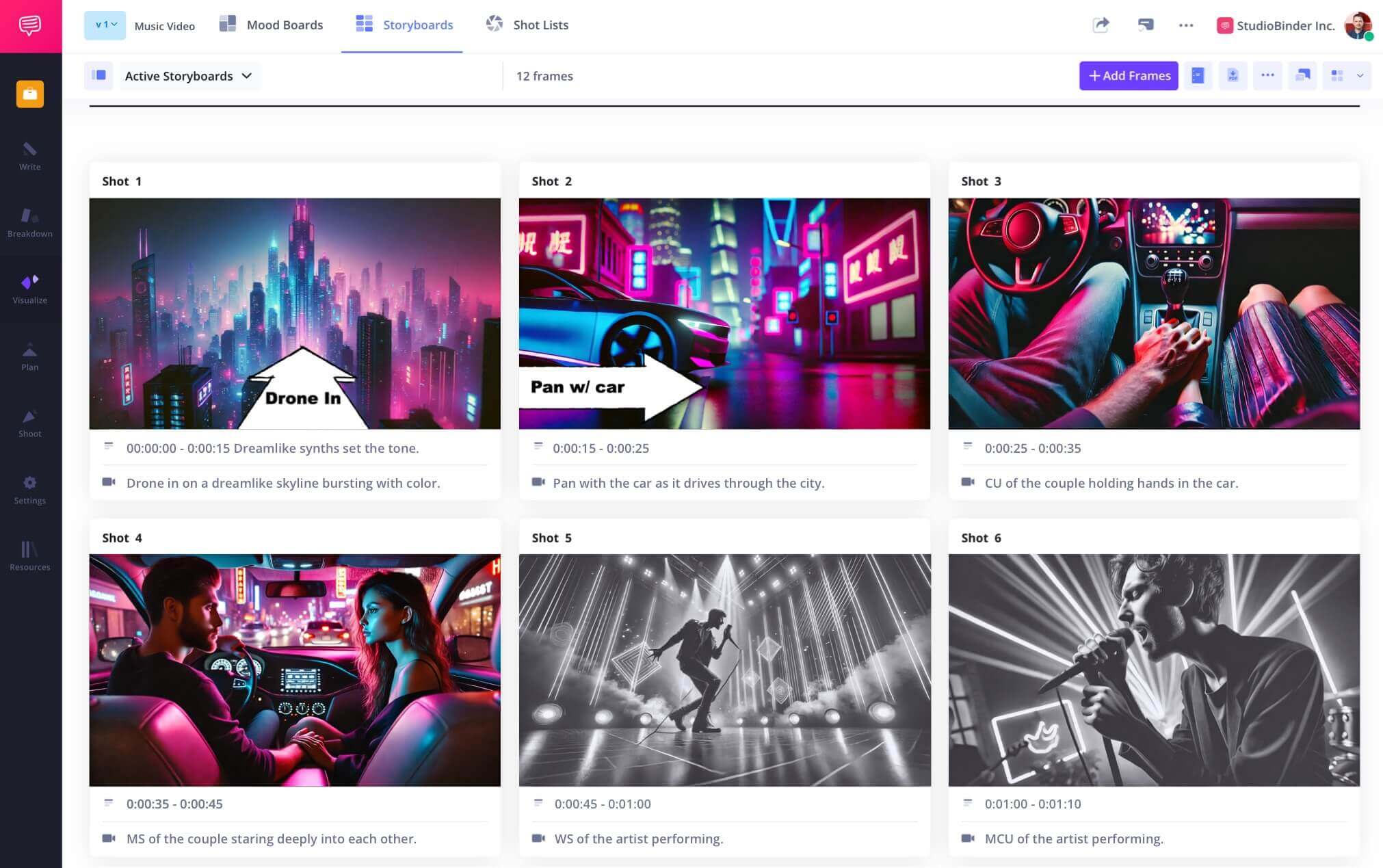
Explore StudioBinder’s sample storyboard with integrated blocking notes.

Film Storyboard Example

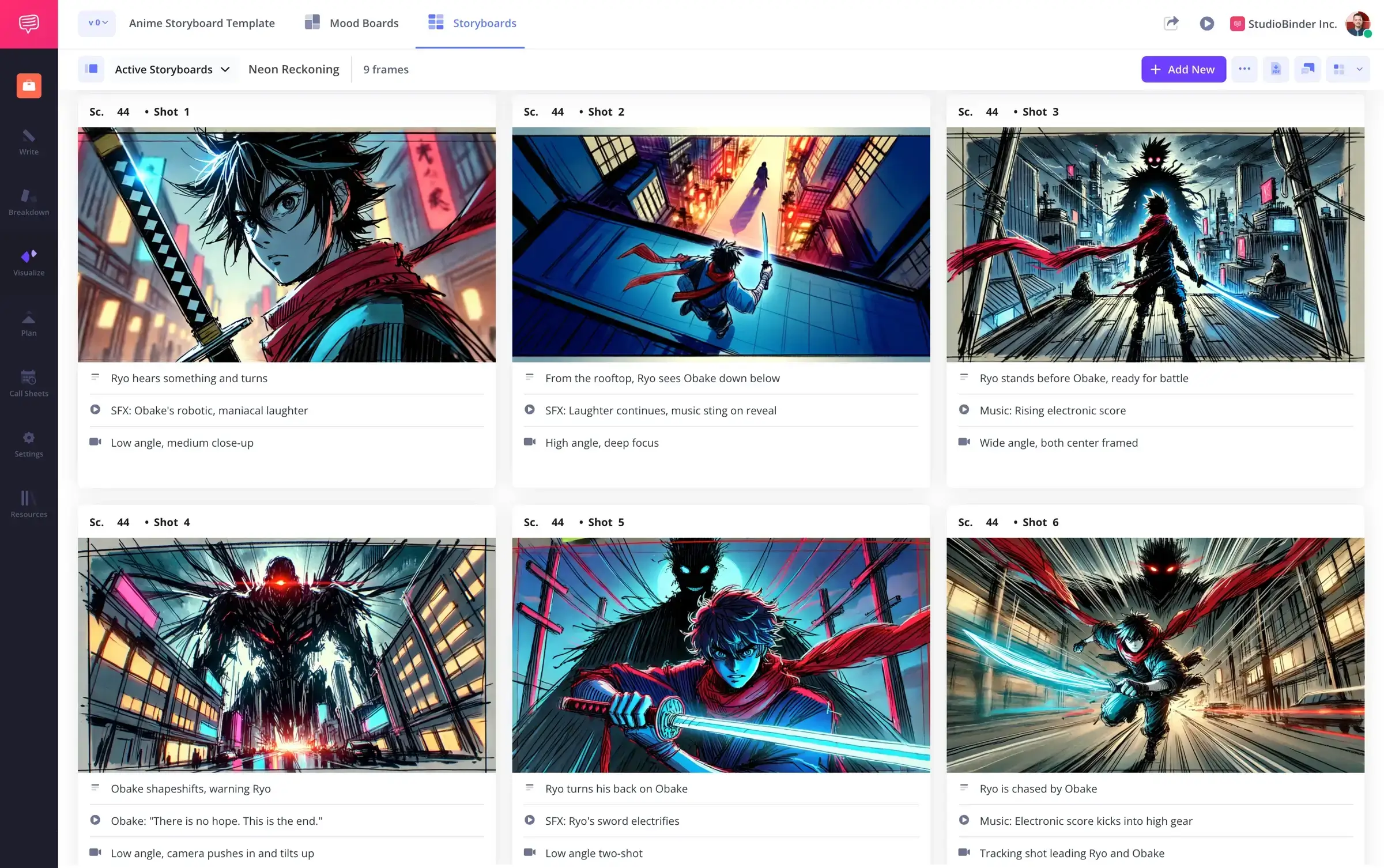
Animation Storyboard Example
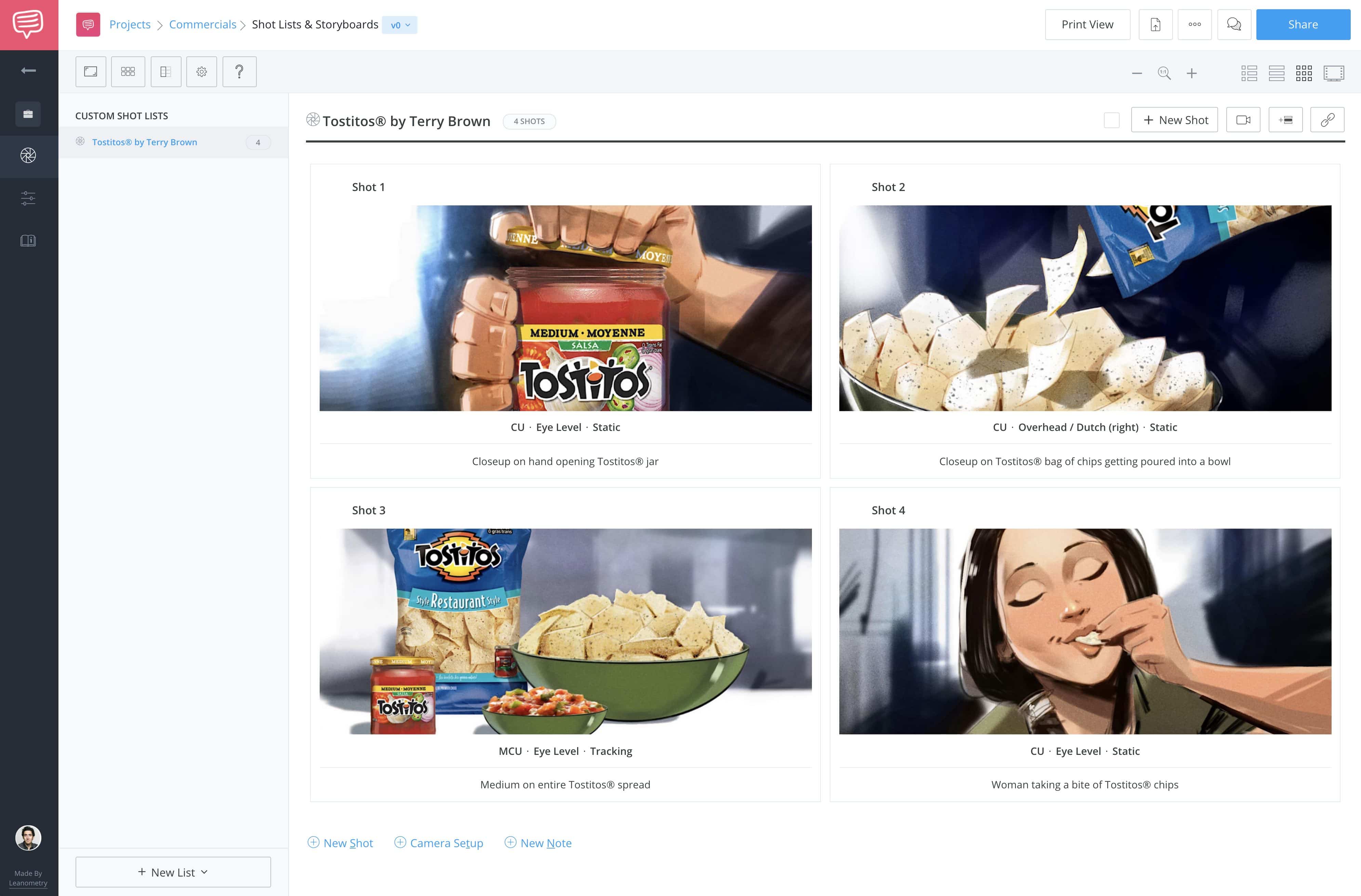
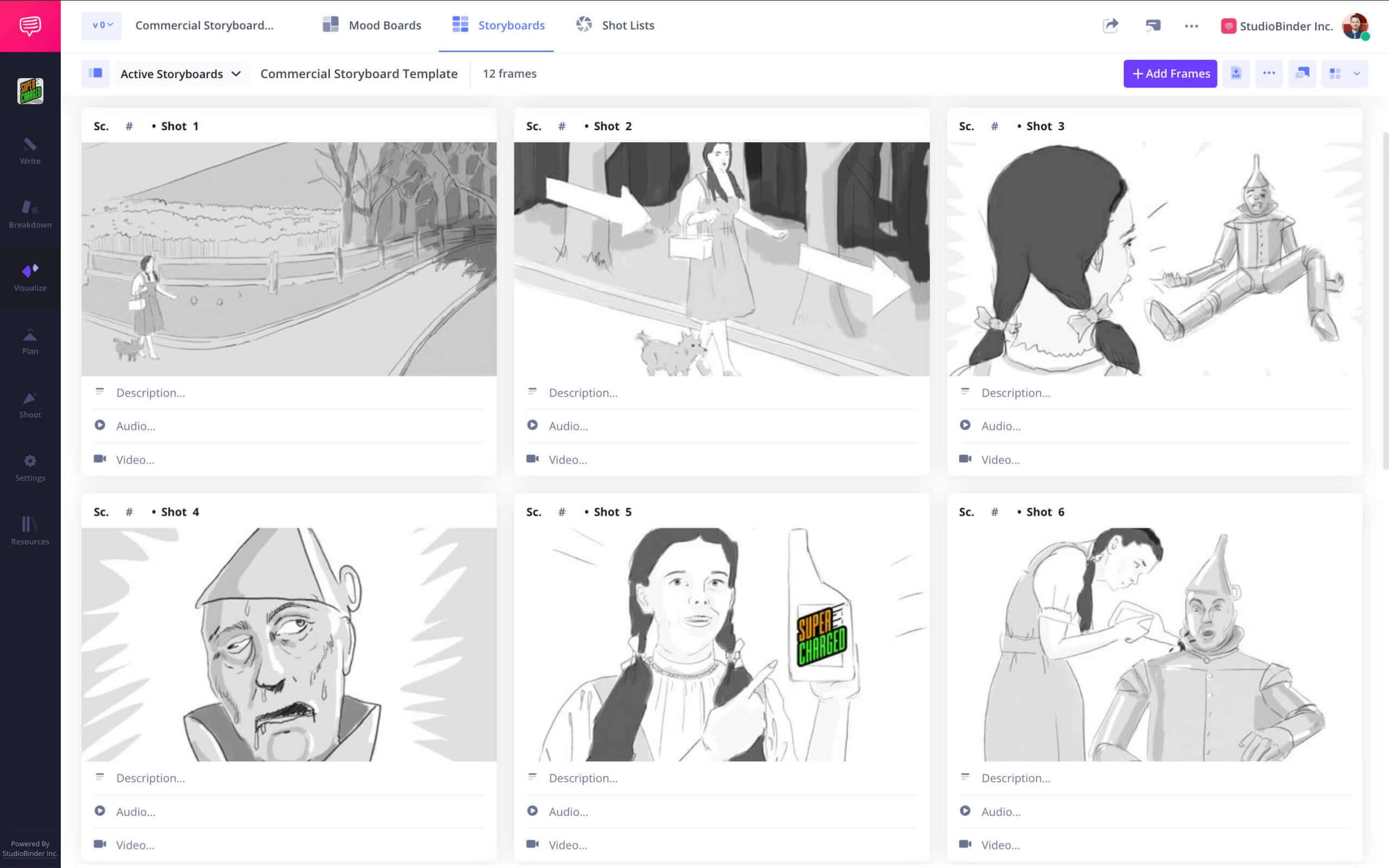
TV Commercial Storyboard

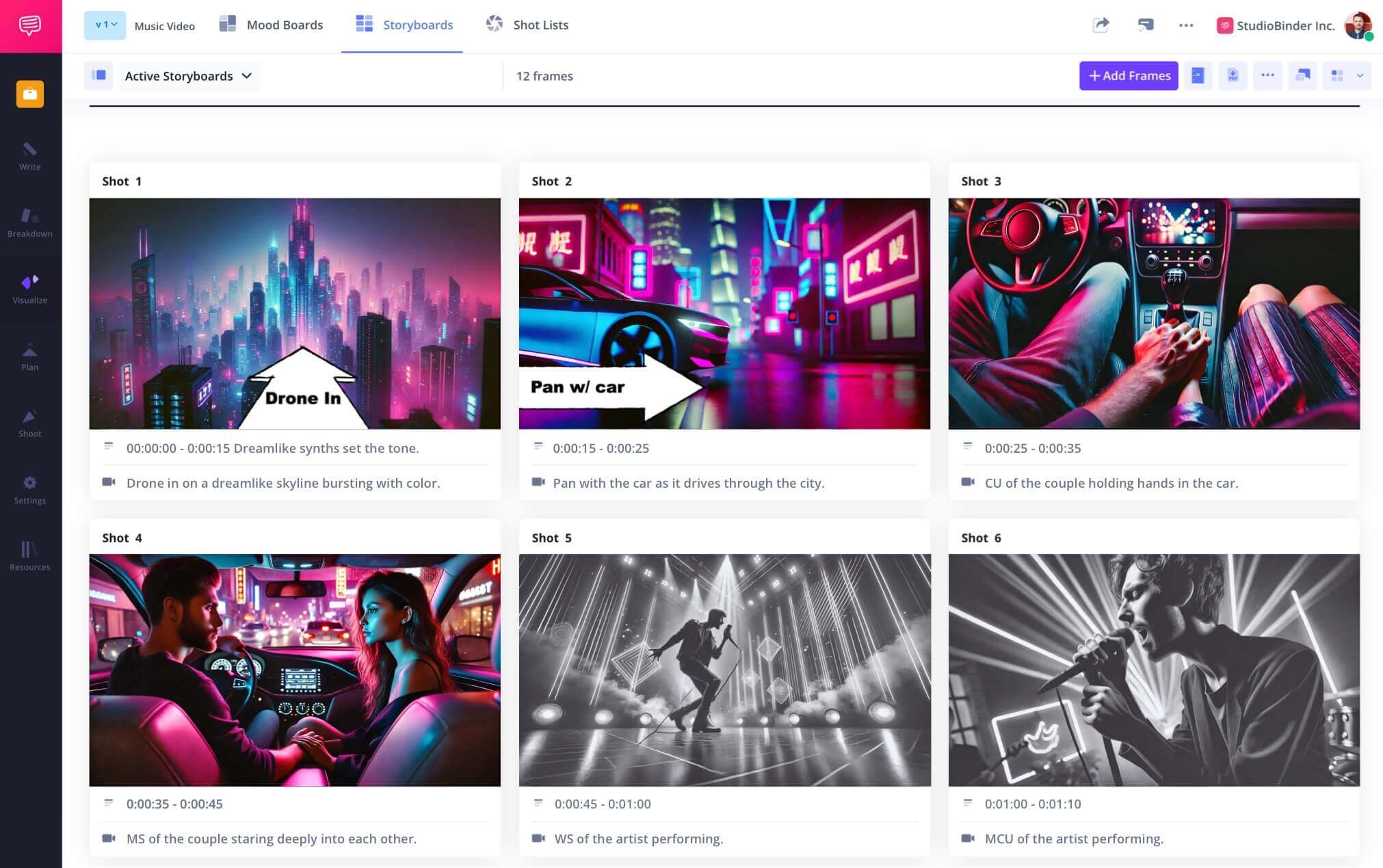
Music Video Storyboard


What are the 8 steps in storyboarding?

Open StudioBinder on your browser.

Click on the Storyboards tab on the project homepage.

Choose to either import a script or create a storyboard manually.

Name the storyboard, set the aspect ratio, and select the number of frames.

Add an image to each frame from the Media Library or upload new images.

Edit your images with a suite of tools, including filters, text, and arrows.

Enter details, including the scene number, description, and notes.

Create a custom PDF, send a view-only link, or invite collaborators for feedback.
Storyboarding FAQs
Storyboarding basics explained
In film, blocking is how the actors move within a scene. This is usually decided during rehearsals between the director and actors.
The 180-degree rule states that the camera should stay on one side of the scene to avoid confusing the viewer regarding the geography of the scene. This same spatial continuity should be observed during the storyboard process as well.
Whether it's a film, play, music video, commercial, or corporate video, blocking is how the characters move through a scene.
Staging is another possible synonym for blocking, but they are not quite the same. Blocking is the movements of the actors in a scene, and staging is how the camera will capture these movements and/or how it will move itself.
Blocking is important because motion is a huge part of how the medium of film operates. Movies can use stillness just as effectively, but active character blocking and camera staging are essential tools in how filmmakers tell their story.
A cowboy shot is a type of framing that captures a character from the top of their head down to just below their belt. It was named after the type of framing that was used so heavily in Westerns to show the character's gun and holster.
Blocking is typically done in rehearsal either before or during production. But it can also be done well in advance during the storyboard phase, but most filmmakers like to work with the actors to decide the best blocking for the scene.
Customers
Trusted by the Best
Modernizing production workflows at renowned studios worldwide.











Explore Solutions
What else can StudioBinder do?
See all the ways we can improve your production workflow.
Write
Industry-standard scriptwriting software and note taking.


Breakdown
Identify all the pre-production details you need to know


Visualize
Visualize the script to get everyone on the same page
Plan
Collaborate with department heads as you prepare for production


Task Boards
Team collaboration

Media Library
Share docs & media



Today’s productions use StudioBinder to streamline their process, and collaborate on better content together.


"I can be a part of the conversation and see when someone finishes a task."
Watch Testimonial ➜

"StudioBinder makes pre-production that much quicker for out team."
Watch Testimonial ➜

"Call sheet confirmations have instantly made our life that much easier."
Watch Testimonial ➜


