Download FREE Storyboard Templates orMake a Storyboard Online
We have two free options for you! Make a professional story board online with StudioBinder's Storyboard Creator, or download a pack of free storyboard templates.
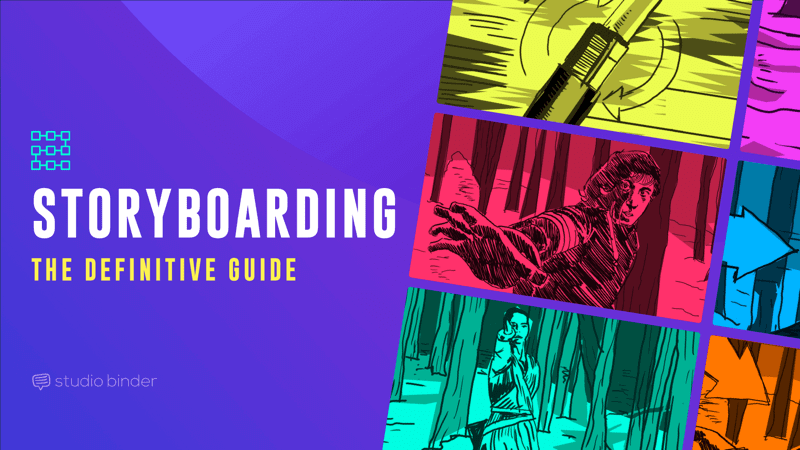
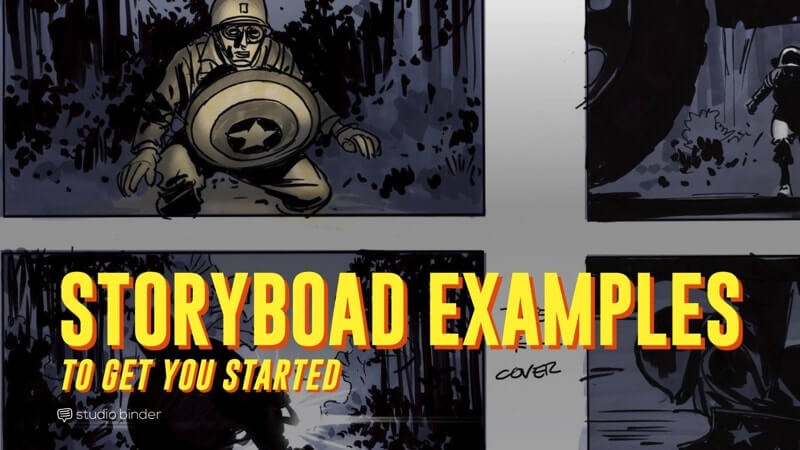
A storyboard is a graphic layout that sequences illustrations and images with the purpose of visually telling a story. A story board is used to communicate how a scene will play out shot by shot and is often used for motion pictures, television, animation, commercials, pre-visualizations or interactive media.
Storyboard panels can be comprised of custom drawings, screenshots from comparable videos, or photos taken on location.
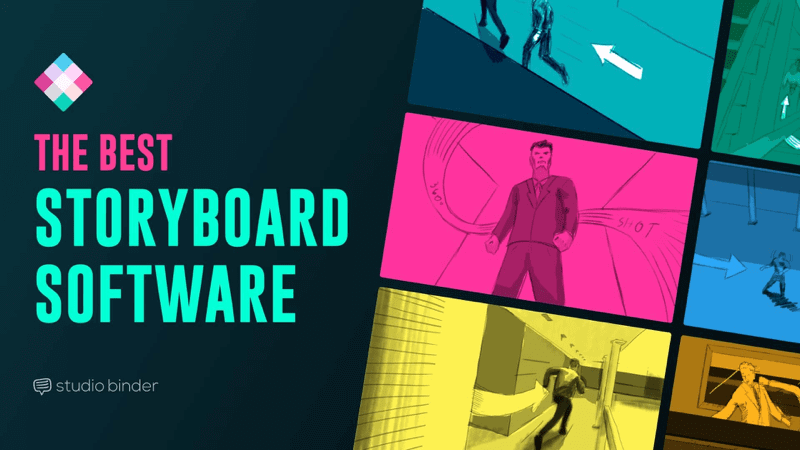
A storyboard template or storyboarding software is designed to make the process of assembling and sharing professional story boards much easier.
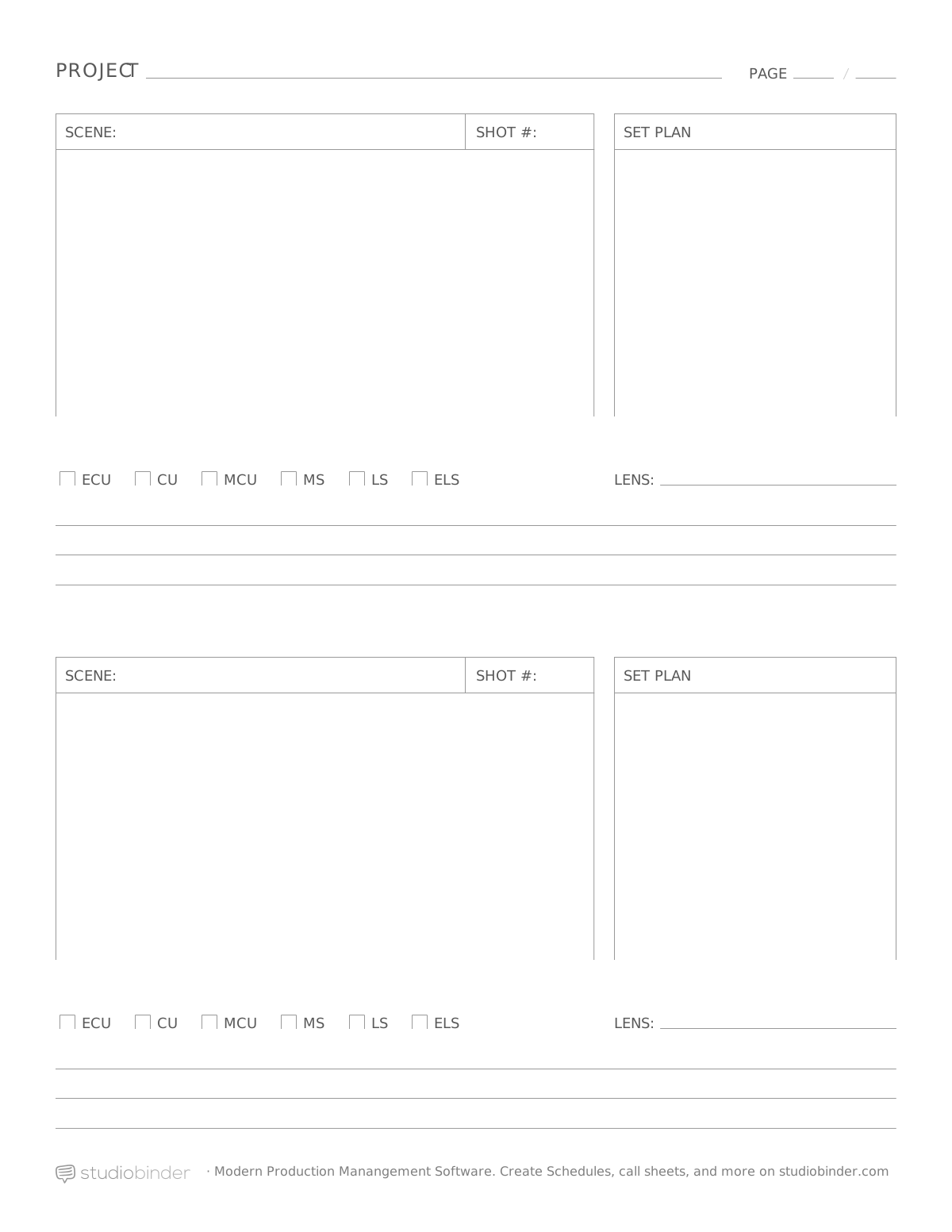
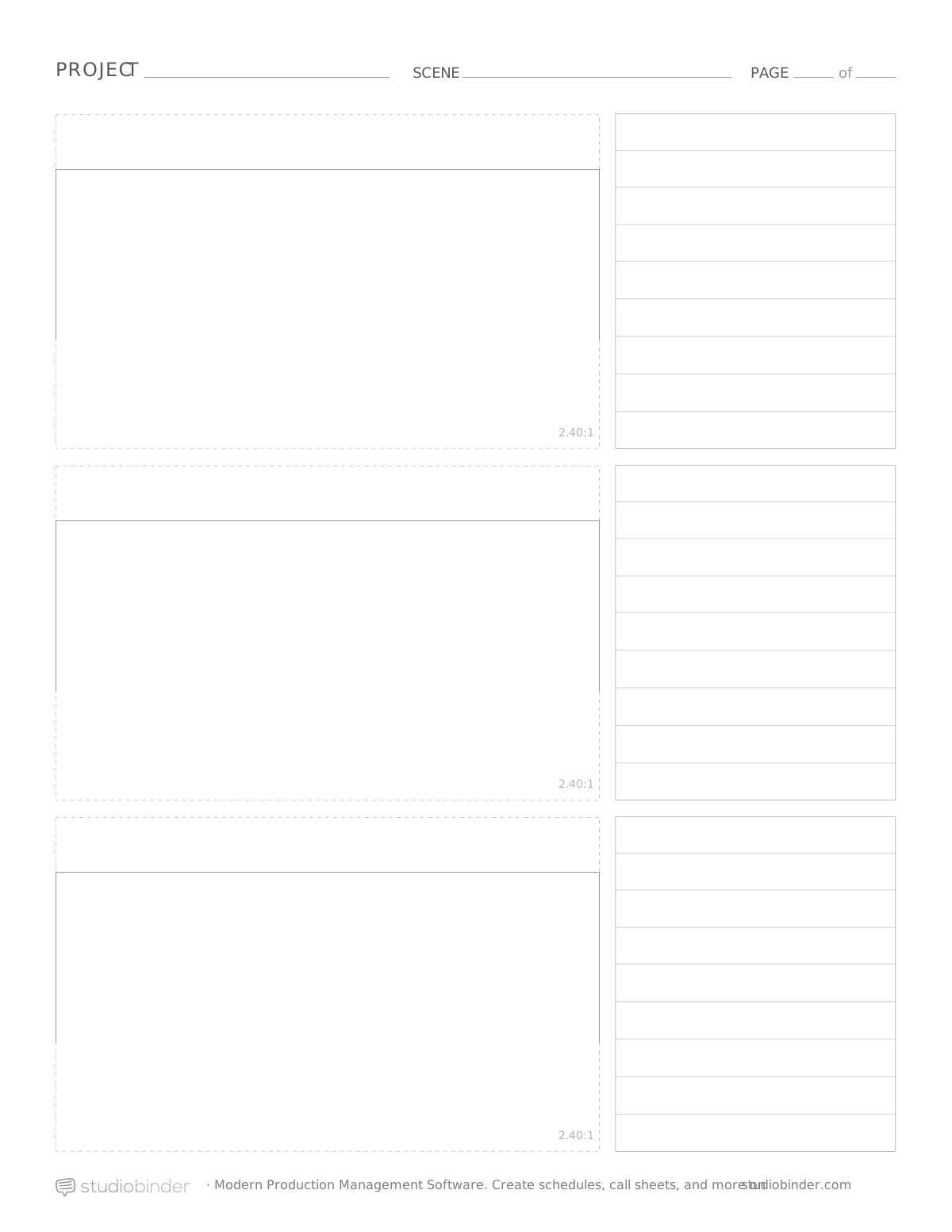
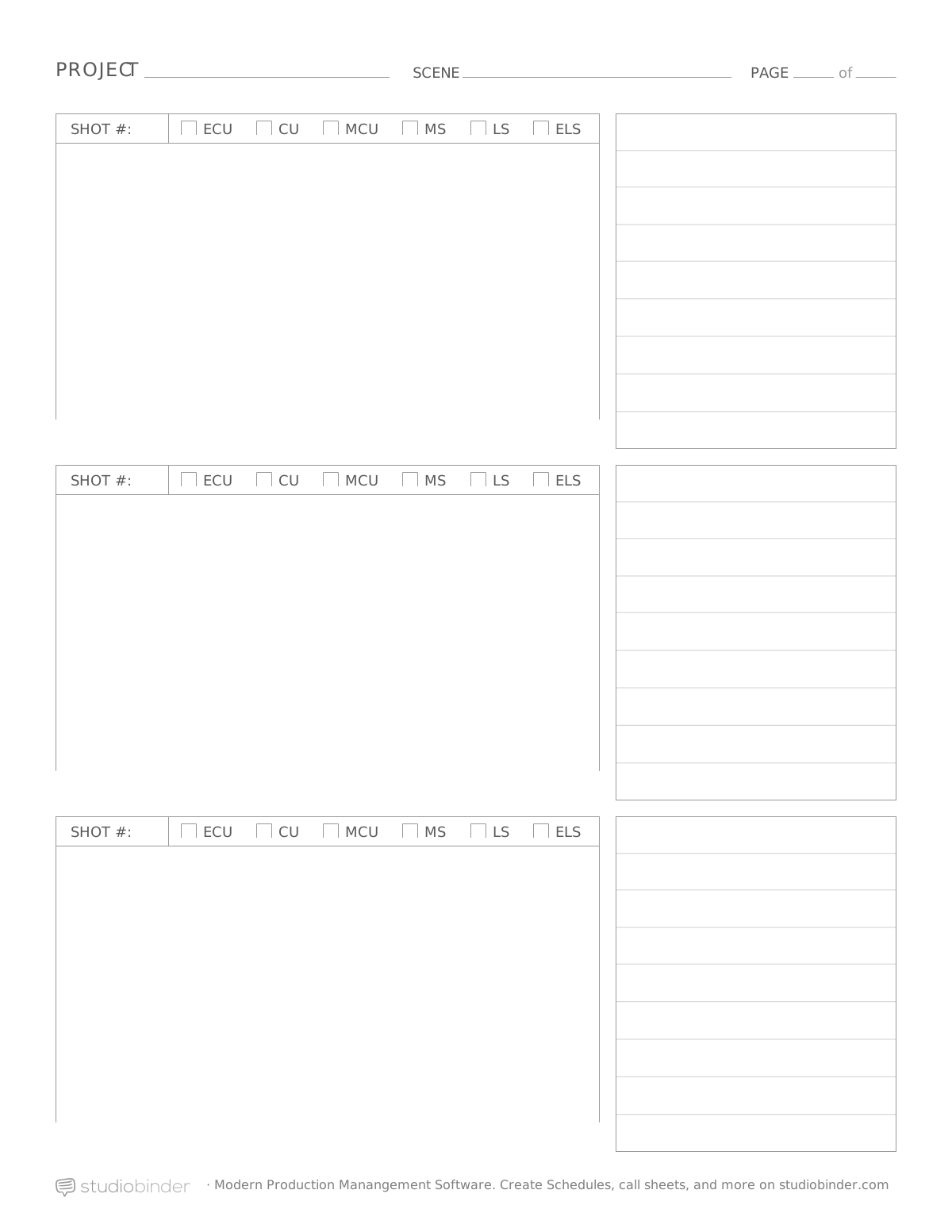
Preview and download 60+ free storyboard templates, ideal for video, film, TV, animation or simply pitching a story. The story board templates are available as PDF, PSD, Word or PPT.
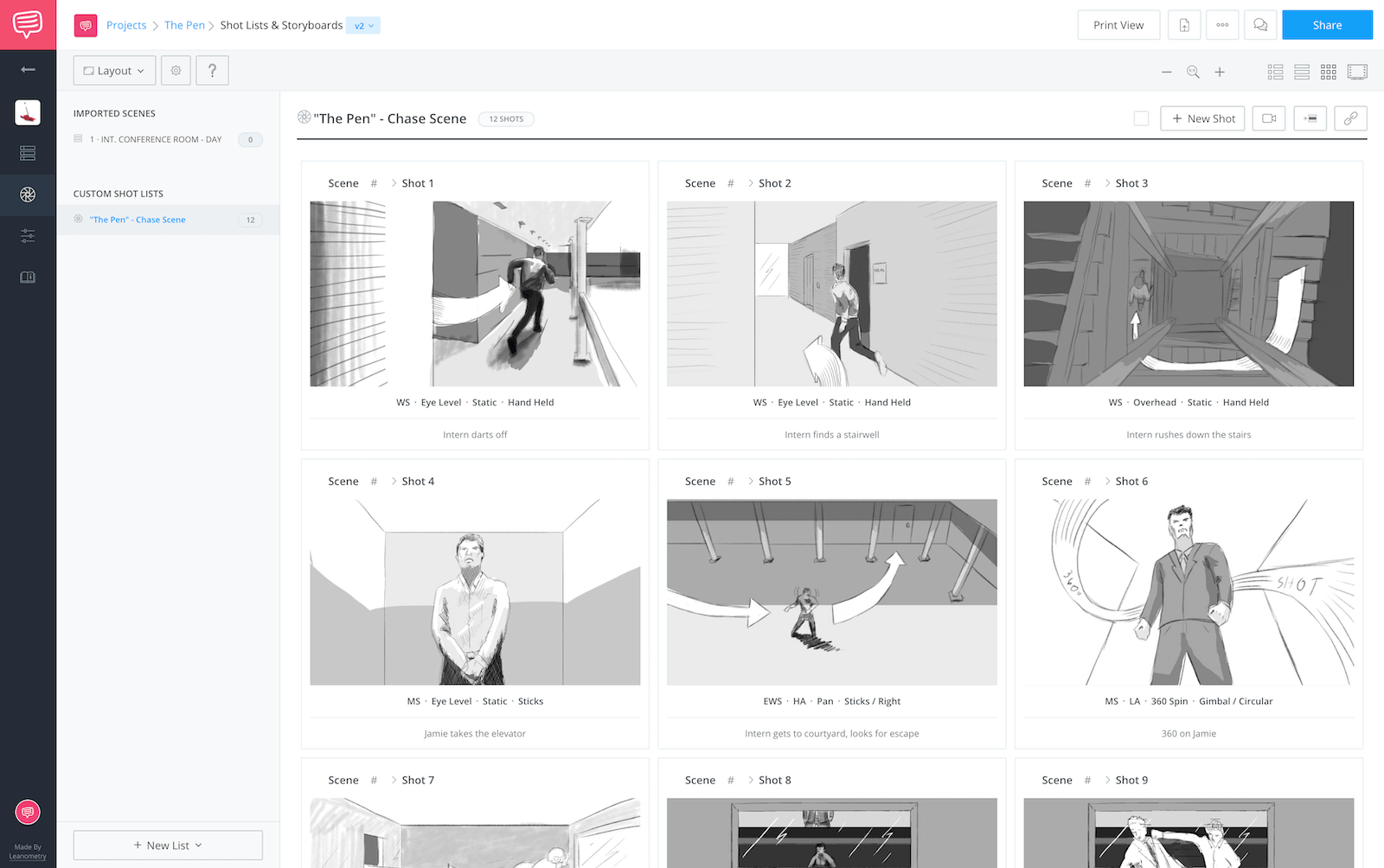
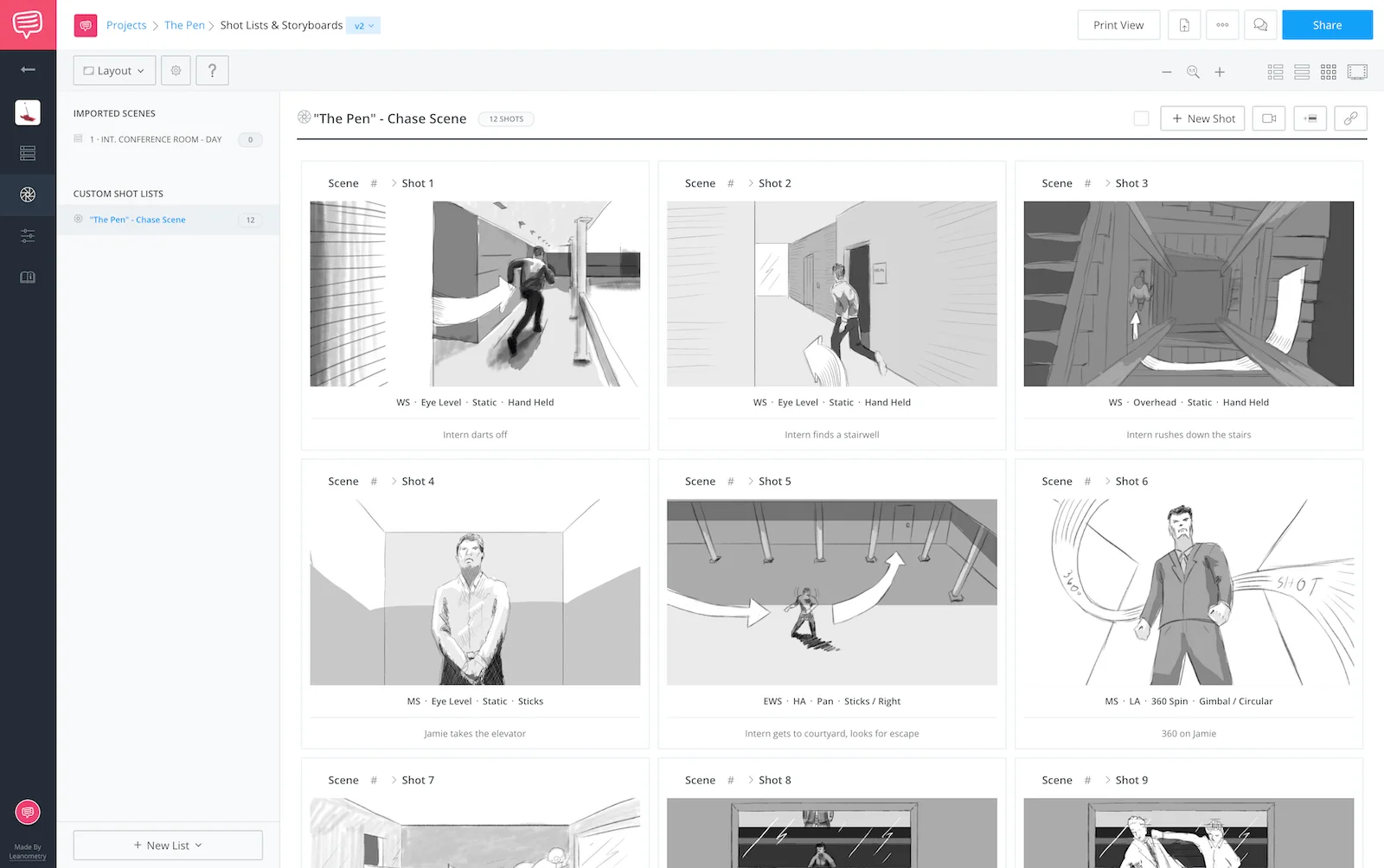
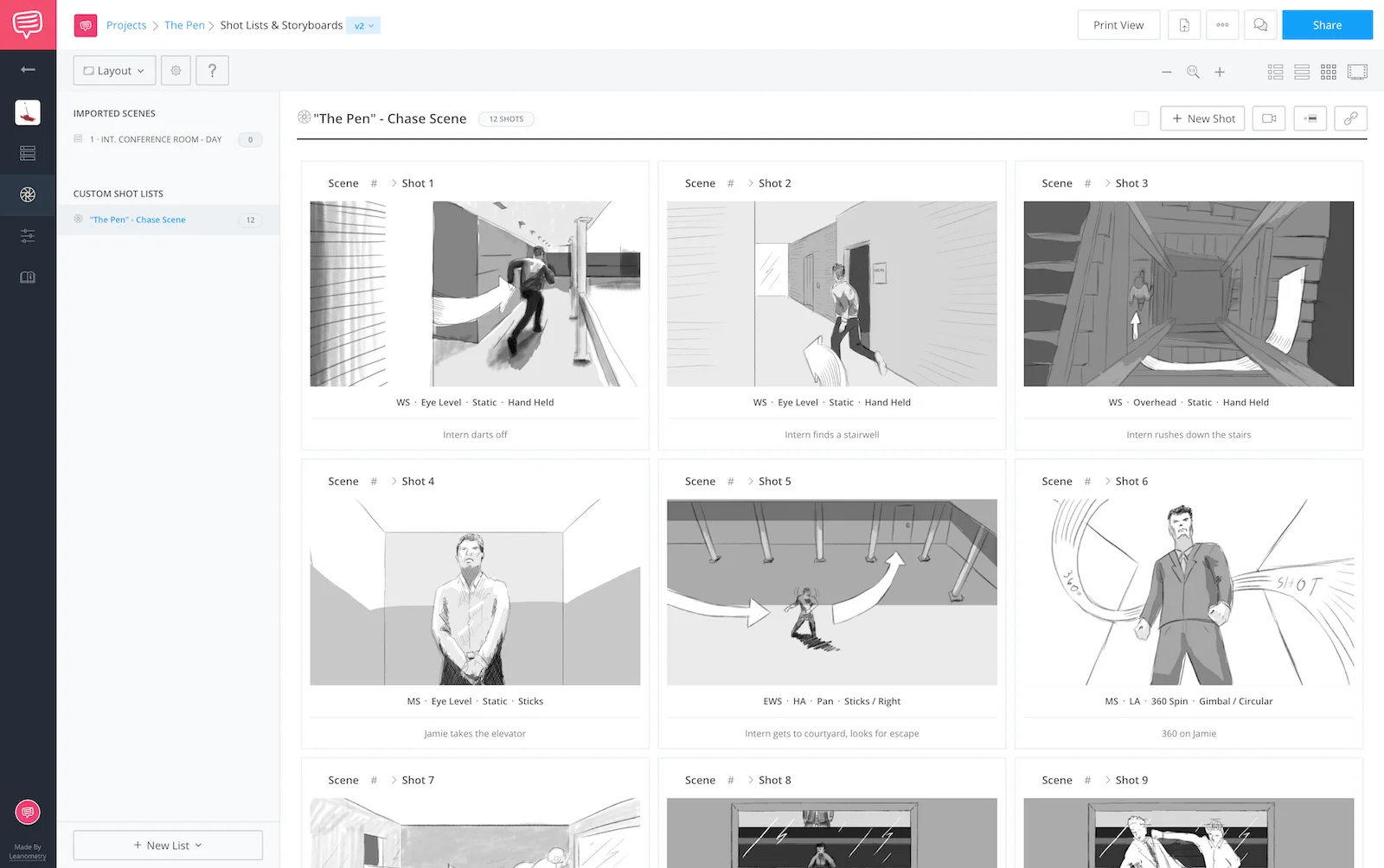
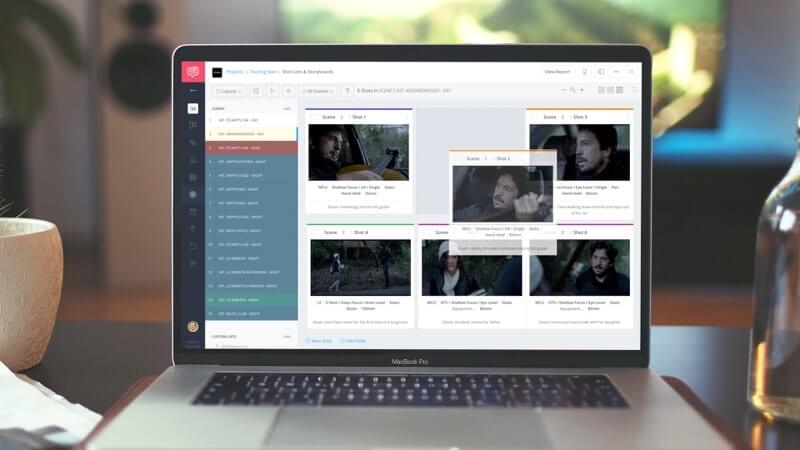
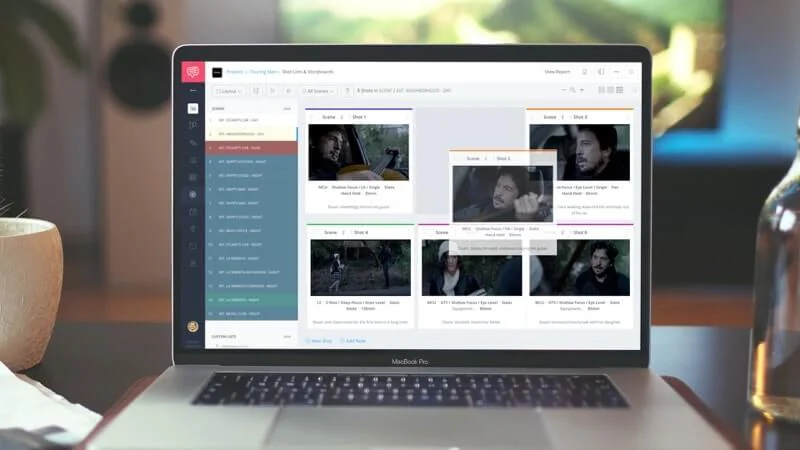
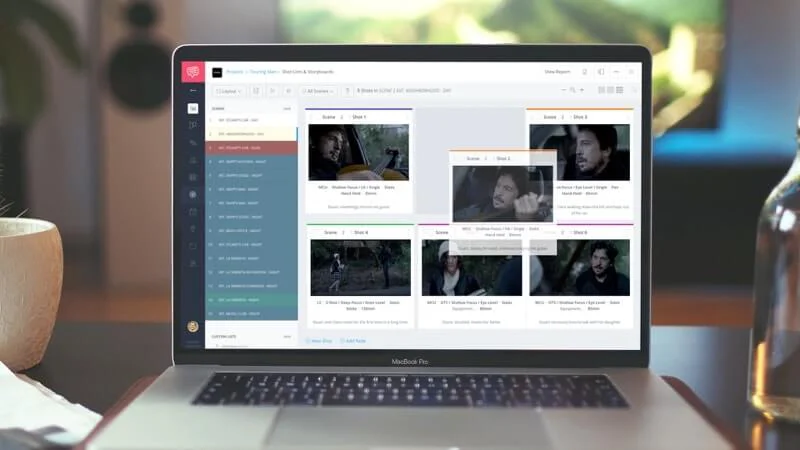
Tired of templates? With a storyboard creator you can create a professional storyboard in the cloud, collaborate, and share storyboards, like the one below:
Create a professional storyboard online:Animation Storyboard • Video Storyboard • Movie Storyboard • Short Film Storyboard • Powerpoint Story board • Digital Storyboard • Detailed Storyboard. • Comic Story board • Commercial Storyboard
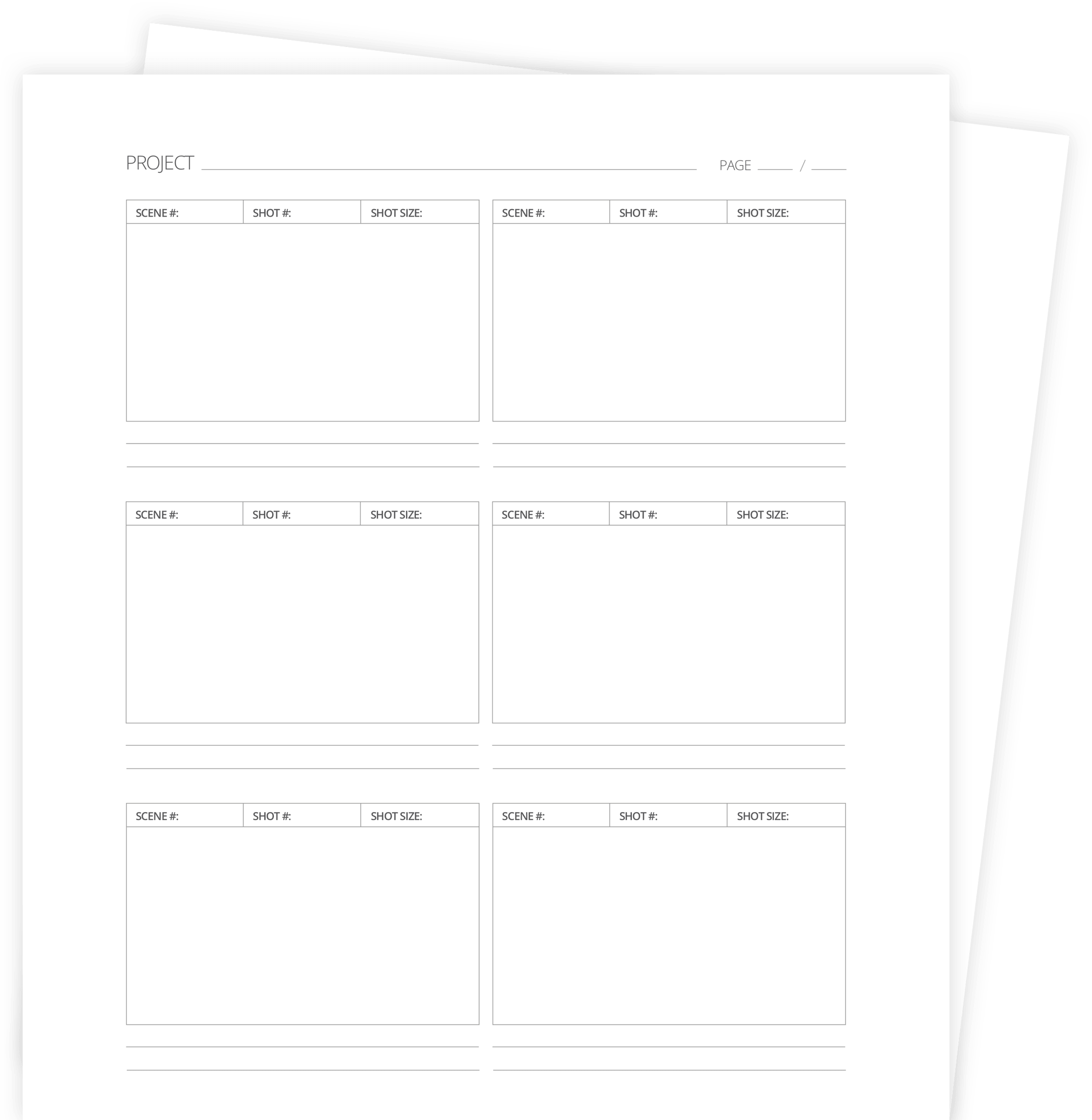
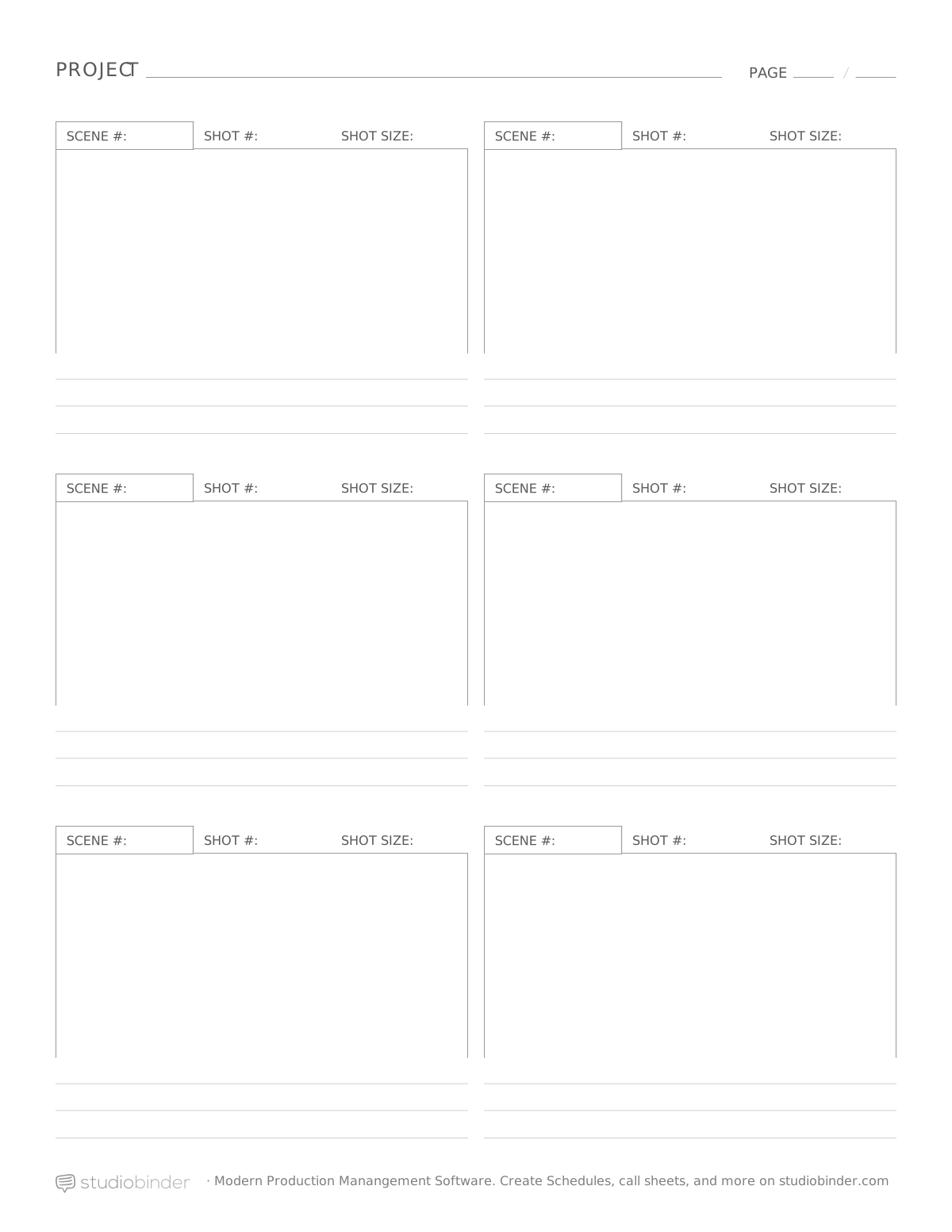
Printable PDF Storyboard Template
Ideal if you want to print your storyboard template PDF or sketch by hand. Comes bundled with portrait and landscape versions with up to 16 panels per page.
"StudioBinder has the best storyboard templates I’ve found online."
Gabriel Hardman, Storyboard Artist for Interstellar and Inception
Microsoft Word Storyboard Templates
These storyboard templates for Microsoft Word (docx) make it easy to create a story board without leaving your word processor. Could also be imported into Google Docs.
Storyboarding is a critical part of the animation or comic book process, so start yourself off on the right foot. Also brush up on the storyboarding process by reading our guide on how to make a storyboard.
Whether shooting a movie, online video or commercial, a good film and video storyboard template will make it easy to communicate your vision with clarity. Need shot inspiration for video templates? Check out our Ultimate Guide to Camera Shots & Angles
Storyboarding templates are nice and all, but messing with margins takes a toll. By using online storyboarder software, the grunt work is done so you can focus on the creative.
Collaborate in the cloud. Click-and-select shot details. Customize columns and aspect ratios. View and share slideshows with collaborators and clients.
Pick the template that fits your project, fill in details, sketch or paste visuals, then export/print to share.
Which storyboard template should I download?
Match your aspect ratio: 16:9 for YouTube/TV, 2.39:1 for cinema, 9:16 for vertical (short-form).
PDF vs PSD vs PPT vs DOCX — what’s the difference?
PDF is best for print/hand-sketch, PSD for layered edits, PPT for decks/review, and DOCX for simple office edits.
How many panels per page should I pick (2, 3, or 6)?
Choose 2 for big beats, 3 for balanced planning, or 6 for fast thumbnails and animation passes.
Do I need to storyboard every shot?
No, start with key frames that communicate composition, motion, and continuity; fill additional panels later. It's not like video editing where every single little detail matters.
Do you have vertical (TikTok/Reels/Shorts) templates?
Yes, use the 9:16 vertical pack, available in 3- and 6-panel options. Very helpful for a video editor.
Are the templates really free?
Yes, free to download and use; no email required.
Can I edit these in Photoshop/PowerPoint/Google Docs?
Yes, use PSD for Photoshop and Adobe Indesign, PPT for PowerPoint or Google Slides, and DOCX for Word or Google Docs.
Can I print the templates?
Yes, download the PDF pack for crisp printouts (US Letter and A4)."
Do you include example boards or a filled sample?
Yes, starter examples and notes are included to help you format your first board quickly.
Choose the right template — select 16:9 for YouTube/TV, 2.39:1 for cinema, 9:16 for vertical, or 1:1 for square.
Download your preferred format — PDF (print/hand sketch), PSD (Photoshop layers), PPT (presentation decks), or DOCX (Word/Docs).
Add project metadata — project title, scene numbers, shot IDs, notes, and dialogue/audio cues.
Fill the panels — sketch thumbnails by hand, draw digitally, or paste still images/references.
Refine layout — adjust panels, add arrows for movement or notes for lenses/camera movement.
Export and share — print the PDF or share PPT/DOCX files with collaborators; attach to shot lists and call sheets for production.
More Storyboarding Resources
There's more to a good storyboard template than how it's laid out. And you can't make a great film like Jurassic Park without learning all the pre-production ropes first. Explore these essential articles to take your work to the next level.