Quick Summary
This list of the best screenwriting software is curated and reviewed by experienced screenwriters with over 10+ years of professional industry experience, using a rigorous evaluation process based on real writing and production workflows.
We analyzed the most popular screenwriting tools available today to identify the top nine worth serious consideration.
Best Screenwriting Software Shortlist:
1. StudioBinder - Best for production-ready scripts
2. Final Draft - Best for traditional screenwriting
3. Arc Studio Pro - Best for learning environments
4. Celtx - Best for basic planning
5. WriterDuet - Best for co-writing
6. Fade In - Best for quick drafts
7. Highland Pro - Best for minimal writing
8. Trelby - Best for simple, offline writing
9. Movie Magic Screenwriter - Best for legacy workflows
What is the best screenwriting software currently available? If you’re familiar with the scriptwriting process, you’re probably also familiar with how overwhelming it can be to narrow down all the best screenplay programs that can meet your specific needs.
That’s why we put together this definitive list of not only the best free screenwriting software you can find online, but also the best prices for paid subscriptions as well. So, take a look at all these options, pick whichever one works for you, and start writing your screenplay your way!
Best Screenwriting Software
1. StudioBinder
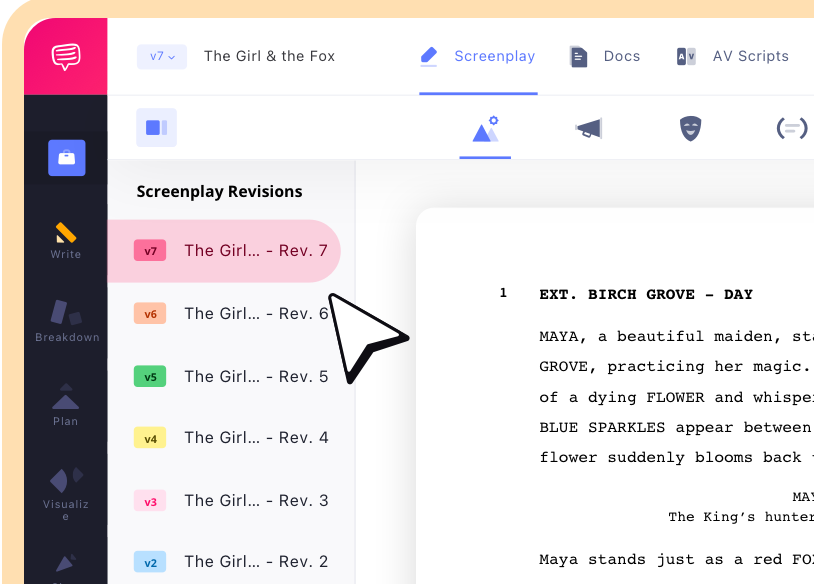
The all-in-one StudioBinder package includes the best screenwriting software for both professional script writers and entry-level starters. The main advantage to using StudioBinder’s cloud-based software as a writer is that it comes with all the script formatting features you’ll need, while also allowing you to seamlessly connect and combine other production workflows, like shot lists, storyboards, and more.
This one’s ideal for writers that think like filmmakers.
- Try it free
- Subscription starts at $42 a month
Best for scriptwriting with built-in production workflows.
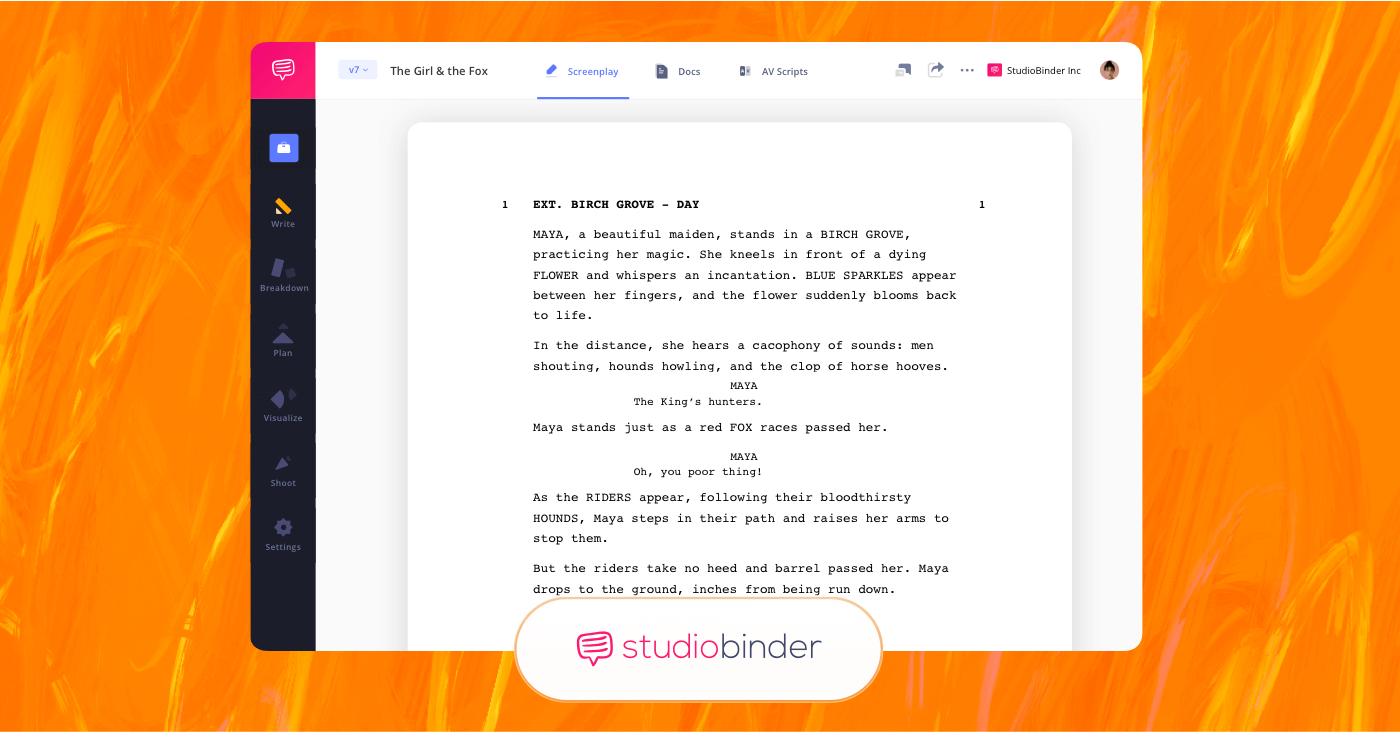
StudioBinder is the best screenwriting software for writing scripts and managing production workflows.
Advantages:
Screenplay writing in StudioBinder is automatically formatted to industry standards, so you won’t have to worry about writing outside the expected lines. Once your script is finished, you or anyone on your production team can access your script, track all script revisions and easily integrate the script into the app’s wealth of production features.
KEY features:
Features include industry-standard screenplay formatting with automatic margins, dialogue formatting, and scene structure. You can revise and create new versions of scripts with change tracking, making it easier to manage drafts as you develop your project along.
The main appeal with StudioBinder is that you don’t have to switch platforms to connect and integrate your screenplay with other production tools, it’s all under one roof!
Pros and Cons:
Pros:
- Industry-standard screenplay formatting built into the platform.
- Seamless transition into other pre-production tools.
- Cloud-based collaboration.
- Ideal for writers who wear multiple production hats, or who have an established team to bring in.
Cons:
- Not for writers searching for a minimalist screenwriting tool.
- Higher-tier production plans increase prices.
Trusted by Over 1M Creatives
StudioBinder for production teams
Everything you need for a successful shoot: call sheets, shot lists, scripts, and more.
Traditional Screenwriting Software
2. Final Draft
Final Draft is a reliable, industry-standard screenwriting software for film, television, and more. It automatically formats your screenplay to the film industry’s standards and includes top-notch tools for planning, writing, and revising your story.
Whether you’re working solo or in a writers’ room, it’s built to streamline professional script creation.
- 30-day free trial
- One-time purchase starting at 199.99
Industry standard for film and television screenwriting.
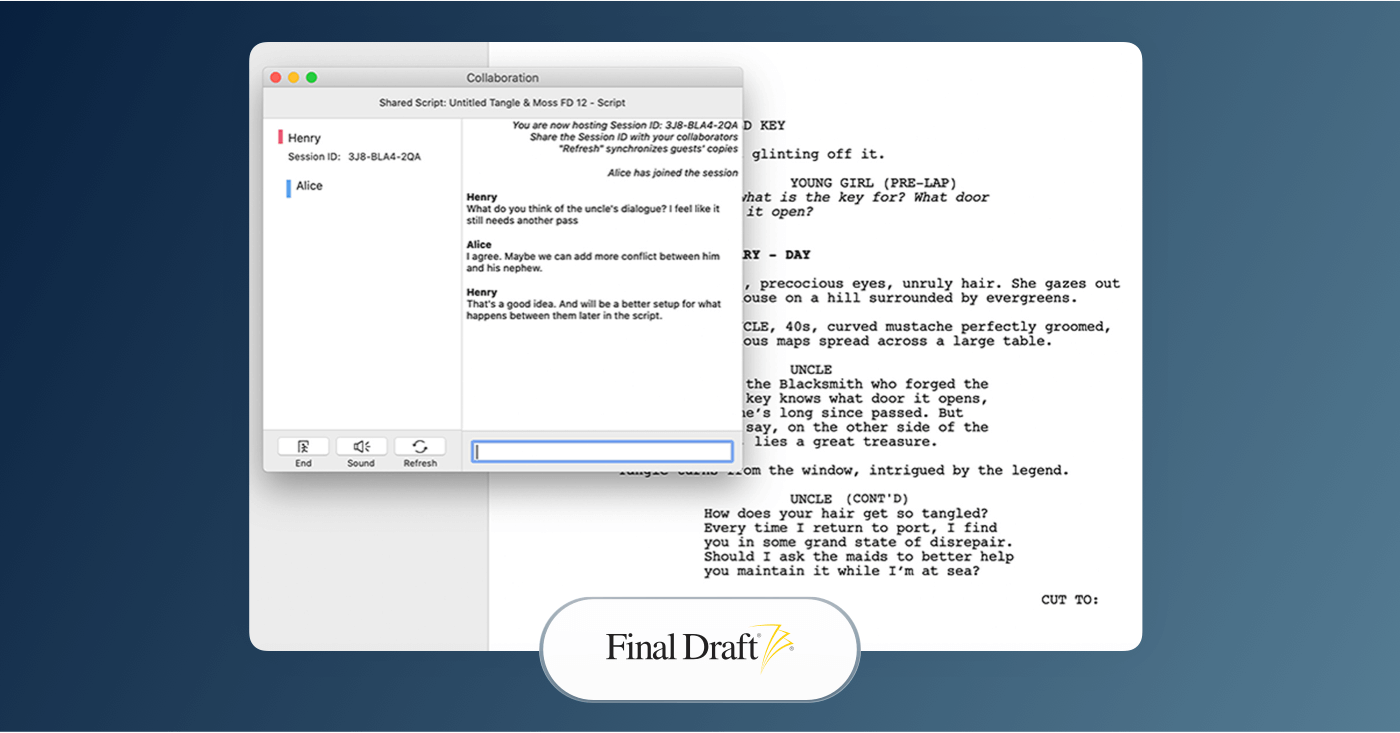
Final Draft is industry-standard screenwriting software for film and television that automatically formats scripts.
Advantages:
Final Draft automatically formats screenplay elements like scene headings, dialogue, action and more to industry expectations, which is what agents and production offices are well-known for wanting to see.
Beyond formatting, Final Draft provides professional features like revision tracking to help you plan and refine your story from the inception of your idea to your final draft. It also supports collaboration, making it useful for writers working in teams.
KEY features:
Final Draft’s features are professional scriptwriter-friendly. These are just a few of the features you can expect to benefit from:
- Automatic industry-standard formatting to help handle margins, page breaks, dialogue spacing, etc.
- Story planning tools with features that help visualize and shape narrative arcs.
- Revision tracking and commenting: to support smooth and reliable editing.
Pros and Cons:
Pros:
- Professional industry standard format.
- Story planning and structuring tools.
- Reliable desktop performance.
Cons:
- Higher upfront cost (~$199–$249) with no subscription deals.
- Less cloud-centric collaboration than other screenwriting software.
- More accustomed to desktop than browser-based apps.
Trusted by Over 1M Creatives
StudioBinder for production teams
Everything you need for a successful shoot: call sheets, shot lists, scripts, and more.
Basic Script Writing Software
3. Arc Studio Pro
Arc Studio Pro is a cloud-integrated screenwriting software that strikes a balance between professional features and newcomer accessibility. It’s designed to help you outline, write, and edit screenplays, making it useful for single writers or writing teams. The entire Arc Studio is notably compatible with desktop, iOS, and tablet.
- Free plan offered
- Subscription starts at $69 per year
Strong choice for flexible, team-friendly screenwriting.
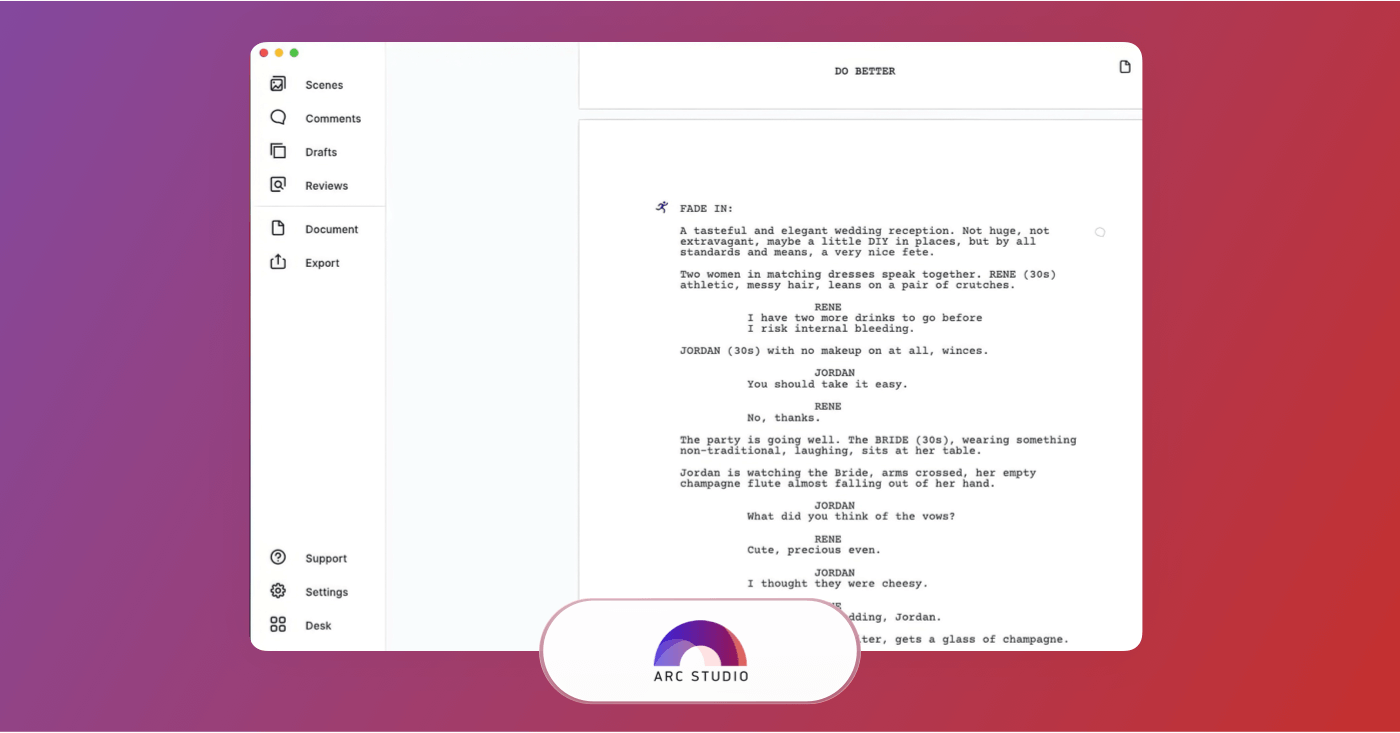
Arc Studio Pro is cloud-based screenwriting software built for solo writers and writing teams.
Advantages:
Arc Studio Pro is great for newcomers looking to avoid learning curves. It can format your script to industry standards so you don’t have to overly concern yourself with spacing or margins, and it lets you import or export into a variety of formats. It also allows you to write offline, this way you can bring your digital writing anywhere on the go.
KEY features:
With Arc Studio Pro’s real-time collaboration, writing partners can work together on the same document without the interruption of file swapping. You also get outlining boards, revision history, feedback links, and clean export options, which are all useful when sharing drafts with your production team.
Pros and Cons:
Pros:
- Reliable collaboration and revision tracking.
- Automatic industry formatting.
- Cross-platform support (web, desktop, iOS).
Cons:
- Some advanced scripting features may not run as deep as you need.
- Offline capabilities are limited compared to competitors.
- Free plan limits pivotal features like unlimited scripts and collaboration.
Good Screenwriting Software
4. Celtx Screenwriting Software
Celtx is cloud-based and consists of screenwriting features that combine script writing with pre-production tools. You can write and format screenplays for film, TV, theater, podcasts, and other media, then move into storyboards, breakdowns, schedules and more.
- Free plan available
- Subscription starts at 14.99 per month
Best for screenwriting with built-in pre-production tools.
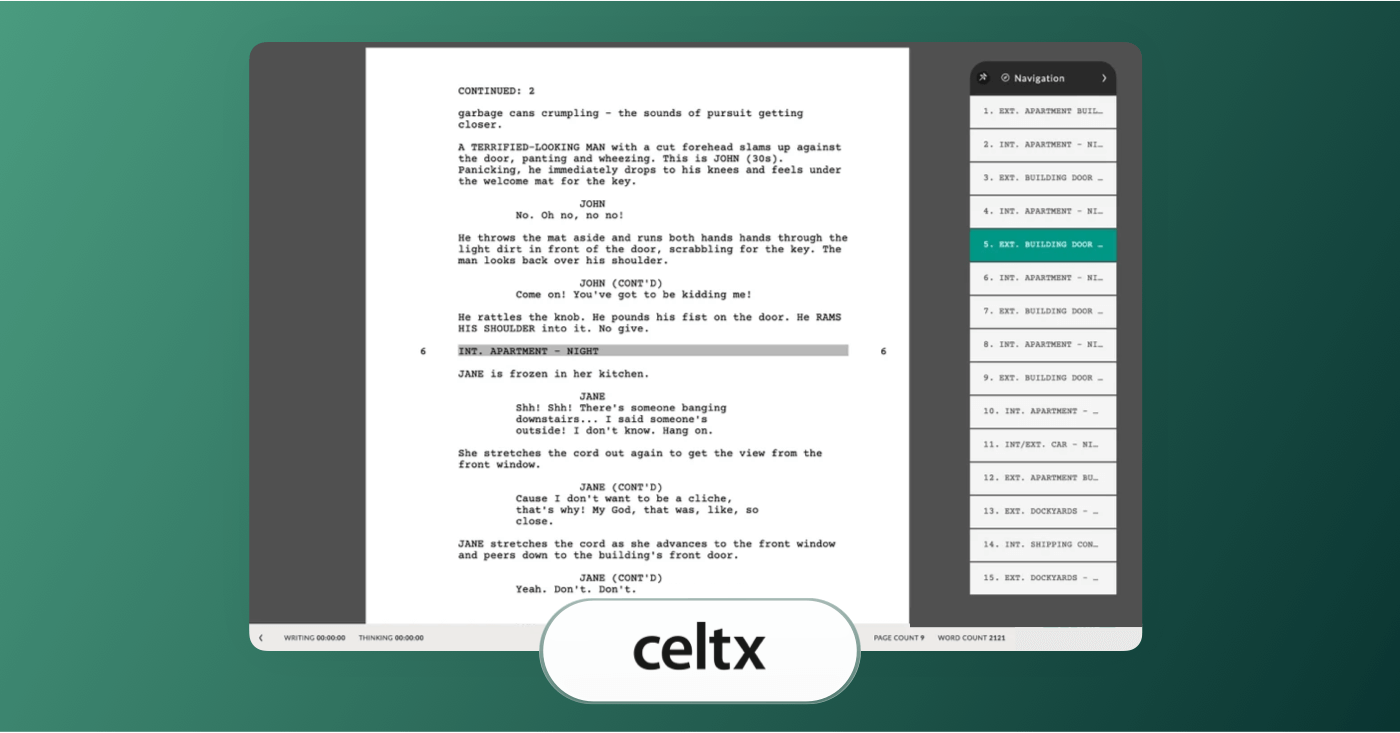
Celtx is cloud-based screenwriting software that combines scriptwriting with pre-production tools.
Advantages:
Celtx offers a cloud-intuitive environment that combines screenplay writing and pre-production planning. Its editor automatically formats to industry standards, so you don’t have to set up the layout manually.
It also comes with built-in tools like storyboards and scene organization. Project sharing and commenting features allow collaborators to work together on draft scripts and production plans. This one’s particularly useful for smaller creative teams that want to make writing and pre-production more tightly bound.
KEY features:
Celtx provides automatic screenplay formatting and real-time collaboration features. Beyond writing, Celtx’s production planning modules let you break down your script into essential elements, organize shot lists, and create schedules within the same platform.
Pros and Cons:
Pros:
- Cloud-based collaboration tools.
- Combines screenplay writing and pre-production planning.
Cons:
- Higher-tier plans for full features.
- Offline access is limited.
- Has been reported to lag with more complex projects.
Related Posts
Free Screenwriting Software
5. WriterDuet
WriterDuet is a cloud-friendly screenwriting program focused on real-time collaboration and professional formatting. It allows you to write, edit, and revise scripts with writing partners simultaneously. With its collaboration tools and strong script formatting, this one’s considered among the best screenwriting software for teams and remote co-writing.
- Free plan available
- Subscription starting at $8.99 per month
Best for real-time, collaborative screenwriting.
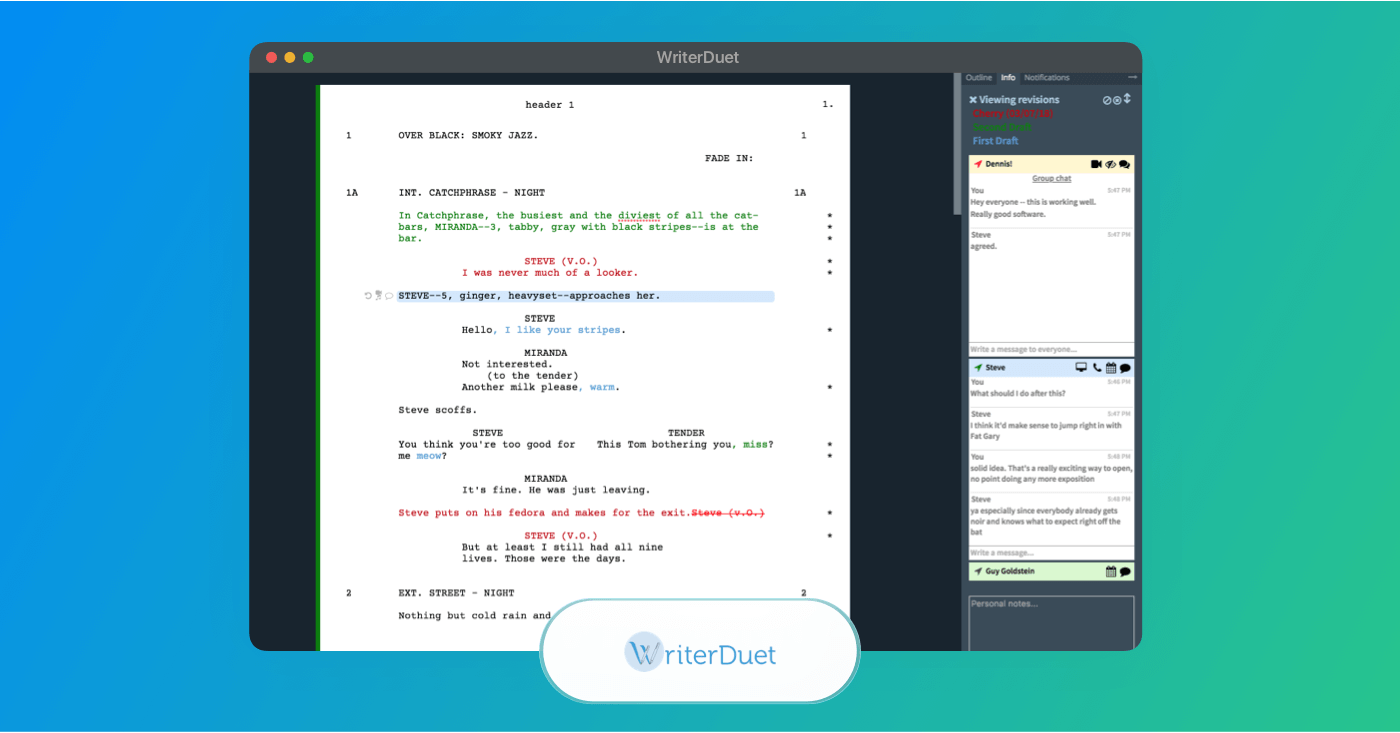
WriterDuet is cloud-based screenwriting software built for real-time collaboration and professional formatting.
Advantages:
WriterDuet focuses on both writing and team collaboration. Its editing software automatically formats scripts to industry standard so you don’t have to worry about margins or dialogue layout. Changes also sync in real time across all connected devices with other writers, even if they’re in completely different locations..
KEY features:
WriterDuet is useful for reliable industry-standard formatting and real-time co-writing. It also offers outlining views that help you plan your screenplay before and during drafting, making it easier to adjust your structure throughout your story’s development.
Pros and Cons:
Pros:
- Real-time collaboration across devices.
- Reliable revision and cleanup tools.
- Import/export options for Final Draft and PDF.
Cons:
- Best features require higher tiers.
- Free plan limits number of scripts and advanced tools.
Trusted by Over 1M Creatives
StudioBinder for production teams
Everything you need for a successful shoot: call sheets, shot lists, scripts, and more.
Simple Screenwriting Software
6. Fade In Software
Fade In is a professional screenwriting software that emphasizes clean design, reliable formatting, and cross-platform support. This one’s a strong alternative to an app like Final Draft thanks to more affordable pricing and its support features for advanced scripting formats.
- Free demo available
- One-time purchase for $79.95
Well-suited for writers who want flexibility across platforms.
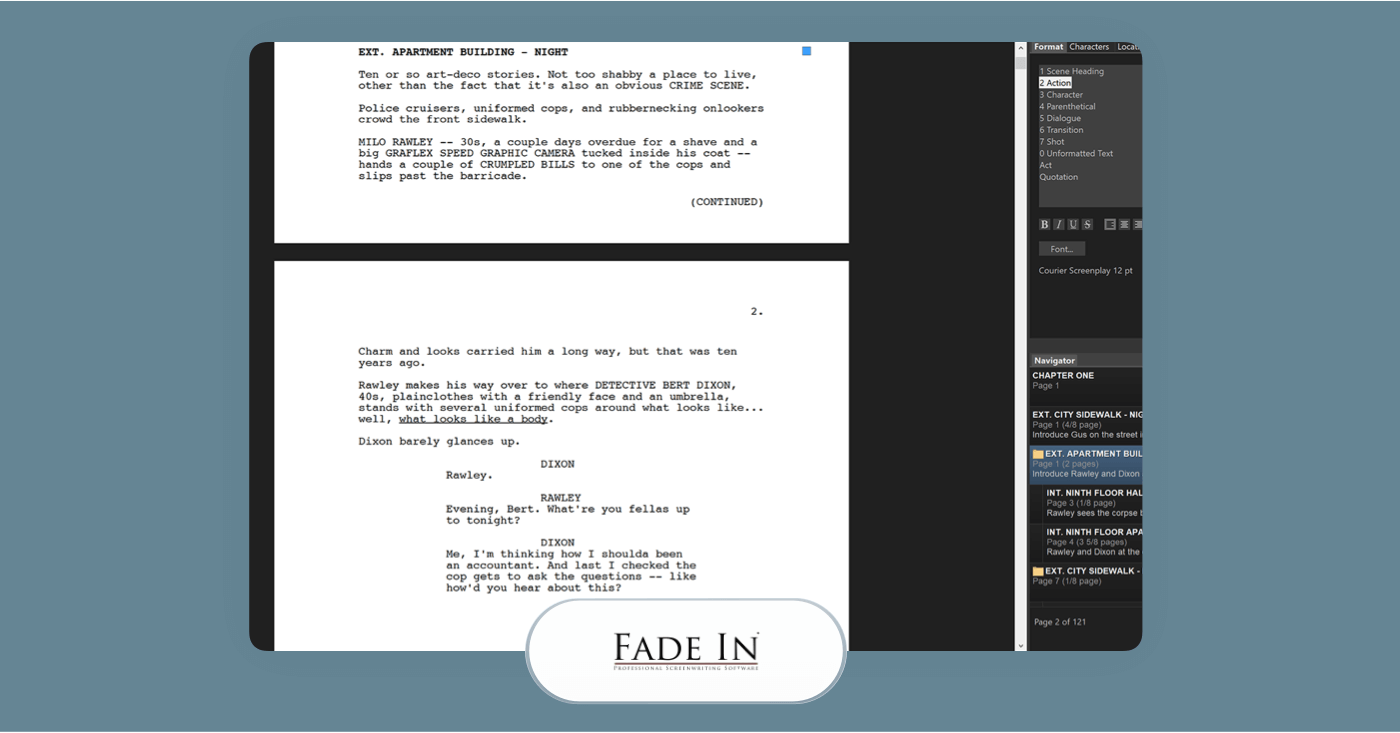
Fade In is professional screenwriting software known for clean design, reliable formatting, and cross-platform support.
Advantages:
Fade In comes with automatic industry-standard screenplay formatting and a streamlined interface focused solely on writing. It’s particularly useful when you need scripts ready for review, production use, or competition submissions.
KEY features:
Fade In includes automatic script formatting, outlining tools, revision management, and support for industry script standards. Its features help you plan scenes, organize narrative structure, and track multiple drafts.
It also comes with a revision mode, which tracks edits and can manage various versions of your draft.
Pros and Cons:
Pros:
- Cross-platform support for Windows and Linux.
- Industry-standard formatting and reliable export options.
- Revision tools included.
Cons:
- Mobile versions require separate purchase.
- No subscription options.
- Lacks real-time collaboration that most cloud-based tools offer.
Related Posts
iOS Screenwriting Software
7. Highland Pro
Highland Pro is a screenwriting application that focuses on distraction-free writing. You type out your script and Highland automatically formats it to professional industry standards. This one has a clean, easy to use interface that doesn’t require much of a learning curve.
- Free version available
- One-time purchase of $49.99
Best for distraction-free writing with automatic formatting.
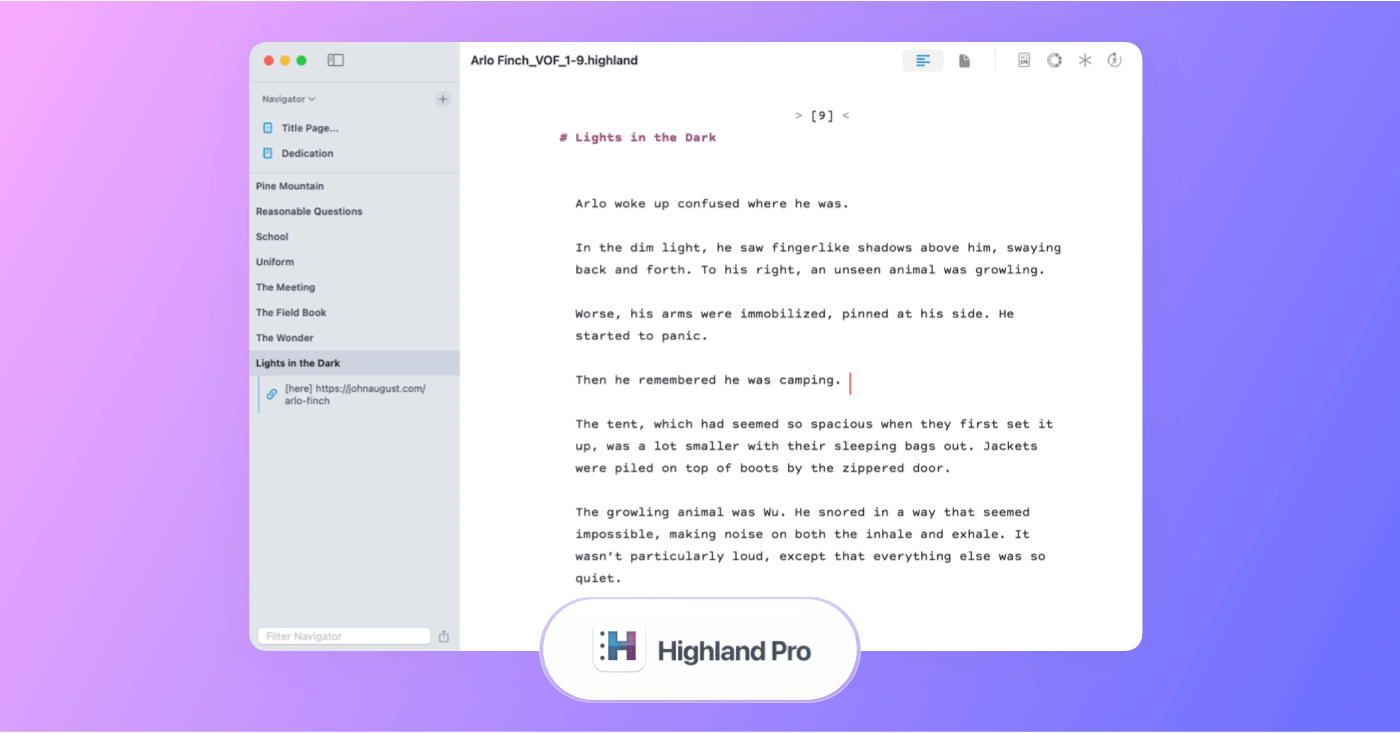
Highland Pro is screenwriting software focused on distraction-free writing and automatic professional formatting.
Advantages:
Highland Pro helps the scripting process with a simple interface that keeps you focused on your writing. It automatically formats what you write into a proper screenplay layout without making you manually adjust margins or spacing. Since Highland focuses on writing first, it’s most appealing for those still learning the script writing ropes, as well as professionals who want uninterrupted focus on text.
KEY features:
Highland Pro uses a text-first system that converts simple typing cues into screenplay formatting as you write. It includes tools like Gender Analysis that helps view and balance character dialogue.
Because Highland Pro centers on the writing experience itself rather than production planning, it’s a solid option for writers focused on drafting and refining their screenplay.
Pros and Cons:
Pros:
- Provides a simple, distraction-free writing environment.
- Includes automatic industry-standard formatting.
- Exports to common formats like PDF.
Cons:
- Lacking built-in collaboration features.
- Does not include production planning tools.
- Limited advanced structuring or revision history compared to some of the best screenwriting software.
Trusted by Over 1M Creatives
StudioBinder for production teams
Everything you need for a successful shoot: call sheets, shot lists, scripts, and more.
Basic Screenwriting Software
8. Trelby
Trelby is a free, open-source screenwriting software known for its clean interface and industry formatting standards. Since it’s free to download and use, it’s a common choice for beginners or writers who want reliable script formatting without any subscription fees.
- Free to download, no payment required.
Solid open-source option for industry-standard scripts.
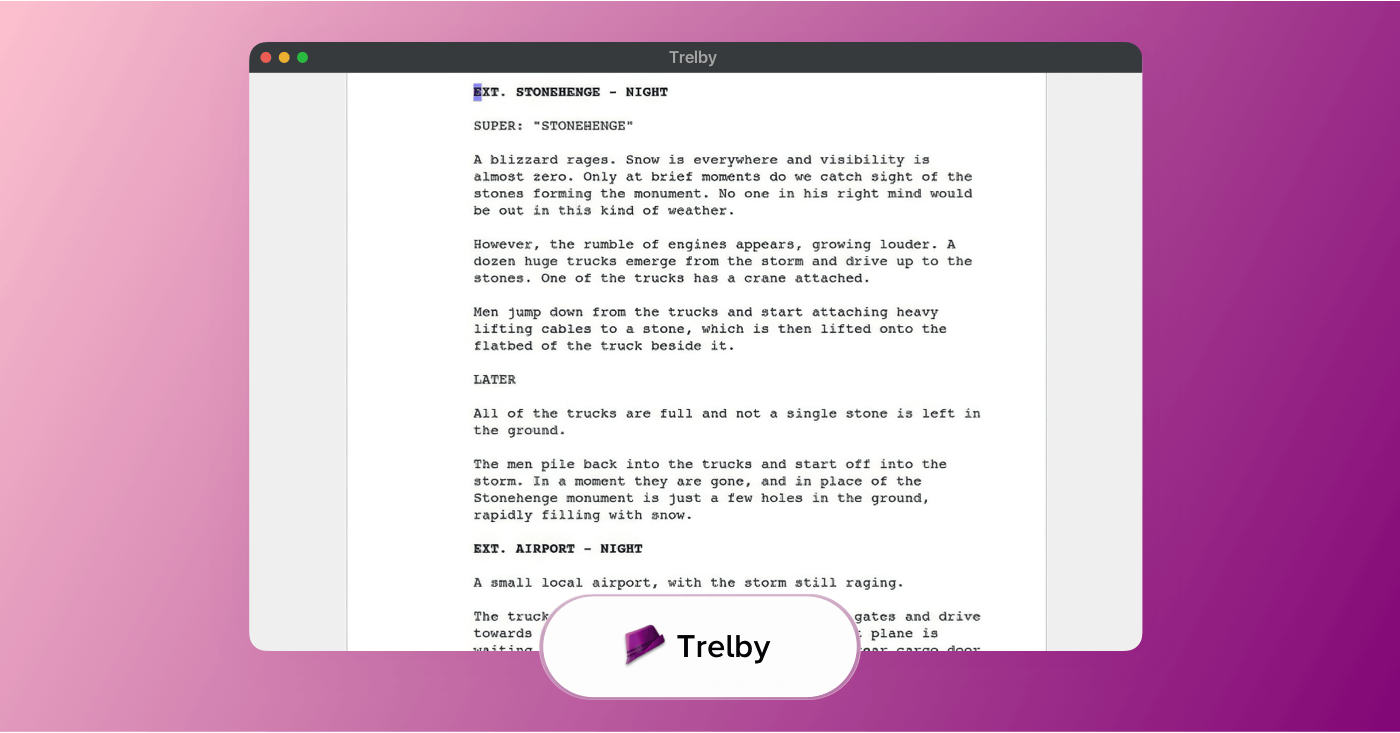
Trelby is free, open-source screenwriting software with a clean interface and industry-standard formatting.
Advantages:
Trelby provides the typical features you expect from screenwriting software, such as automatic screenplay formatting and export options. Trelby is open-source, meaning the online community maintains it with updates and tweaks.
Unlike some cloud-based programs, Trelby is a desktop application. This means you can work offline on your script without relying on internet access. However, it also lacks built-in collaboration tools and planners that you would find in other subscription-based platforms.
KEY features:
Trelby includes automatic industry-standard formatting, character and scene navigation, and script statistics. Because it focuses on just the essentials, Trelby is straightforward and easy to pick up for anyone at any writing level, making it one of the best screenwriting software free of requiring any advanced skills.
Pros and Cons:
Pros:
- Free without recurring costs.
- Automatic screenplay formatting and export options.
- Runs offline on desktop.
Cons:
- macOS isn’t officially supported.
- No collaboration or cloud features.
- Much fewer advanced tools than subscription-based software.
Classic Screenwriting Software
9. Movie Magic Screenwriter
Movie Magic Screenwriter is a long-standing screenwriting program. This one focuses on industry-standard screenplay formatting and compatibility with professional production workflows.
- Trial periods occasionally offered
- Subscription starts at $9.99 per month
Strong choice for production-ready screenplays.
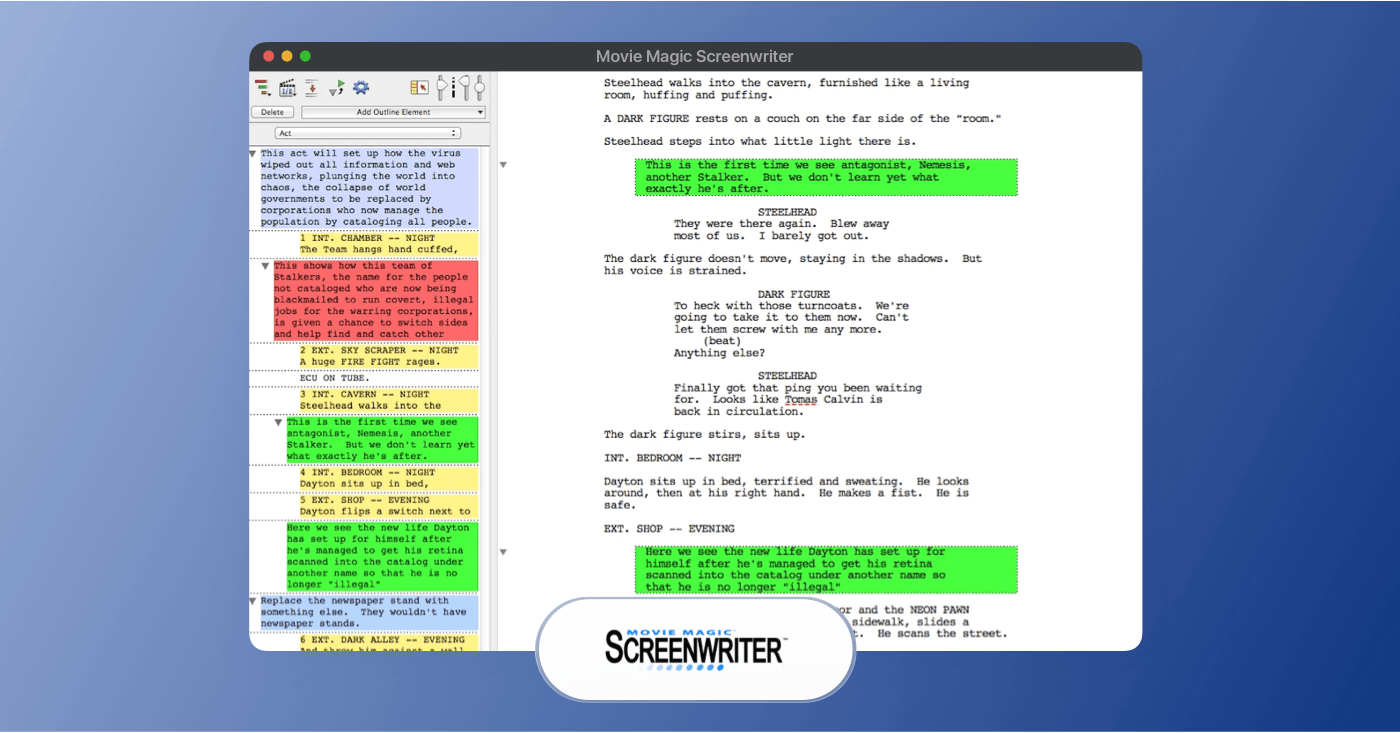
Movie Magic Screenwriter is screenwriting software focused on industry-standard formatting and production workflow.
Advantages:
Movie Magic Screenwriter provides reliable, industry-standard formatting for screenplays and television scripts. The interface is more traditional than your average advanced cloud-based tools, which some writers prefer for long-form drafting.
Movie Magic’s software runs locally on your computer, so you’re not dependent on an internet connection to write or edit. This can be helpful for writers who prefer offline work or who are operating in production environments with limited connectivity.
KEY features:
Movie Magic Screenwriter includes automatic screenplay formatting, revision tracking, and support for multiple script types. It allows you to manage drafts, track changes, and export scripts in formats suitable for production teams.
A key distinction with Movie Magic is its compatibility with other Movie Magic tools, which helps streamline the transition from script to scheduling.
Pros and Cons:
Pros:
- Industry-standard screenplay formatting.
- Provides offline access.
- Subscription pricing is more affordable than competitors.
Cons:
- Interface feels dated compared to newer screenwriting software.
- Very limited collaboration features.
- Lacking in modern outlining and story-development tools.
Related Posts
Up Next
Write you screenplay now!
Now that you're up to speed on the best screenwriting apps out there, the time to start writing is now. Get started on your next screenplay with StudioBinder's screenwriting software.