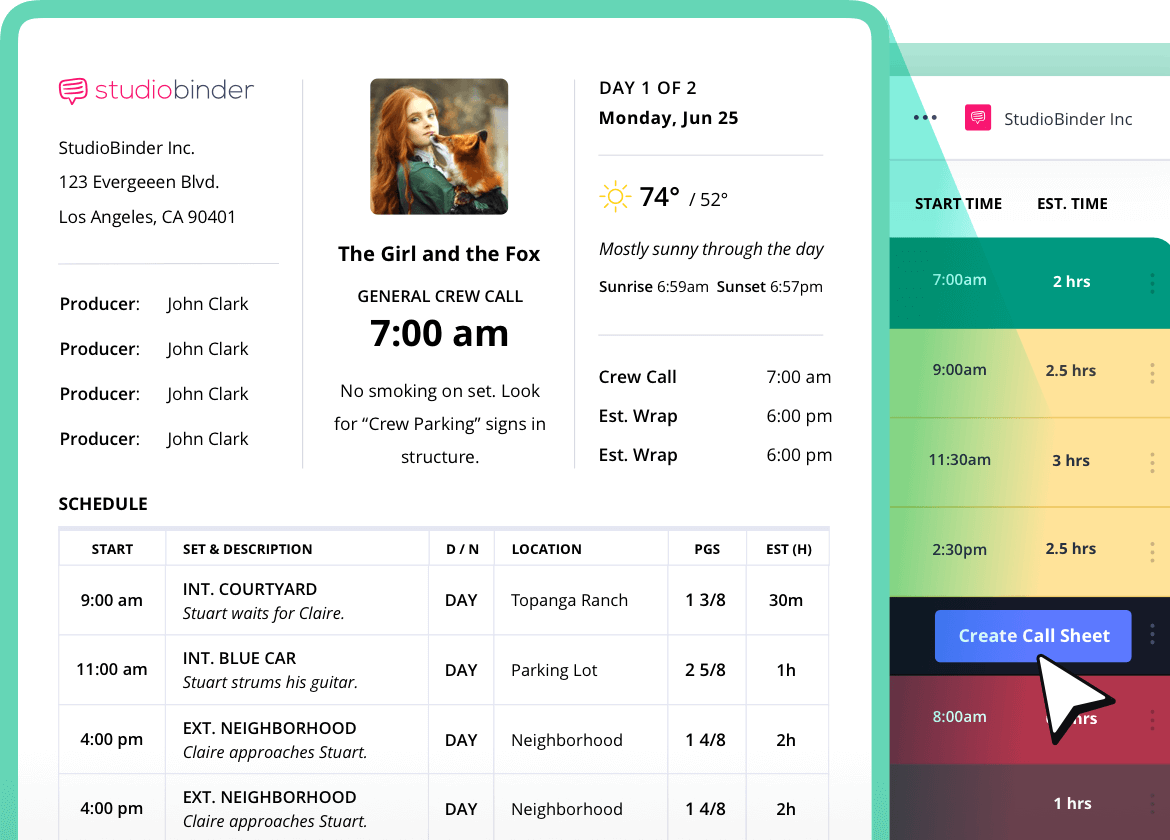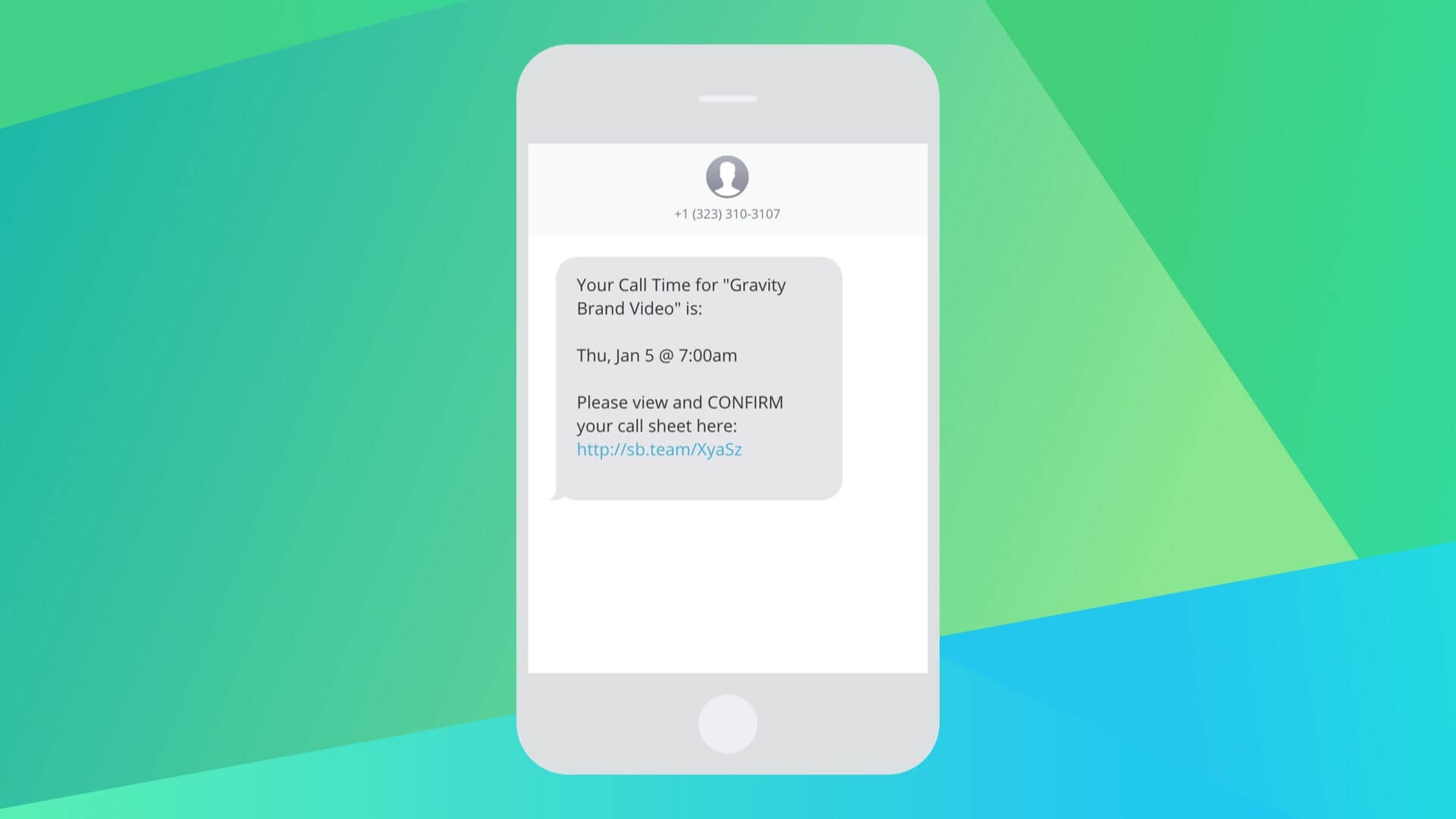
You can now send call sheets as texts. Increase your confirmation rate by reaching your busy cast and crew the most convenient way possible. Send to-the-point texts, select your recipients at no additional cost to your premium plan.
But that’s just the pitch.
The beauty’s in the details.

How to Make a Call Sheet in StudioBinder

What is a Boom Operator in Film Production?
Simple and clear messaging
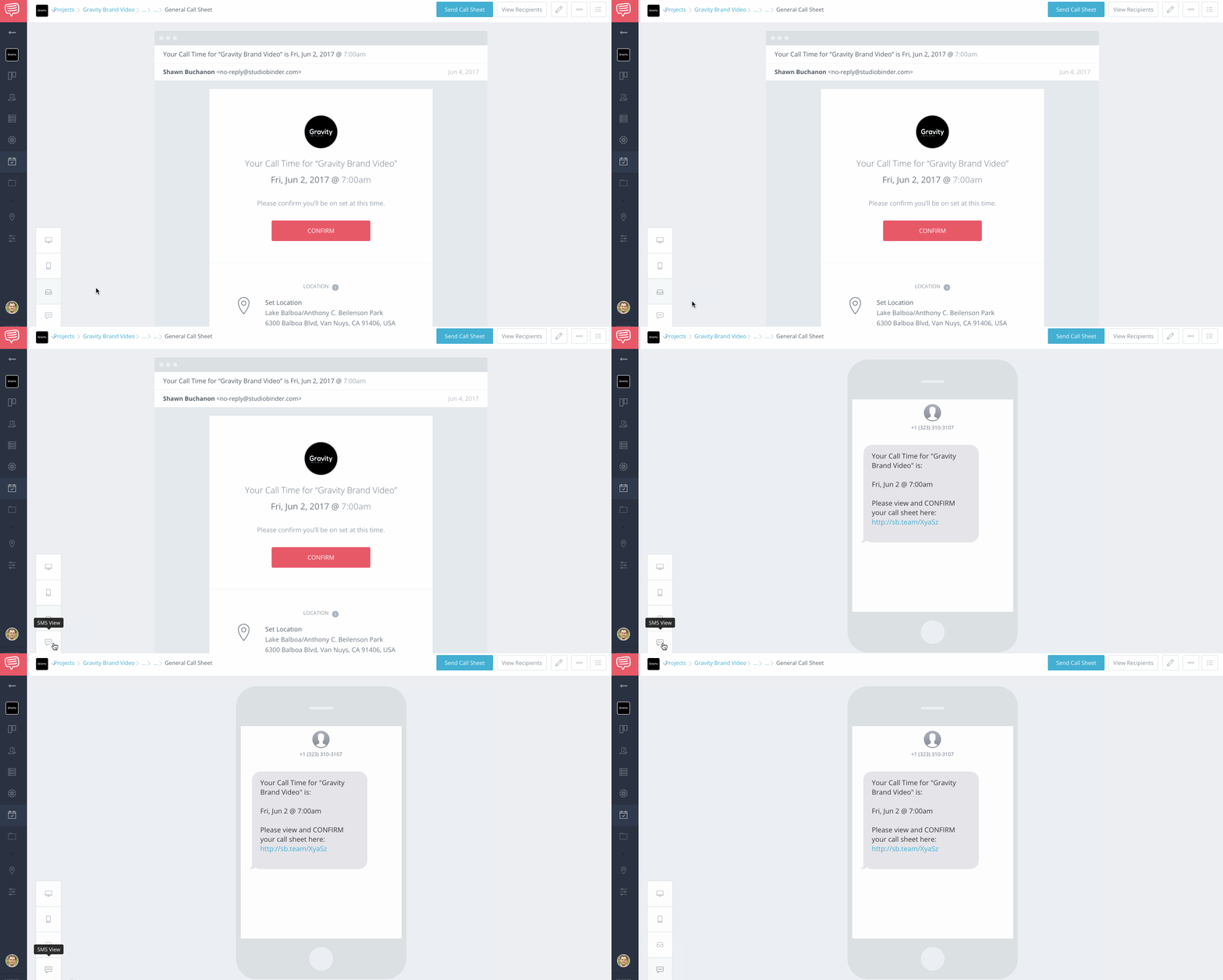
You’ll see a new button on your Preview page to view the SMS call sheet. Each text message features a unique call time and a link to confirm on the online call sheet.
Ultra-convenient for the busy cast and crew, ‘I didn’t get the call sheet’ won’t be an excuse again.
Easy to enable or disable
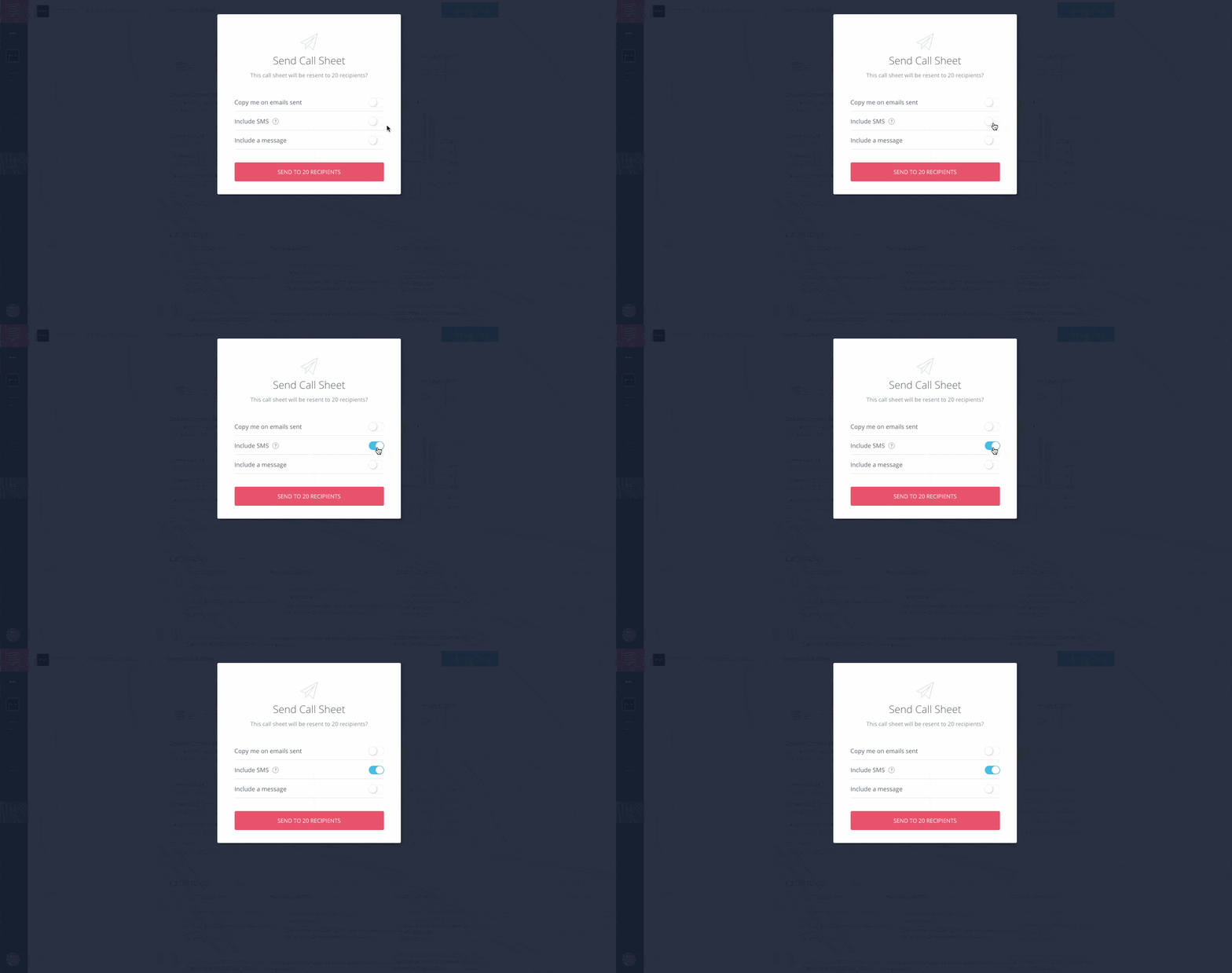
Including an SMS call sheet is dead simple.
Just hit Include SMS toggle in the Send Call Sheet pop-up and your crew will receive a text message with their call time information.
Available in every country

SMS call sheets are available in every country and included on the Indie plan & above. With no additional text messaging fees, send as many texts as you like whenever you like.